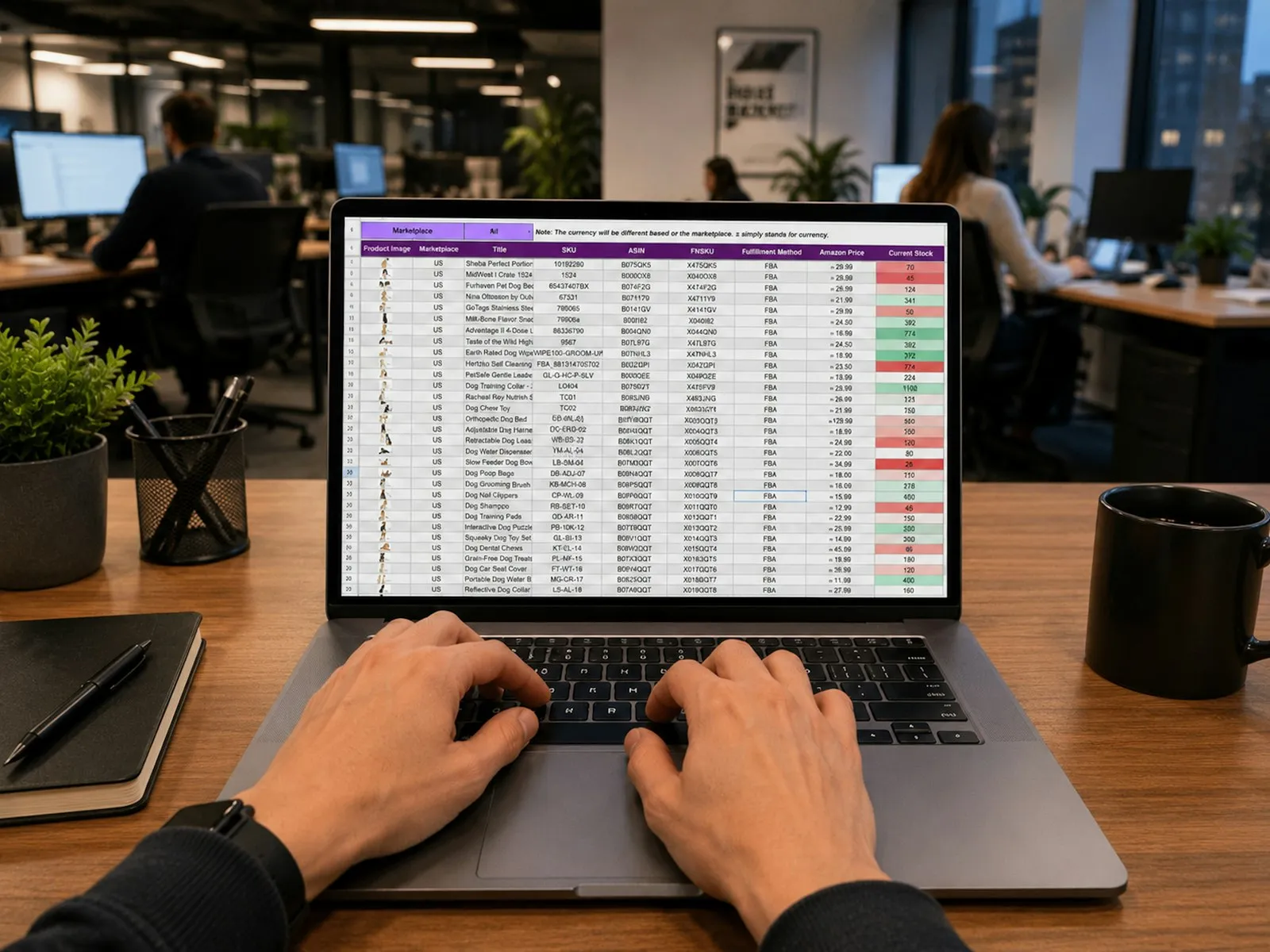

To track what each employee holds, record every IT handover as a document: which assets, to whom, at which site, confirmed by the employee. Take equipment back the same way, with the condition of each item. Then the list of what someone holds is always up to date, and an exit clearance is a check against that list rather than a question to the person leaving.
This guide is for IT managers and administrators at companies with staff across a head office, stores and site offices. It covers what to record on a handover, how employees confirm it, how transfers and swaps work, and how to clear a leaver.
Why Paper Handover Forms Fall Short
Most companies start with an asset handover form: a printed or Excel sheet listing the laptop, its serial number and a signature. It records the moment of handover and nothing after it.
- The form is filed, and the asset register is updated separately, if at all.
- A monitor and dock go with the laptop, but only the laptop is written down.
- When a laptop moves to a colleague or another site, nobody fills in a new form.
- When the employee leaves, IT has to find every form they ever signed, and still can't be sure nothing changed since.
What to Record on Every Handover
- The assets, by serial number. Scanning a label is better than typing one.
- Attached items. A monitor, dock or keyboard that goes with a laptop should be recorded as attached to it, so it travels with the laptop on every handover and return.
- Who receives them: an employee, or a location such as a meeting room or a site comms rack.
- Where: the site and the area, picked from a list so it is written the same way every time.
- The confirmation: the employee's acknowledgement or signature, with the date.
- Proof it happened where it says: a photo taken at the time, with the date and position.
How Employees Confirm Receipt
There are two practical ways, and most companies need both.
- By email. The employee gets a link, checks the serial numbers against what is on their desk and confirms. If something is missing or different, they report it, and the handover goes back to IT to correct. They shouldn't need a password or a licence for this; a one-time code sent to their work email is enough.
- By signature. Staff without a company email, such as site engineers or drivers, sign on the technician's phone when they collect the equipment.
Until the employee confirms, the handover should show as pending, so IT can follow up instead of assuming it arrived.
Transfers and Swaps
Equipment rarely stays with its first holder. Treat every move as its own document:
- Transfer a laptop to another employee or site with a new handover. The previous holder is released on the same record.
- Swap a faulty monitor on the spot as a service on the laptop: the replacement takes its place, and the old monitor goes back to the store or to repair with its own history intact.
- Don't edit the register by hand. If someone can change an asset's holder or site without a document, the register drifts from what is on the desks.
How to Clear a Leaver
- Start from what they hold. Open the employee's list of assets, attached items included. This is the checklist.
- Receive each item back into a store, with its condition: good, damaged or missing. A damaged dock is flagged for repair; a good laptop goes back in store.
- Record anything not returned as missing, so it stays visible until it is resolved.
- Set the IT clearance from the result: cleared only when everything came back.
- Tell HR, so the final settlement isn't made while IT equipment is still out.
In the GCC, an exit or employee clearance form often has to be signed by several departments before the final settlement. The IT part of it should come from the record of what the employee holds, not from memory.
Questions to Ask Before Choosing Software
- Can an employee confirm a handover without a login or licence?
- Do monitors and docks travel with their laptop automatically?
- Can IT record a handover, return or swap on the phone, by scanning a label?
- Is every change to an asset's holder or site on a document with a date and a name?
- Does a leaver's return start from everything they hold, and record what is missing?
- Can you tell whether a handover was really done at the site, or keyed in later?
How Fieldmaster Approaches It
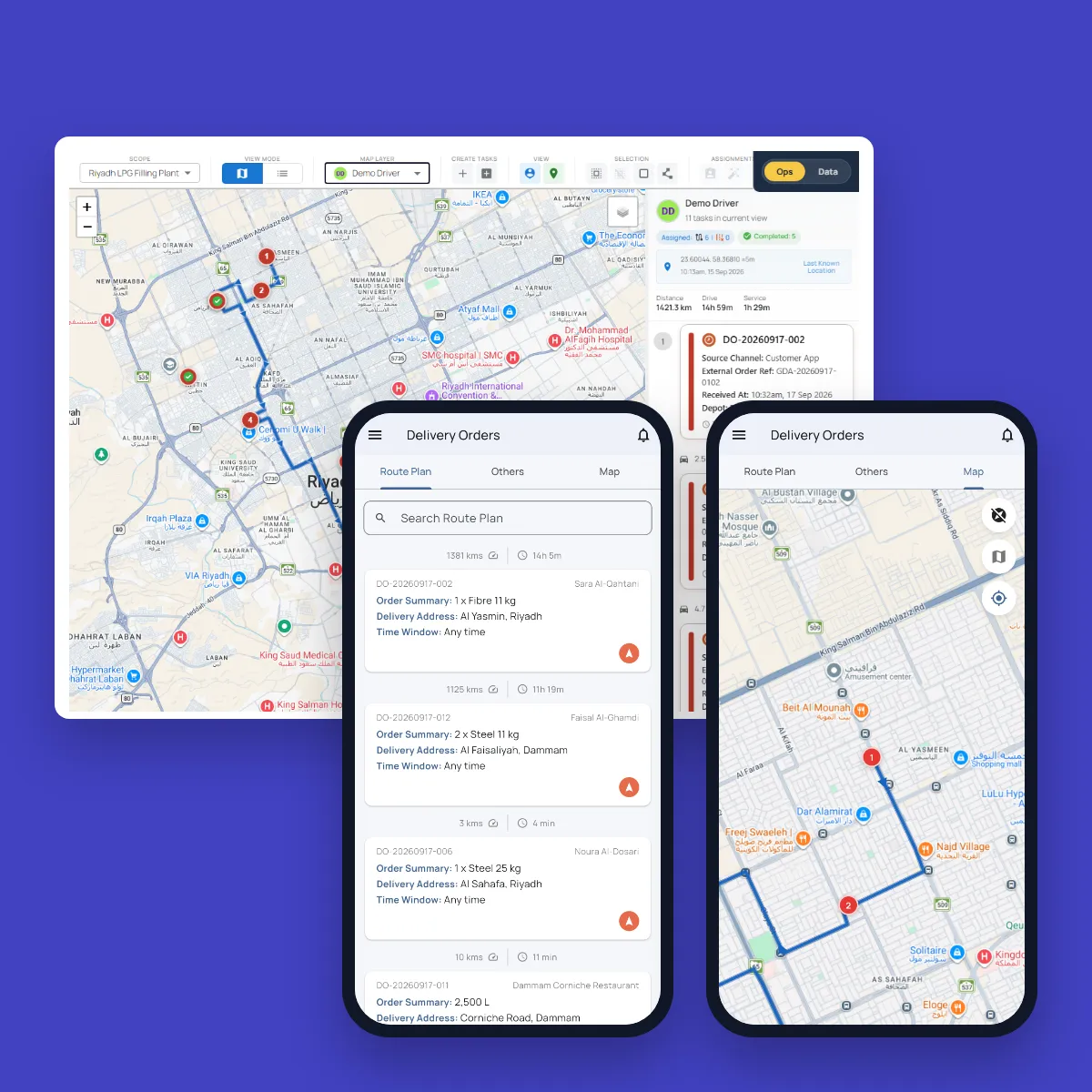
Fieldmaster's IT asset management records every handover, return and service as a document. The technician picks the employee and the area on the phone and scans the laptop's QR label; its monitor and dock go with it. An employee with a work email confirms with a one-time code, or reports a problem; one without email signs on the phone. Each handover ends with a camera photo stamped with the time, the GPS position and the technician's name, and where you choose, the phone accepts it only inside the site's fence.
When someone leaves, their return starts from everything they hold, anything not handed back is recorded as missing, and their IT clearance says whether everything came back. See how it works, or talk to us about your register.
Frequently Asked Questions
What is an IT asset handover form?
A record that a company asset, such as a laptop or phone, was given to an employee, with its serial number, the date and the employee's signature. Kept as a document in an asset system rather than on paper, it also updates who holds the asset.
What is an IT exit clearance?
The IT department's confirmation that a leaving employee has returned all the company equipment they held. It is usually one part of a wider exit clearance form signed by several departments before the final settlement.
Should a monitor and dock be separate assets?
Yes. Give each its own serial number and record, attached to the laptop it goes with. It then moves with the laptop, and still keeps its own history when it is swapped or repaired.