Tell Us How Your Team Works. Next Week, You’ll See It Running on Your Phone.

After a first call, we build a demo of your own workflow, filled with realistic sample data, and you try it on your own phone. You see your process working before you sign anything.
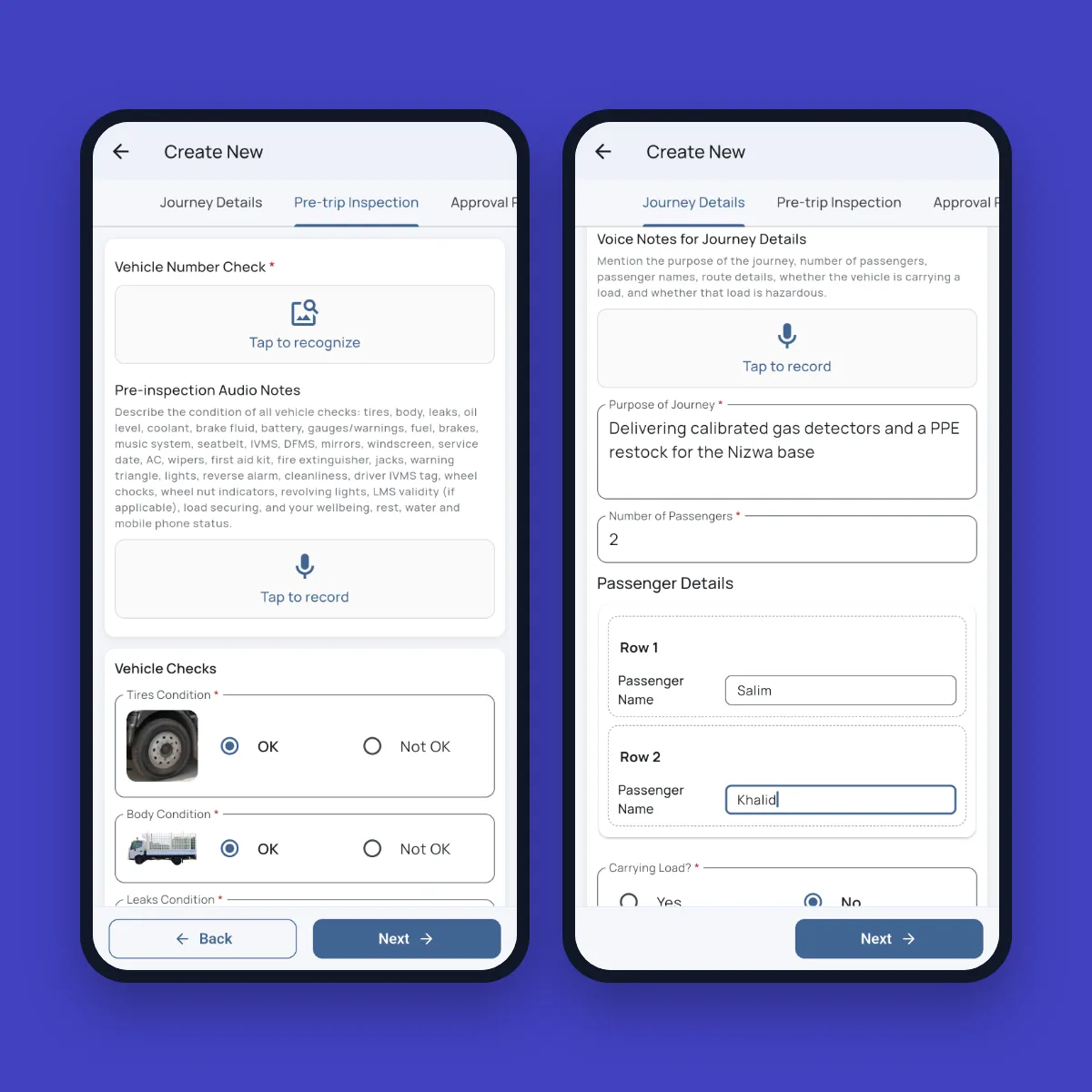
Fieldmaster Pocket journey request screens: a pre-trip inspection with photo recognition and voice notes, and journey details filled in from a voice note

The five-day pattern

From First Conversation to a Working App in Days

Most apps follow the same pattern. More than 95% of every app is the platform itself, so the days go into your process, not into rebuilding the basics.

  1. Day 1

    Listen

    We walk through your process with you, and the data the office needs from it.

  2. Day 2

    Forms

    We build the phone screens: photos, scans, voice and signatures.

  3. Day 3

    Workflow

    We add approvals, roles, notifications and documents.

  4. Day 4

    Reports

    We set up dashboards, exports and any client or vendor portal.

  5. Day 5

    Demo

    You try it on your own phone, with real examples from your work.

Before you sign

See Your Own Process, Not a Generic Demo

A standard demo shows you someone else’s workflow and leaves you to imagine your own. We build yours instead: your forms, your approval steps and your reports, filled with realistic sample data. Every demo follows a written script of who clicks what on the phone and on the web, so you see the whole process from the field to the office.

Your discovery notes then become a full proposal and statement of work, with the scope, a day-by-day plan and the price.

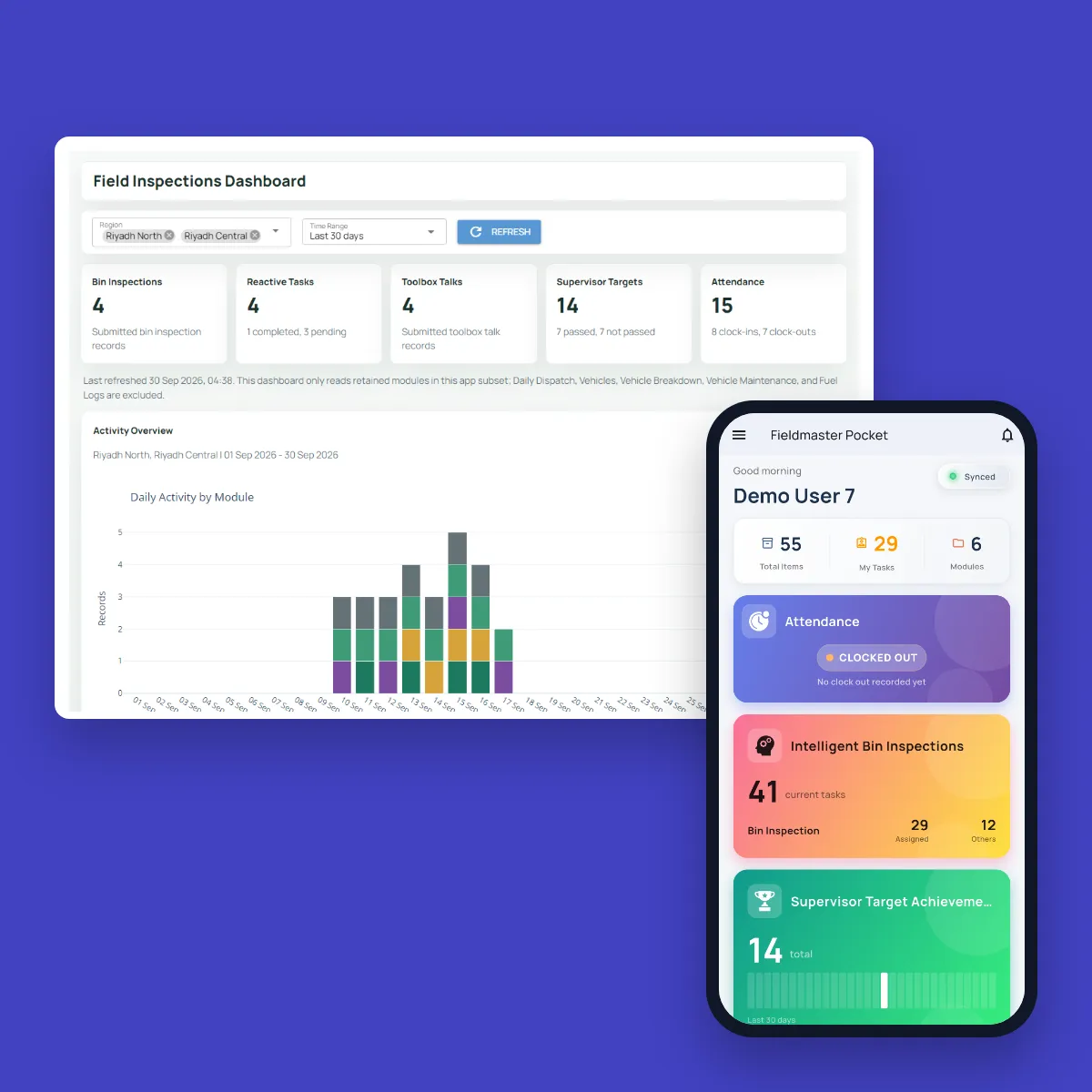
Fieldmaster.ai web console with a field inspections dashboard and daily activity by module, next to the Fieldmaster Pocket home screen for a demo user

Our delivery path

Four Phases From First Meeting to Steady Running

Every project follows the same path, so you always know what comes next and what we need from you.

  1. Agree

    A discovery session to map your process together, then a proposal and statement of work with the scope, plan and price, and a signed contract.

  2. Define

    A kickoff meeting to agree the team, timeline and contacts. Requirements workshops turn your process into a detailed requirements document, which you sign off.

  3. Build

    We assemble and configure the app on the platform to the signed-off requirements. Your team then tests it in user acceptance testing and signs it off.

  4. Launch

    Go live, and real use starts. We train your key users, who train everyone else, and stay close to your team during hypercare in the weeks after launch.

Start small, then grow

Land One App, Then Add Modules as You Need Them

You don’t have to move your whole operation at once. Start with the one process that hurts most, such as inspections, deliveries or permits, and get it running.

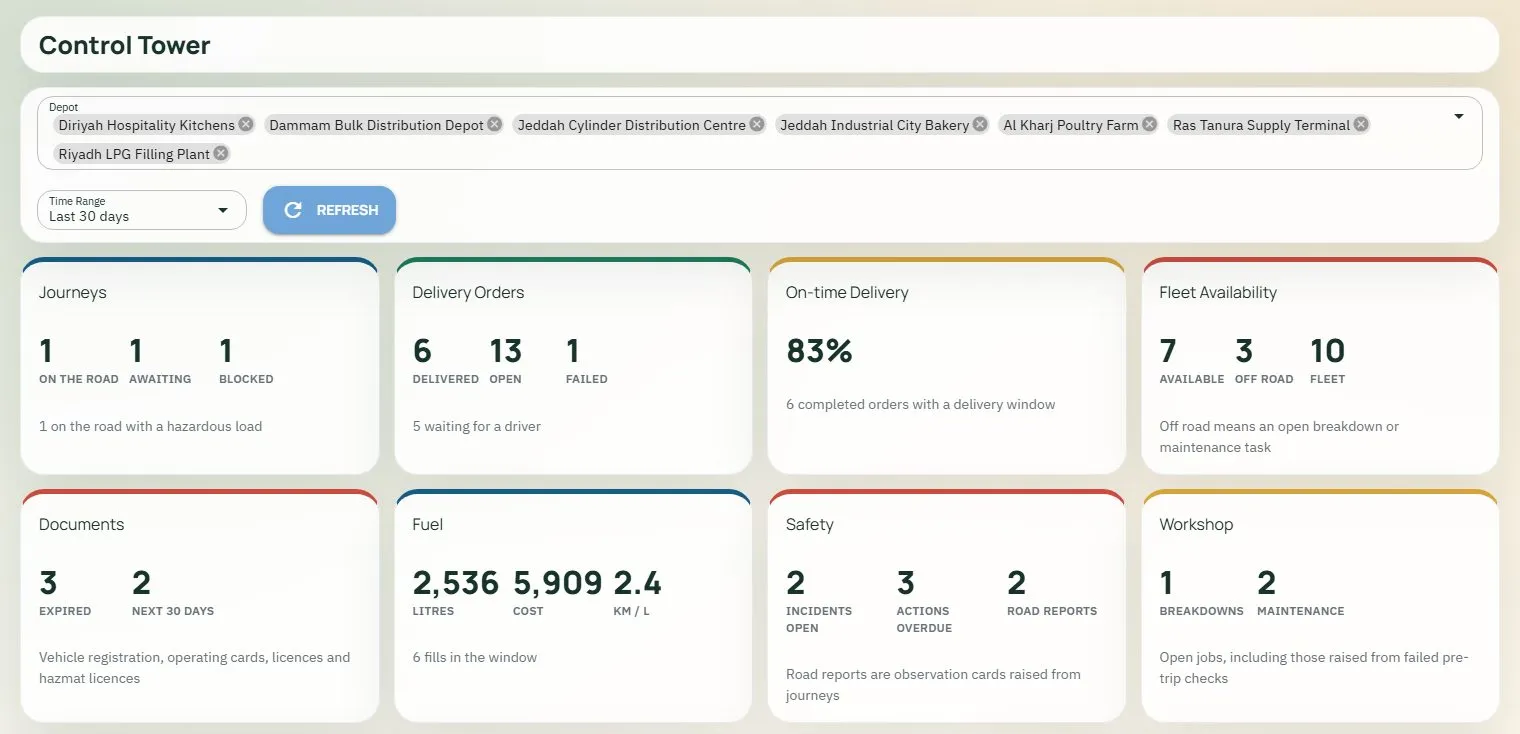
When you’re ready for the next one, it is built on the same platform, with the same users, sites and roles, so your team already knows how it works. Over time, many modules can come together on one screen, like the fleet control tower shown here.

Fieldmaster.ai Control Tower dashboard with journeys, delivery orders, on-time delivery, fleet availability, documents, fuel, safety and workshop on one screen

Support

Support Direct From the People Who Built It

After go-live, you talk to the team that built your app, in Muscat, Ajman and Cochin. There is no partner in between, so a new screen, step or report can land in days, not quarters.

We train your key users, and they train everyone else. As your process changes, we keep adapting the app with you.

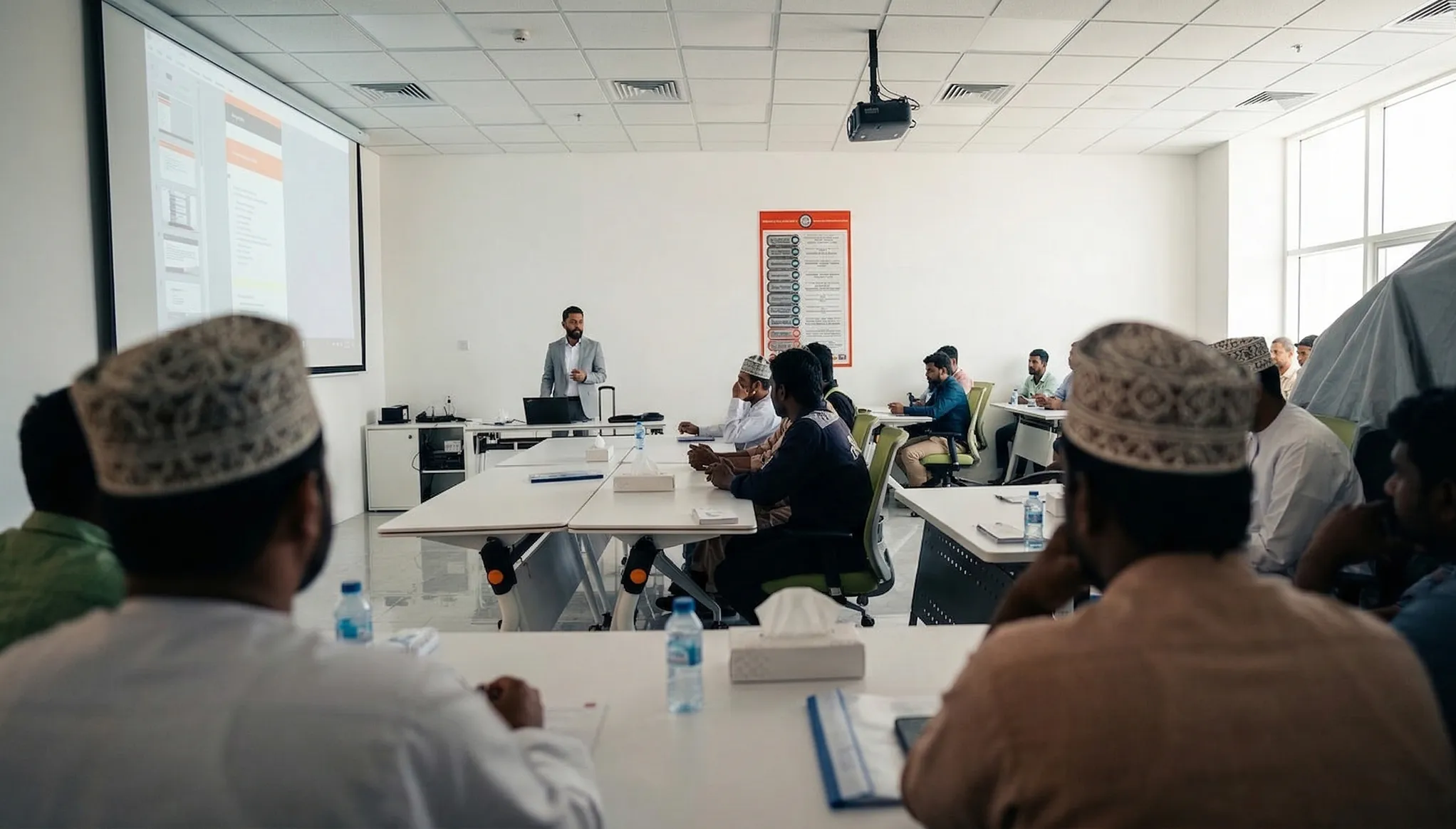
A Fieldmaster.ai trainer presenting the platform to a room of field staff

FAQ

Plain Answers, Plain Words

The terms you’ll hear from us, and the questions we’re asked most.

What happens in a discovery session?

We map your process together: who does what in the field, what the office needs from it, and where it breaks down today. It is the starting point for your demo and your proposal.

What is a statement of work (SOW)?

The document that sets out the scope, plan and price for one project. It comes with your proposal, so you know what will be built, when and for how much before you sign.

What is a requirements document (BRD)?

The business requirements document: the detailed description of what we will build, written up from the requirements workshops. You sign it off before we start building.

What is user acceptance testing (UAT)?

Your team tests the finished app with real examples from your work and signs it off when it does what was agreed. Nothing goes live before that.

What does train the trainer mean?

We train your key users, your champions, and they then train everyone else. It means the people who know your teams and your language do the day-to-day coaching.

What is hypercare?

Extra-close support in the weeks right after go-live, while your teams get used to the app and any rough edges are fixed quickly.

How long does it take to build an app?

A typical app takes 10 to 18 working days to build. The exact number of days is set out in your proposal.

Do we need developers or IT staff?

No. We build and configure the app. From your side, we need the people who know the process, for the workshops and testing, and a few key users to train.

You’re a small company. Is that a risk?

The platform already runs many apps in production, with more than 20 built on it so far. You talk directly to the people who built it, and changes land in days, not quarters.

What happens after go-live?

Your subscription covers hosting, support, maintenance and AI usage. When you need a change, you ask the people who built your app, and changes are made in days.