
Field Service Management Software, Built Around Your Process

Fieldmaster is field service management software for utilities, contractors, city services and oil and gas operators in the GCC. Jobs are planned and dispatched from a map, crews work from an app that runs without signal and in their own language, and every visit closes with photos, GPS and the time. We build the app around how your team already works, so you don’t bend your process to fit a product.
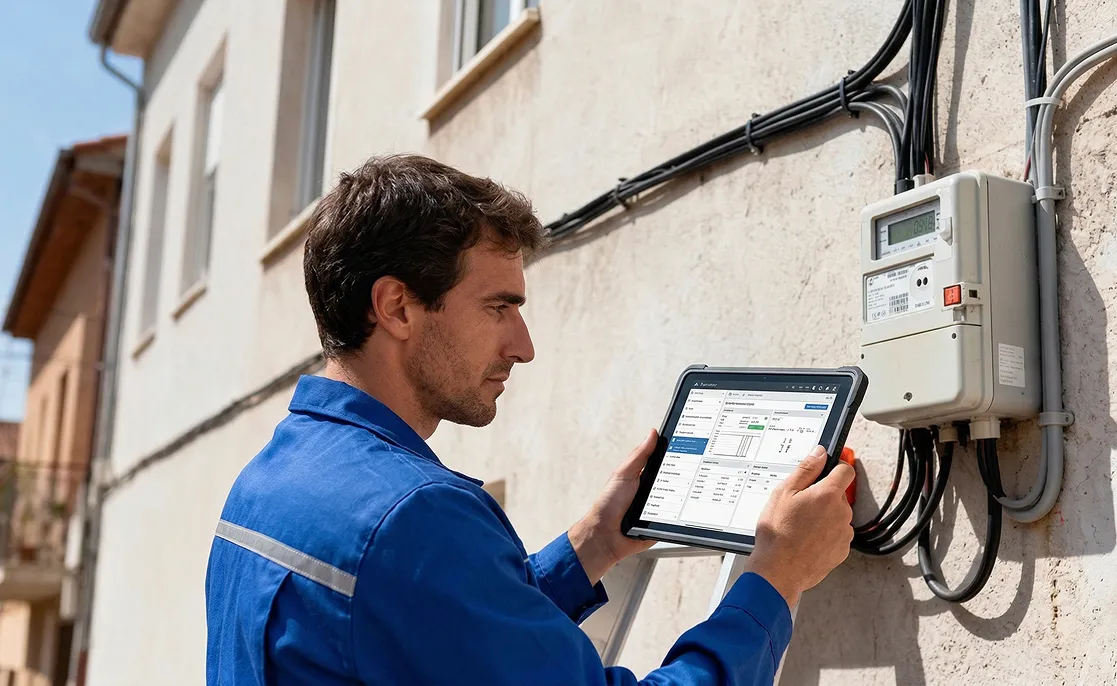

Technician in a blue uniform using a tablet next to an electricity meter mounted on a wall

The problem

Why Off-the-Shelf Field Service Software Falls Short

Many field service products are built for small service businesses: booking a plumber, quoting a repair, taking payment on the doorstep. Operations in the GCC look different. Crews speak many languages, work where there is no signal, and answer to contracts, approval chains and safety rules that a standard product doesn’t know about.

So teams buy a product, then work around it with paper, spreadsheets and group chats, and the office still can’t prove what happened on site.

A bearded worker in a hard hat and work shirt holding a tablet on site

How it works

One Flow From Job to Proof

Every job follows the same recorded path, from the moment it is created to the report.

  1. Create

    Jobs come from a maintenance plan, a fault report, a customer request or another system, each tied to a site or asset.

  2. Dispatch

    Dispatchers assign jobs on a map, or let Smart Assign plan routes across the crew by time window, skill and capacity.

  3. Work

    Technicians see their jobs and route on the phone, scan the asset, take GPS-stamped photos and describe the work by voice.

  4. Approve

    Supervisors review the work and approve it, or send it back with a remark.

  5. Report

    Dashboards show completed and open jobs by site and crew, and job cards come out as PDFs.

What you get

What Field Service Teams Get

  • Dispatch and route planning

    Select jobs on the map and assign them, or plan routes automatically with time windows, breaks, skills and capacities.

  • Works without signal

    Jobs, forms, photos and approvals are saved on the phone and sync when the connection returns.

  • In every crew’s language

    More than 40 languages, including Arabic, Hindi, Urdu, Bangla, Malayalam and Tagalog, with voice notes transcribed as people speak.

  • Proof of every visit

    Photos carry the GPS position, date, time and the person who took them, burned into the image.

  • Asset and part scanning

    Scan barcodes and QR codes on assets, meters and parts, many in one go.

  • Attendance with face check

    Crews clock in with a face check inside their site boundary.

  • Parts in the van

    Stock held in each vehicle or by each technician, issued against the job.

  • Approvals and sign-offs

    Multi-stage approvals with remarks, signatures and a timeline on every job.

  • Job cards and exports

    Job cards and delivery notes as PDFs, and every list and chart exported to Excel.

Proof

Proven in the Field

Numbers from field operations running on Fieldmaster.

  • 15M

    Service visits completed

    Field operations across the GCC and other international markets.

  • 20+

    Apps built on one platform

    Safety, fleet, utilities, waste, facilities, procurement and property.

  • 10–18

    Working days to build a typical app

    Changes after go-live take days, made by the people who built it.

Product or platform

Off-the-Shelf FSM Software vs Fieldmaster

Off-the-shelf FSM softwareFieldmaster
Fit to your processOff-the-shelf FSM software

You adapt your process to the product’s screens and steps.

Fieldmaster

The app is built around your forms, approval stages and roles.

Who builds itOff-the-shelf FSM software

Your team configures it, or pays a partner to.

Fieldmaster

We build it for you. Your team doesn’t build anything.

LanguagesOff-the-shelf FSM software

Set by the product.

Fieldmaster

More than 40, translated automatically, including Arabic, Hindi, Urdu and Bangla.

PricingOff-the-shelf FSM software

Often priced per user, so adding field staff adds cost.

Fieldmaster

No per-user fee: field crews, supervisors and office staff are all included.

Time to go liveOff-the-shelf FSM software

Depends on configuration and data migration.

Fieldmaster

A typical app is live in 10 to 18 working days.

Solutions

Field Service Apps Already Built

Start from a solution that is already built, and we adapt it to your process.

  • Facilities & Asset Maintenance

    Preventive maintenance and fault-to-fix jobs for buildings and field assets.

  • Utility Meter Management

    Meter replacement programmes and reading rounds, verified at the meter.

  • City Waste Management

    Bin inspections, collection crews and trucks, checked against the contract.

  • Fleet Management

    Vehicle checks, workshop jobs, dispatch and fuel.

  • HSE Management

    Observations, inspections, incidents, permits and corrective actions.

  • Safe Journey Management

    Journey requests, risk-based approvals and trip tracking.

FAQ

Field Service Management Questions

What is field service management software?

Software that organises work done away from the office: creating jobs, assigning them to technicians, guiding the work in a mobile app, and recording what was done, with proof. It usually covers scheduling and dispatch, a mobile app for crews, stock in vans, and reporting.

How is Fieldmaster different from other FSM software?

We build the app around your process instead of selling a fixed product. Your forms, approval stages, roles and reports are set up the way your team works, and your team doesn’t have to build or configure anything.

Who is it for?

Operations in the GCC with crews in the field: utilities, contractors, city services, facilities teams and oil and gas companies. Heads of operations, maintenance, fleet and HSE use it to plan and check the work.

Does it work where there is no signal?

Yes. Crews can fill in forms, take photos and approve work offline. Everything syncs automatically when the connection returns.

Do you charge per user?

No. There is no per-user fee, so field crews, supervisors, office staff and subcontractors can all use the app. The pricing page explains how it is priced instead.

How long does it take to go live?

A typical app is live in 10 to 18 working days, built from blocks already proven in production.