Utility Revenue Protection

Disconnection and Reconnection Software That Checks the Balance Before Every Visit

For utilities and the contractors who run their disconnection and reconnection (DCRC) work. Notices, disconnections, reconnections, tamper inspections and installment plans run on one platform, connected to your billing system, so crews act only on accounts that still owe and paid customers are reconnected on time.
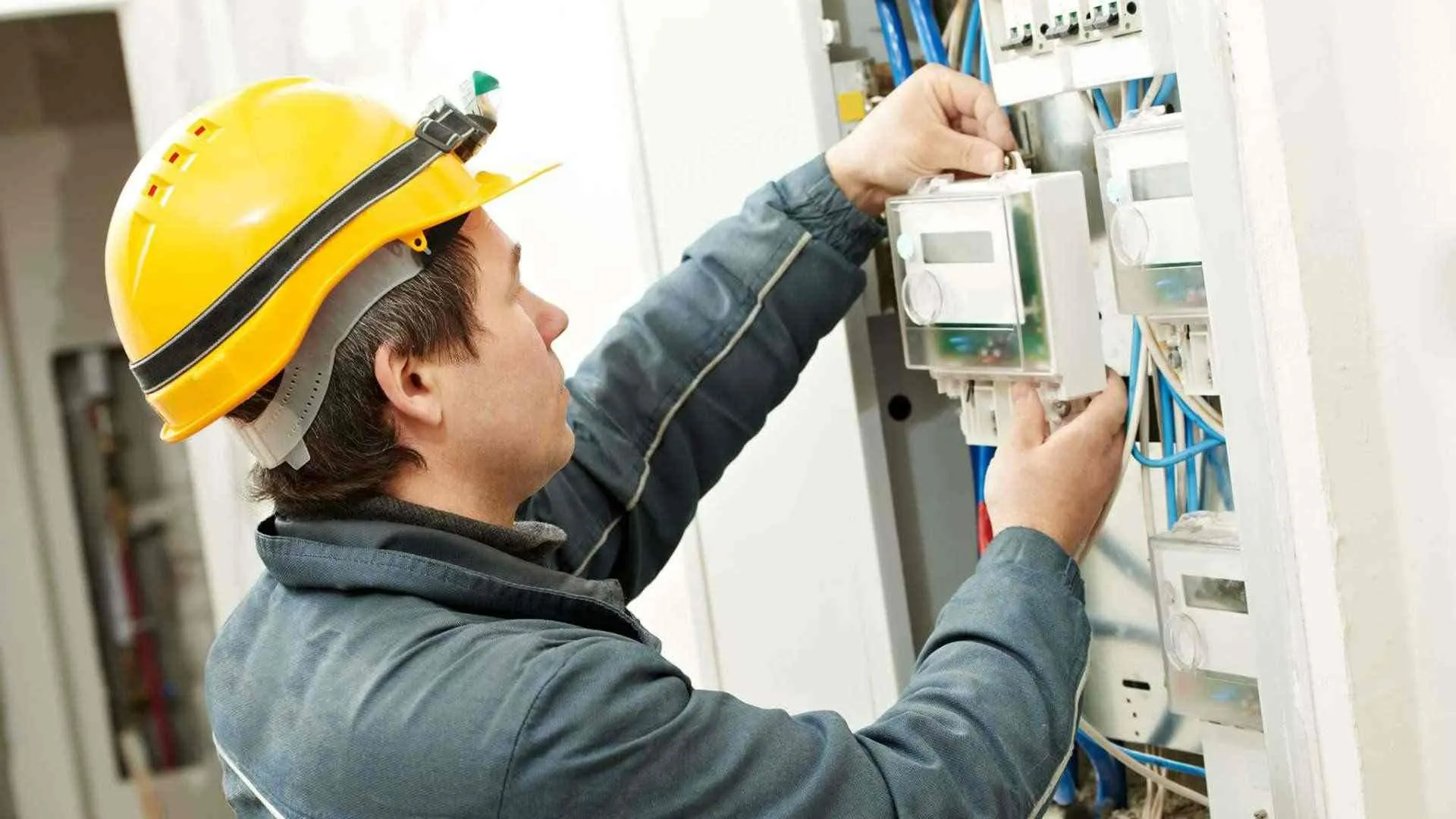

Technician in a hard hat working on an electricity meter in a distribution panel

The problem

Crews Working From Yesterday’s Balances

The disconnection list is printed in the morning from balances that are already out of date. A crew cuts off a customer who paid last night, and the complaint reaches the utility before the crew is back. Another customer pays at noon and waits until the next day, because the reconnection request is passed along by phone.

Meanwhile nobody goes back to check the supplies that were cut, so some are quietly reconnected. Protected accounts are kept on a separate spreadsheet, and what was collected after each notice is worked out by hand at month end.

Two men at a table pointing at printed documents with a pen, one in a white thobe and red-checked shemagh

How it works

From Overdue Account to Settled Account

Every overdue account follows your rules, and the balance is checked again before each step.

  1. Overdue accounts loaded

    Accounts come in from your billing system or Excel, and your rules sort each one: notice, disconnection, waiting or protected.

  2. Notice delivered

    A crew delivers the notice with a GPS-stamped photo, the customer gets an SMS, and a balance check is scheduled.

  3. Balance checked, then disconnection

    A disconnection task is raised only if the account is still unpaid, and the crew sees paid or unpaid on site before acting.

  4. Reconnected inside the SLA

    Payment raises a reconnection task for the nearest crew, with a countdown against your time limit.

What it covers

Credit Control and Revenue Protection in One App

Electricity and water, on the same platform and the same crews.

  • Notices and disconnections

    Notices delivered and disconnections done at the fuse, the feeder or the pole, each with photos, GPS and an outcome.

  • Reconnections with an SLA

    Requests from the counter, the call centre or your billing system reach a crew in minutes, with reminders as the time limit approaches.

  • Installment plans

    A plan is agreed, sent to the customer by SMS and checked on every due date. A missed installment brings warnings, then a disconnection task.

  • Tampering and illegal connections

    Inspections with a case number, before and after photos, an estimated loss and a report ready for the utility.

  • Debt collection calls

    Agents call overdue accounts before a crew is sent, and each call outcome sets the next step.

  • Billing system connection

    Balances come in from your billing system, and disconnections, reconnections and readings go back to it.

Track record

Built by People Who Ran This Work Themselves

Utility Revenue Protection runs on the Fieldmaster platform, built by a team that has run field contracts in the GCC since 2015.

  • 15M

    Service visits completed

    Field operations across the GCC and other international markets.

  • 2015

    In the field since

    Built by field contractors who ran the work themselves.

  • 10–18

    Working days to build a typical app

    Changes after go-live take days, made by the people who built it.

Results

What Changes for Your Operation

  • No cutting off a customer who has paid

    The balance is checked when the task is raised and again at the door.

  • Reconnections on time

    Every reconnection has a clock, a crew and a supervisor who sees it running late.

  • Illegal reconnections found

    A return visit is scheduled after every disconnection, and misuse moves the account up to the next step.

  • Protected accounts stay protected

    Accounts on a plan, under legal protection or on your always-protected list never reach a crew’s task list.

  • Proof for every visit

    Each notice, disconnection and failed visit has photos, a location, a time and a named crew.

  • Collection you can report

    Accounts paid after a notice and after a disconnection are counted for you, by segment and by day.

Why field focus matters

What Happens When Crews Work From a Printed List

When the list goes out on paper and results come back at the end of the shift, the office can’t stop a wrong visit or speed up a late one.

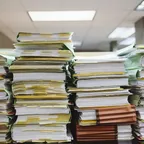
  • Tall stacks of paper files and folders piled up in an office

    Yesterday’s list, today’s visit

    Lists are printed from old balances, so crews visit customers who have already paid, and the utility takes the complaint.

  • A worker in a blue hard hat and harness talking on a mobile phone at a roadside work site

    Reconnections chased by phone

    A paid customer waits while the request passes from the counter to a supervisor to a crew, one phone call at a time.

  • A dark padlock and rusty chain fastened across a bright turquoise metal door.

    Failed visits you can’t prove

    A crew writes “door locked” or “customer refused”, with no photo or location behind it, and the visit is disputed.

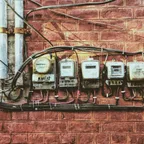
  • A row of five old electricity meters mounted side by side on a red brick wall, with cables running between them.

    Supply back on, and nobody knows

    A disconnected supply is reconnected illegally, and with no return visit planned it stays on for months.

FAQ

Utility Disconnection and Reconnection Software: Common Questions

What is utility revenue protection software?

It runs the field side of credit control and loss reduction for a utility: delivering notices, disconnecting for non-payment, reconnecting after payment, and inspecting meters for tampering and illegal connections.

Fieldmaster.ai gives the crews a mobile app and the office a web console, connects both to your billing system, and applies your rules for when each account moves to the next step.

What is disconnection and reconnection (DCRC) management?

Disconnection and reconnection is the field work behind a utility’s credit control: a notice to an overdue customer, disconnection of the supply if the bill stays unpaid, and reconnection once it is paid. Managing it means deciding each day which accounts crews should visit, proving what they did, and reconnecting paid customers within the time the regulator or the contract allows.

How is this different from revenue assurance or theft-detection analytics?

Analytics tools study meter and billing data to find accounts that look wrong. Fieldmaster.ai runs what happens next in the field: the visit, the evidence, the follow-up and the report. It takes lists of accounts from your billing system or your analytics tool, and it does not replace either.

Does it check whether the customer has paid before a disconnection?

Yes. The balance is checked when the disconnection task is raised, so an account that has paid enough never reaches a crew. The crew’s form checks it again on site and shows paid or unpaid before they act.

Does it cover both electricity and water?

Yes. Each has its own task types, rules and waiting periods, and the same crews, areas and reports can cover both.

Will it work with our billing system?

Our team builds the connection as part of your project. Balances and paid accounts come in from your billing system, and completed disconnections, reconnections and readings go back to it. Where the billing database sits inside your own network, a small agent installed there handles the exchange.

Is it for utilities or for their contractors?

Both. A utility can run its own crews on it, or a contractor can run the work and give the utility the same records, photos and reports.

How long does it take to set up?

A typical app is live in 10 to 18 working days. Your task types, rules, areas and reports are set up to match your contract, and work can start from Excel lists while the billing connection is being built.