IT Asset Management

IT Asset Management Software That Proves the Work Was Done On Site

Track every laptop, monitor, dock and software licence across head office, stores and remote site offices. Your IT team hands over, takes back, repairs and audits assets on the phone by scanning their QR labels, and every action ends with a photo the phone only accepts at the site.
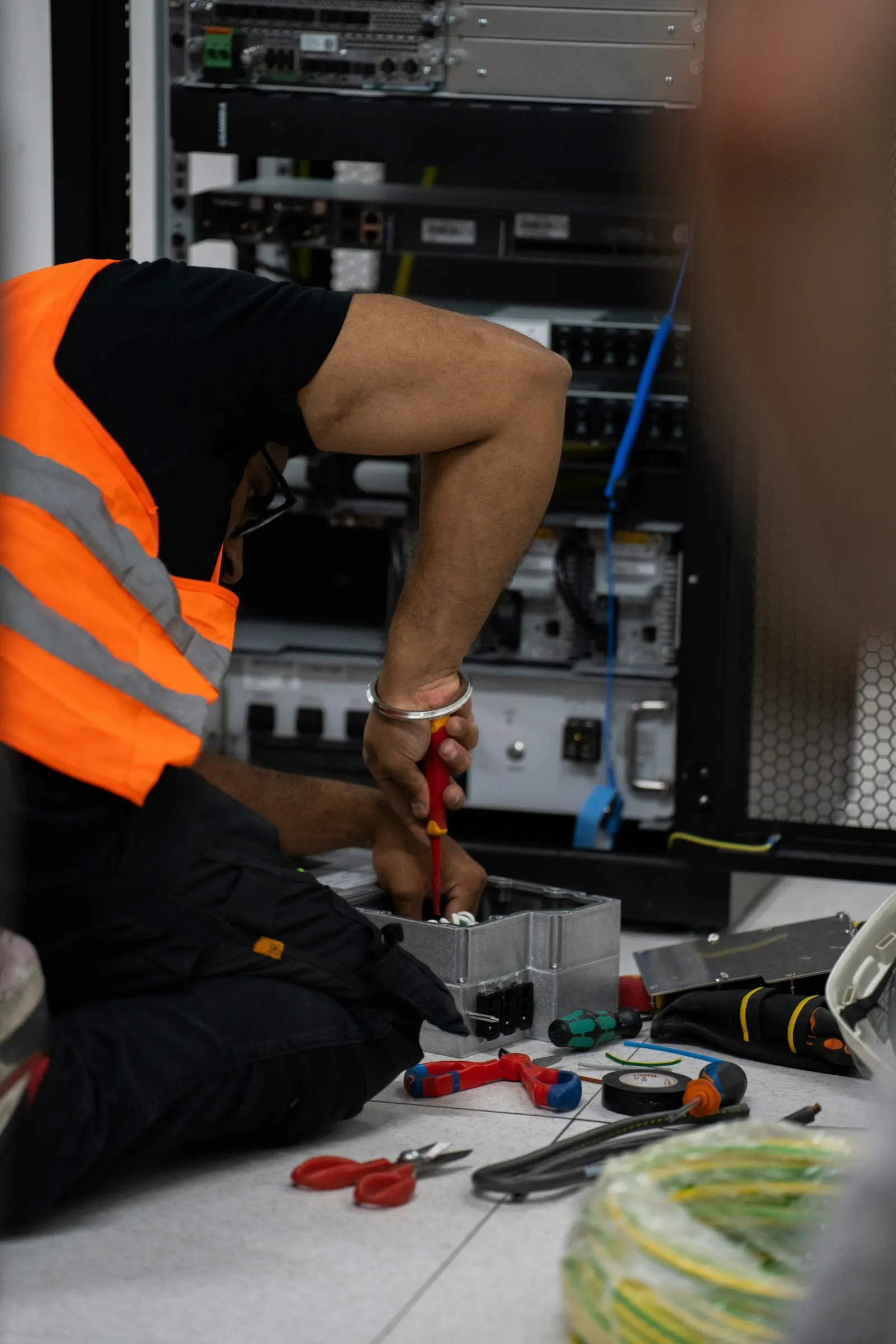
Technician in a high-visibility vest working on network equipment in an open cabinet, with tools on the floor

The problem

Why the IT Register Never Matches What’s on the Desks

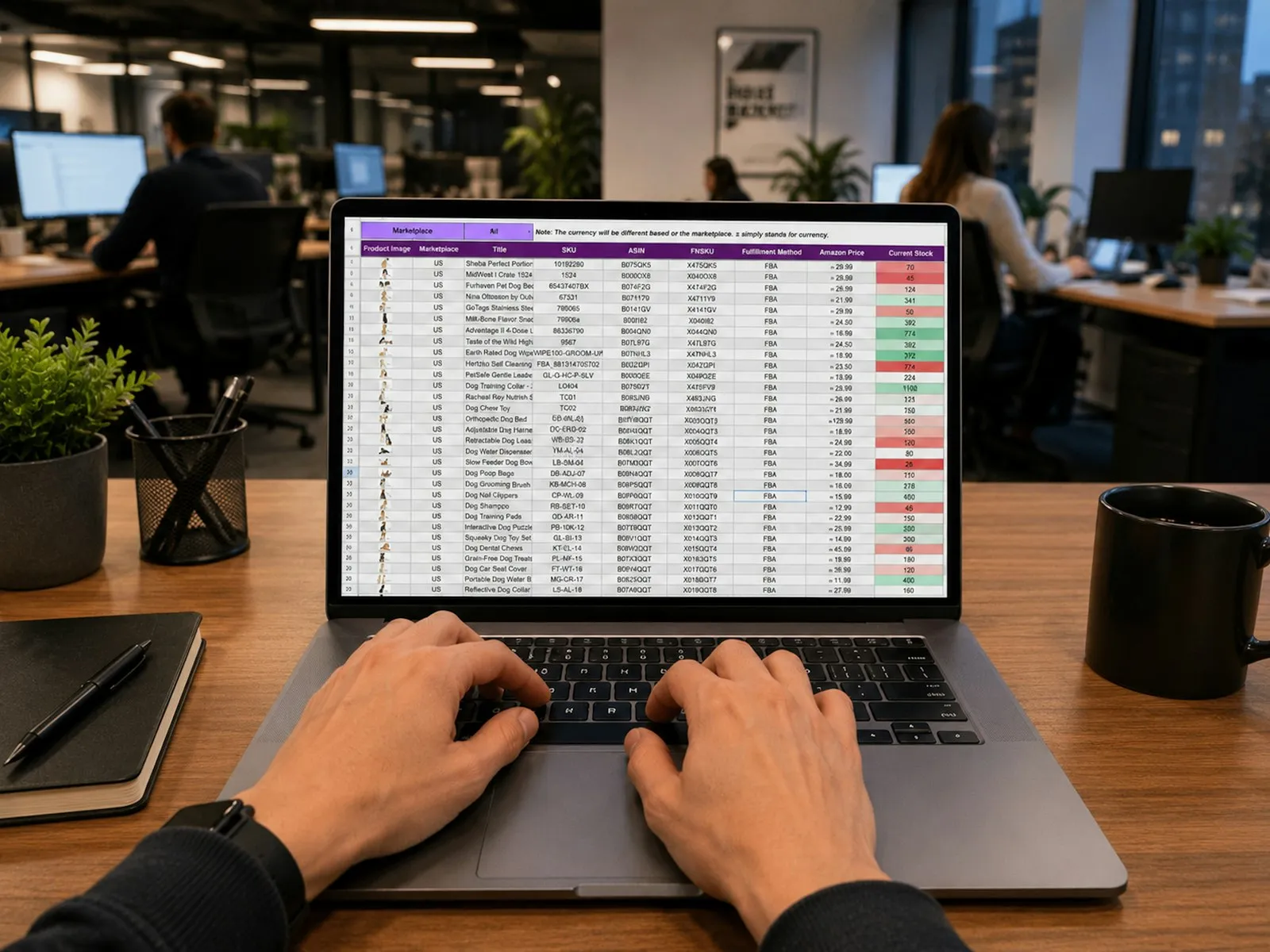
The asset register is a spreadsheet: one row per machine, with the monitor in a Display column and the software in a column per product. It is updated when someone remembers, so a laptop moves to another site, a monitor is swapped or a machine goes for repair and the register still shows where it was.

Across head office and remote site offices, nobody can say who holds what without calling round. Handovers are signed on paper, if at all. When an employee leaves, IT finds out what they still hold by asking them. And software is installed on more machines than you have seats for, until the vendor’s audit says so.

Hands typing on a laptop that shows a spreadsheet, on a desk in an open-plan office

How it works

From the Register to Every Movement on Record

Each asset is registered once. After that, only a handover, a return or a service moves it, so every change is on a document with a date, a name and a photo.

  1. Register

    Load your existing register from Excel. Each asset is keyed by its serial number, which its QR label carries.

  2. Hand over

    IT scans the laptop on the phone. Its monitor and dock go with it, and the employee confirms by email or signs.

  3. Service and audit

    Repairs, swaps, re-images and site audits are scanned at the asset and closed with a photo taken on site.

  4. Return

    Assets come back with their condition. When someone leaves, IT clearance shows whether everything came back.

Mobile app

IT Work Done on the Phone, at the Asset

Technicians hand over, receive, repair and audit assets from Fieldmaster Pocket, at the desk, the store or the site office where the assets are. They scan the QR label instead of typing a serial number, and pick the area from the site’s list, so a location is written the same way every time.

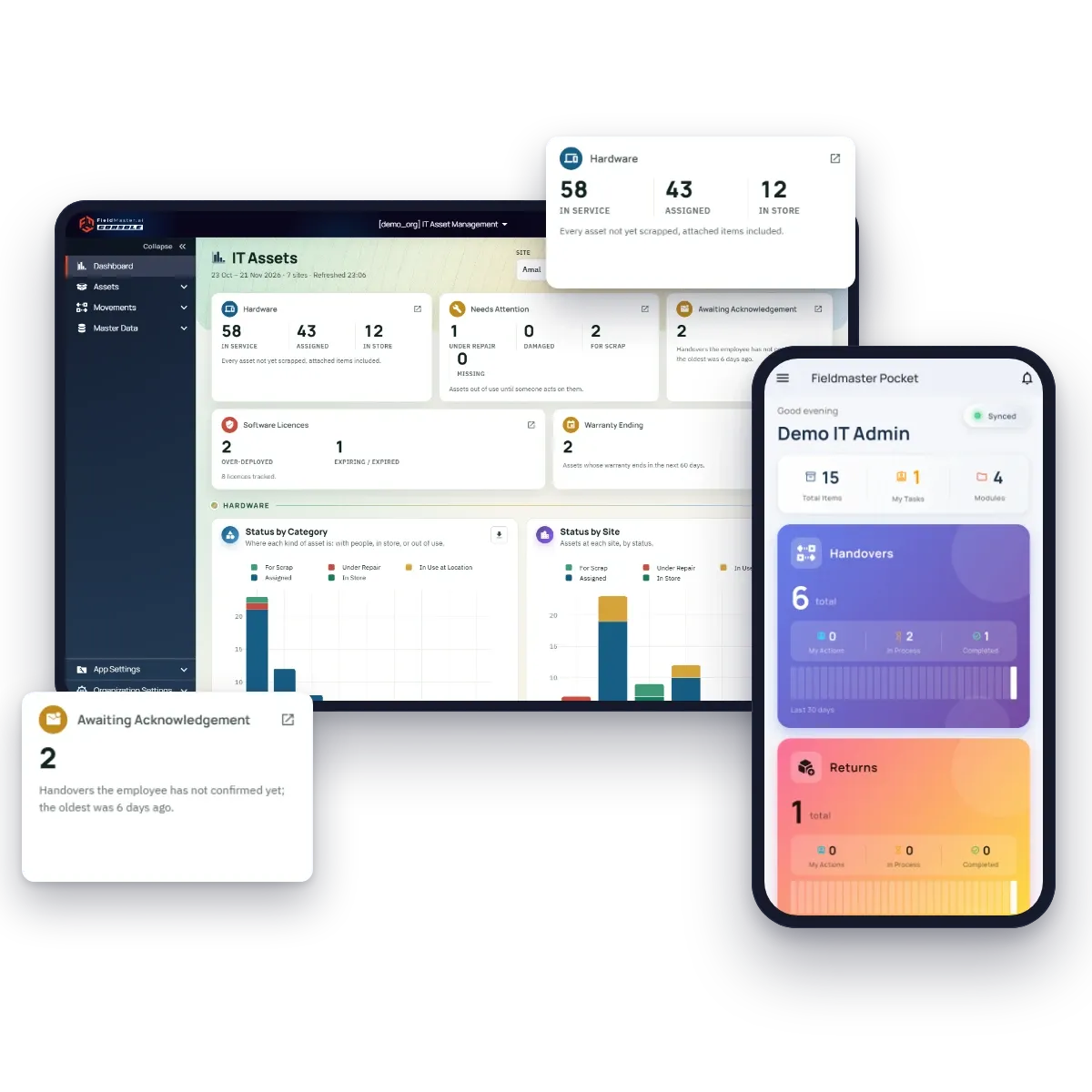
The IT manager sees the result on the dashboard straight away: assets in service, assigned and in store, those needing attention, handovers waiting for the employee and licences over their seat count.

IT asset dashboard with hardware, needs-attention and awaiting-acknowledgement cards, next to the Fieldmaster Pocket home screen of an IT administrator with handover and return counts

What sets it apart

Work You Can Prove Was Done Where the Assets Are

Most IT asset management software records what someone typed. Fieldmaster records where they were when they did it.

  • A photo that can’t come from the gallery

    Every handover, return, service and audit on the phone ends with a camera photo, stamped with the time, the GPS position and the technician’s name.

  • A fence around each site

    Draw each site on the map. Where you choose, the phone refuses the photo outside the fence, so work can’t be recorded from somewhere else.

  • An on-site check on every record

    Each document shows whether its photo was taken inside the site’s fence. A record keyed at a desk says so, and stands out.

  • Scanned, not typed

    The QR label carries the serial number. Old asset number labels keep working, because a scan finds the asset by either.

Results

What Changes for Your IT Team

  • A register that stays true

    Site, holder and status change only through a handover, return or service, so the register matches what is on the desks.

  • Who holds what, at a glance

    Every employee’s assets in one list, with their monitor and dock, ready for the day they leave.

  • Handovers confirmed by the employee

    The employee acknowledges by email with a one-time code, or signs on the phone. No password and no licence for them.

  • A full history for every item

    Each monitor, dock and laptop keeps its own history of handovers, repairs and audits, even after a swap.

  • Licences you can defend

    Seats bought against installations recorded, worked out for you, with renewals flagged 60 days ahead.

  • Site audits in minutes

    Scan every label at a site and get what is missing, what belongs elsewhere and what isn’t in the register.

Why field focus matters

What Happens When IT Work Isn’t Recorded Where It’s Done

When the register is updated later, from a desk, it drifts from what is on the sites, and you find out at the worst moment.

  • A man carrying a box of his belongings through an office

    A leaver walks out with a laptop

    Nobody knew the monitor and dock at home were his too, so the clearance was signed with half the kit still out.

  • A tall stack of closed laptops

    Spares nobody can account for

    The store holds laptops that are on the register as assigned, and the register lists spares that left months ago.

  • A laptop on a white desk beside a large curved monitor

    Swaps that break the history

    A faulty monitor is swapped on the spot, and the register still pairs the laptop with the one now at the repair shop.

  • Black-and-white photo of a portable office trailer at a work site, with trucks and two workers outside

    Audits signed off from a desk

    The remote site’s stock check comes back complete, and nobody can tell whether anyone actually went there.

FAQ

IT Asset Management Software: Common Questions

What IT managers ask when they compare IT asset management software.

What is IT asset management software?

Software that keeps a register of a company’s IT hardware and software licences: what each asset is, where it is, who holds it, and what happened to it. Ours records every handover, return, repair and audit as a document, so the register stays true, and the IT team does that work on the phone at the asset.

How is it different from other IT asset management tools?

Most tools are built for the IT desk and discover software over the network. Ours is built for IT teams that look after equipment across head office, stores and remote site offices: every action is scanned on the phone at the asset, ends with a photo the phone only accepts inside the site’s fence where you choose, and shows whether it was done on site. We also build it around your register and process, and it is typically live in 0 to 18 working days.

Can we import our existing asset register from Excel?

Yes. Assets are loaded with an Excel file whose columns follow your register: serial number, asset number, system number, processor, RAM, disk, OS, IP address and the rest. During setup we load your whole register for you.

Do employees need a login to accept a laptop?

No. An employee with a work email confirms the handover on the employee portal with a one-time code sent to that email. No password and no licence. An employee without email signs on the technician’s phone.

Does it track software licences?

Yes. Each licence records its seats and renewal date, and each installation is recorded against an asset. Installed, available and compliance are worked out for you, so over-deployed licences and renewals in the next 60 days show on the dashboard.

Can we ask ChatGPT or Claude about our IT assets?

Yes. AI connectors let you use your own LLM, such as ChatGPT or Claude, to ask questions like “Which site has the most assets under repair?” and get the answer and a chart from your latest records. They follow each person’s role, and they are opt-in, not turned on by default.