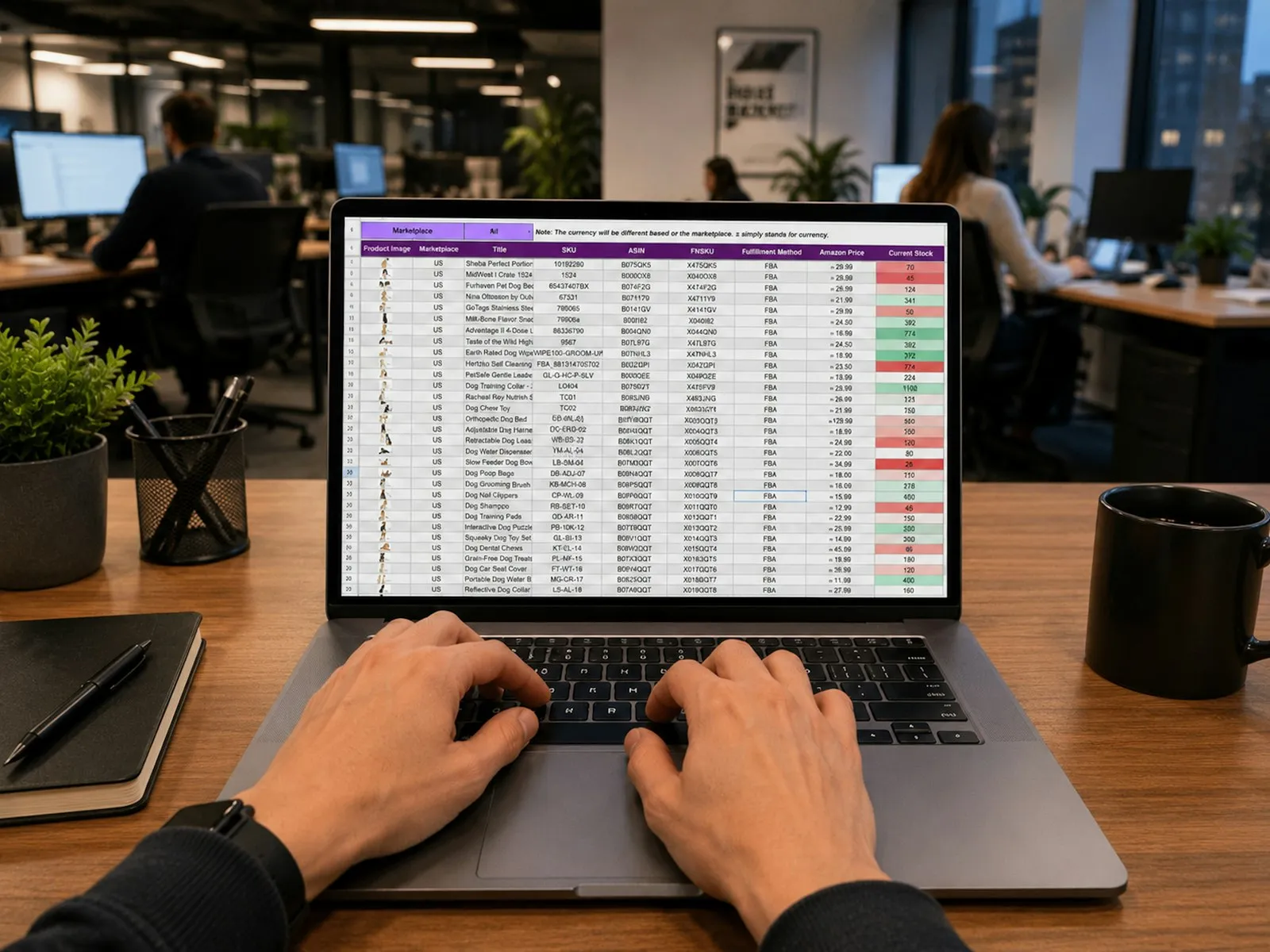
An IT asset register is the list of every piece of IT hardware a company owns, with where it is, who holds it and what has happened to it. Most start in Excel, and Excel is fine for the list. It stops working when assets move, because the spreadsheet only knows what someone last typed. Moving out of Excel means keeping the same columns, and making every move a record of its own.
This guide is for IT managers whose register lives in a spreadsheet today, especially those with equipment across a head office, stores and remote site offices. It covers what the register should hold, how to tag and audit assets, and how to make the move without retyping anything.
What an IT Asset Register Should Hold
For every asset:
- Serial number, the key. It is printed on the device and never changes.
- Your own asset number, if you label assets with one.
- Type, make and model: laptop, desktop, monitor, dock, phone, printer, switch.
- For computers: system name, processor, RAM, disk, operating system and version, IP address, and when it was last configured.
- Purchase details: purchase order, supplier, date and warranty end.
- Where it is and who holds it: site, area, holder and status (assigned, in store, under repair, damaged, for scrap).
- What it is attached to, for monitors, docks and keyboards that go with a computer.
- The software installed on it, with versions and the licence each uses.
Where the Spreadsheet Breaks
- Monitors live in a "Display" column. When a monitor is swapped, the old one disappears from the register.
- Software lives in a column per product. Nobody can say how many seats of a product are installed without counting cells.
- Moves are overwritten. When a laptop changes hands, the old holder is typed over, and the history goes with it.
- One file, many editors. Copies are emailed to site offices, and nobody knows which one is current.
- Audits are a separate exercise. Someone prints the list, walks the site and ticks rows, and the corrections may never make it back.
Tag Every Asset
Give each asset a label with a QR code carrying its serial number. Scanning the label finds the asset without typing, so handovers, repairs and audits land on the right record. If you already label assets with your own asset numbers, keep those labels: a good system finds the asset by either number.
Make Every Move a Record
The single change that keeps a register true: nobody edits where an asset is or who holds it by hand. Instead:
- A handover gives assets to an employee or a location.
- A return brings them back into a store, with their condition.
- A service records damage, repairs, re-images, swaps and scrapping.
Each is a dated record with a name on it, so the asset's history is the list of records that touched it, and the register always matches the last one.
Audit Each Site by Scanning
A site audit should take a walk, not a day. Scan every label at the site, and compare what was scanned with the register:
- Found where expected.
- Registered here but not found: look for it, or record a return or service.
- Found here but registered elsewhere: hand it over to this site if it belongs here now.
- Labels not in the register: register the asset.
The audit only reports. Corrections are made with a handover, return or service, so each has its own record.
How to Move Without Retyping
- Clean the key. Make sure every row has a serial number, and no serial number appears twice.
- Split out attached items. Give each monitor and dock its own row with its serial number, and note which computer it belongs to.
- Split out software. One row per product per machine, with the version and the licence.
- List your sites and the areas in each, so locations are picked from a list from day one.
- Load parents first, then attached items, then installations.
- Label and audit one site to catch what the spreadsheet got wrong, then roll out to the rest.
How Fieldmaster Approaches It
Fieldmaster's IT asset management loads your register from Excel in the columns you keep today, and we load it for you during setup. Each asset is keyed by its serial number on a QR label, and a scan also finds it by your old asset number. Monitors and docks are their own assets, attached to their computer, and software licences are checked against the installations recorded.
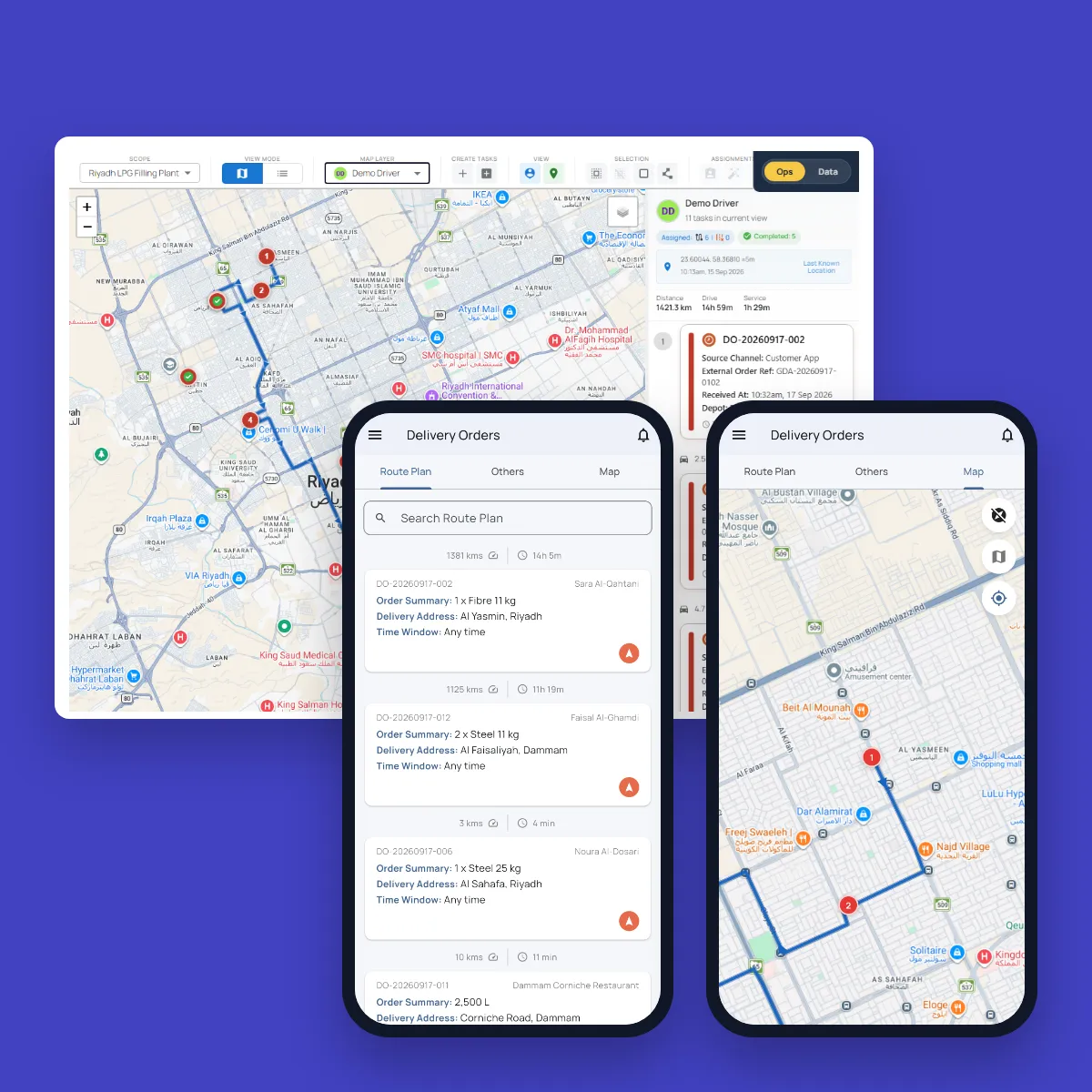
From then on, IT works on the phone: handovers, returns, services and site audits are scanned at the asset and closed with a camera photo, which the phone can accept only inside the site's fence. Every record shows whether it was done on site. See how it works or talk to us about your register.
Frequently Asked Questions
What is an IT asset register?
The list of every piece of IT hardware a company owns, with its serial number, specification, location, holder, status and history. It is the base for audits, insurance, budgeting and employee exit clearances.
Is there a template for an IT asset register?
The columns above make a good template: serial number, asset number, type, make, model, system details, purchase details, site, area, holder, status, attached-to and installed software. Keep attached items and software as rows of their own rather than columns.
How often should IT assets be audited?
At least once a year for every site, and more often for sites with many moves or remote offices that IT rarely visits. With labels and a phone, an audit of a site office takes minutes, so auditing each site every quarter becomes practical.