
Why field first
The Work Happens in the Field. That’s Where the Record Should Start.
Most business software was built for people at desks. Fieldmaster starts from the other side: the people doing the work record it where it happens, and the office gets a clean, proven record it can act on.
The problem
Two Worlds That Don’t Speak the Same Language
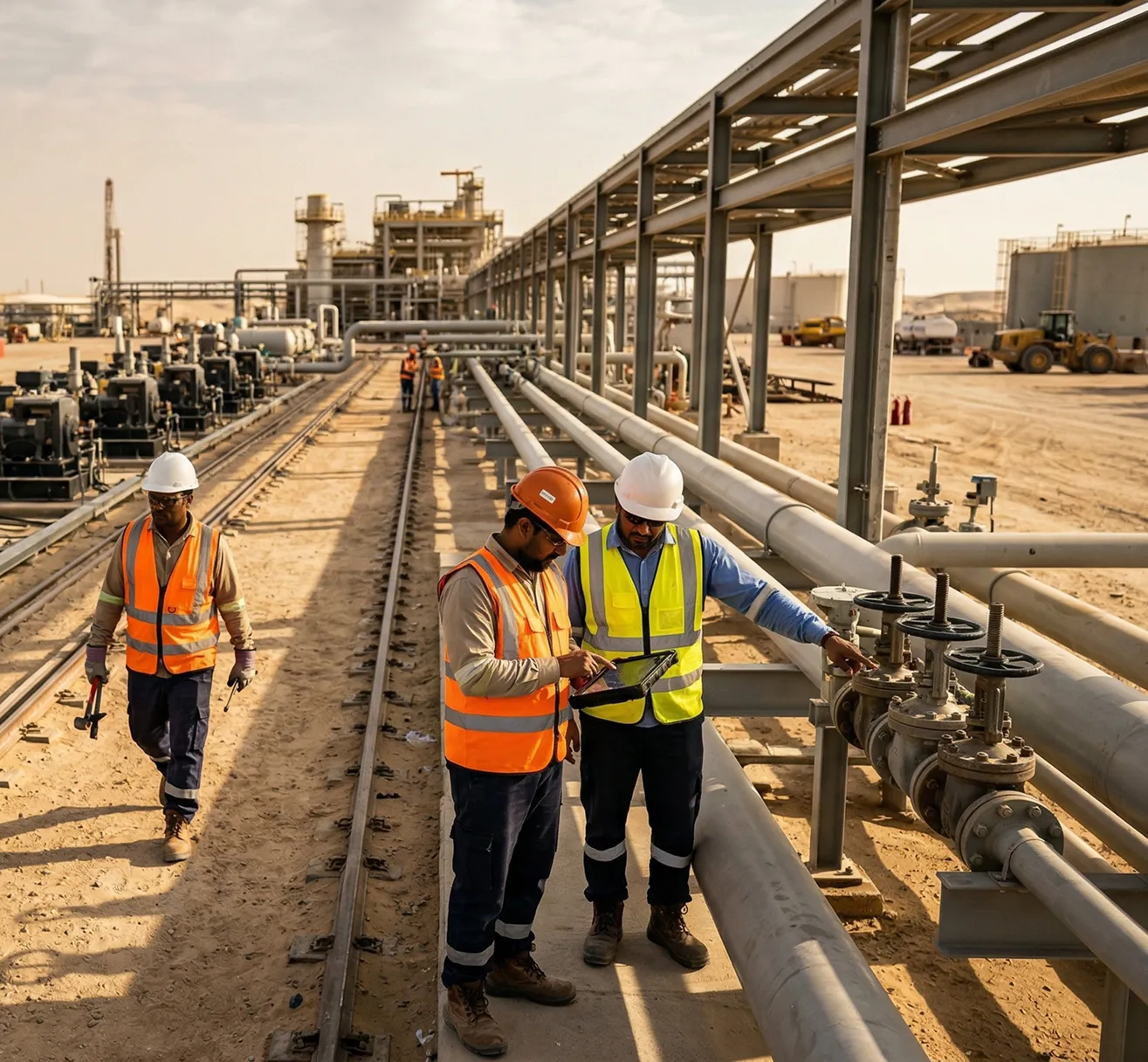
In the field are technicians, drivers, inspectors and installers. They are busy and on the move, often in gloves and in the sun, working in many languages and with patchy mobile signal. Most of them aren’t “computer people”, and they shouldn’t have to be.
In the office are managers, finance, compliance teams and clients. They need clean, structured and complete data: who did what, where and when, and the proof. That data feeds invoices, the ERP, audits and KPIs.
Most business software was designed for the office, and the field team was added later, as a form to fill in at the end of the day. The information has to cross from one world to the other, and that is where it gets lost.
The last-mile gap
Where Field Information Gets Lost
The gap sits between the people doing the work and the people who need the data. Every step between what happened on site and what reaches the system loses detail, time and trust.
Retyping and delays
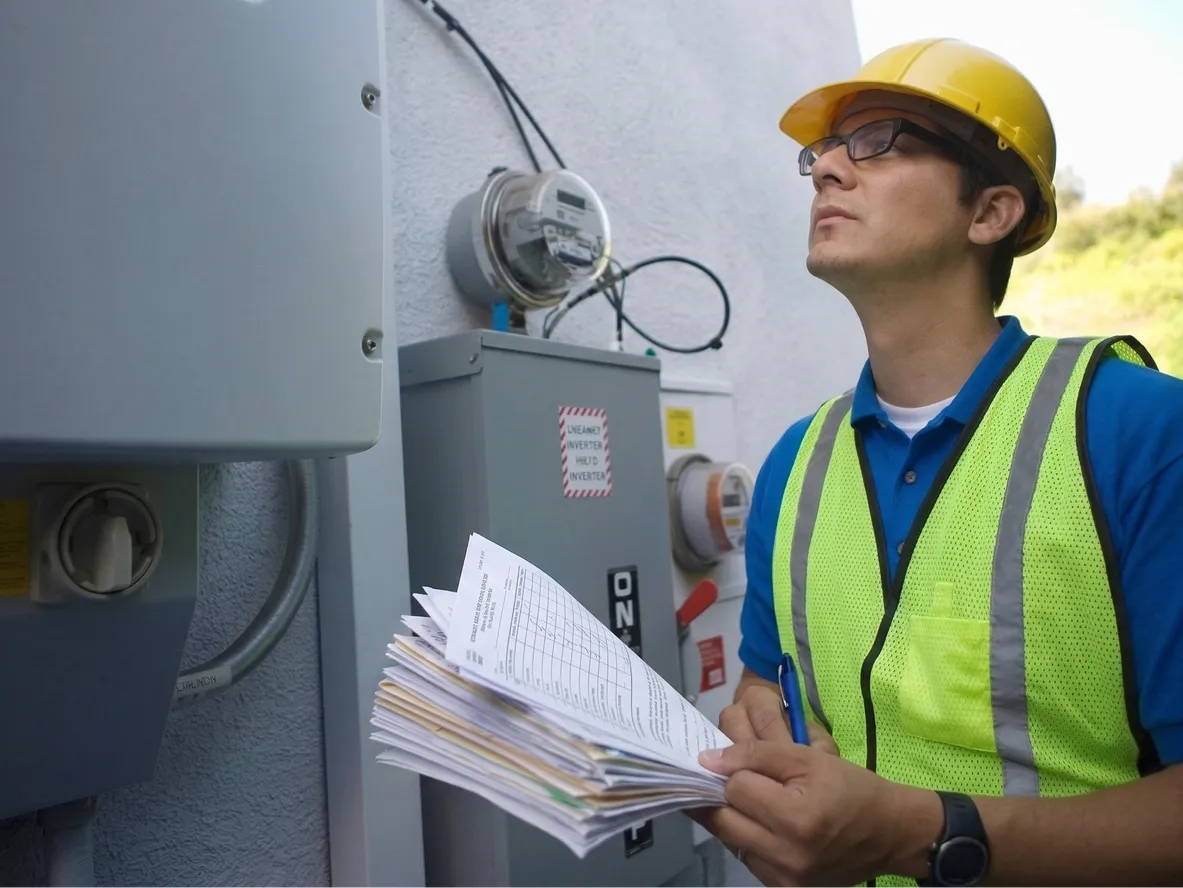
Paper forms and phone messages are typed up later, by someone who wasn’t there.
Missing photos and proof
When a job is questioned, there is nothing to show it was done, or where.
Unreadable notes
Notes written in a hurry, often in a second language, that the office can’t use.
Late invoices
Finished work waits for paperwork before it can be billed, and disputes follow.
No live picture of the work
Managers see last week’s summary instead of what is happening on site now.
Second-hand information
Leave the field out, and the office runs on late, incomplete information.
Why include the field team
The Field Is Where the Business Actually Happens
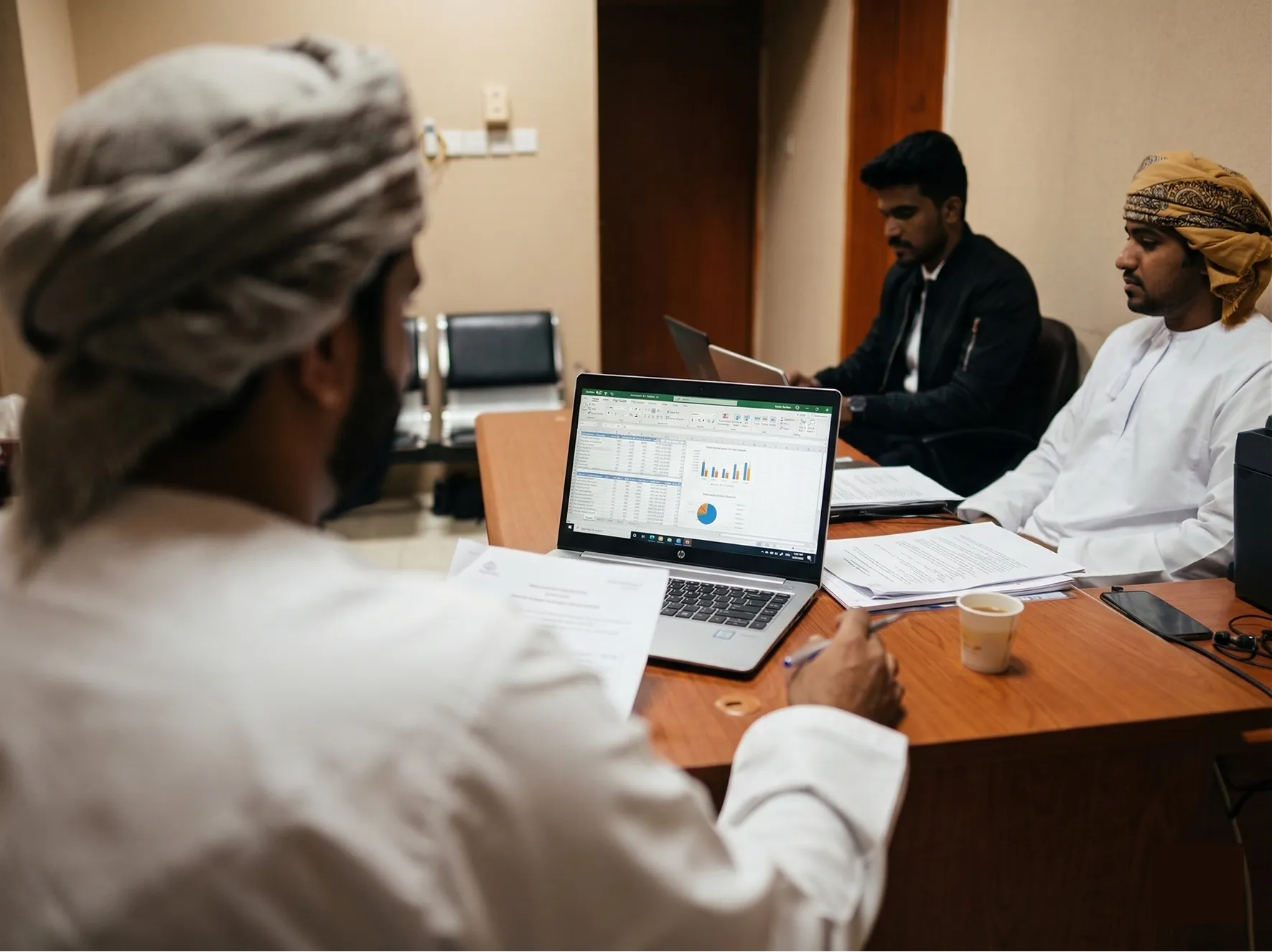
Capture the work at the source, and everything after it improves: the action, the proof, the invoice and the decision.
At the source
Recorded by the person who saw it, at the moment it happened.
Accurate
No retyping and no memory gaps. AI, GPS and photos check each entry.
Instant
In the system in minutes, not at the end of the week.
Acted on
Problems turn into tasks and approvals automatically.
Proven and billed
Evidence for customers, auditors and invoices, attached to the record.
Field to office
The Worker Talks. The Office Gets a Clean Record.
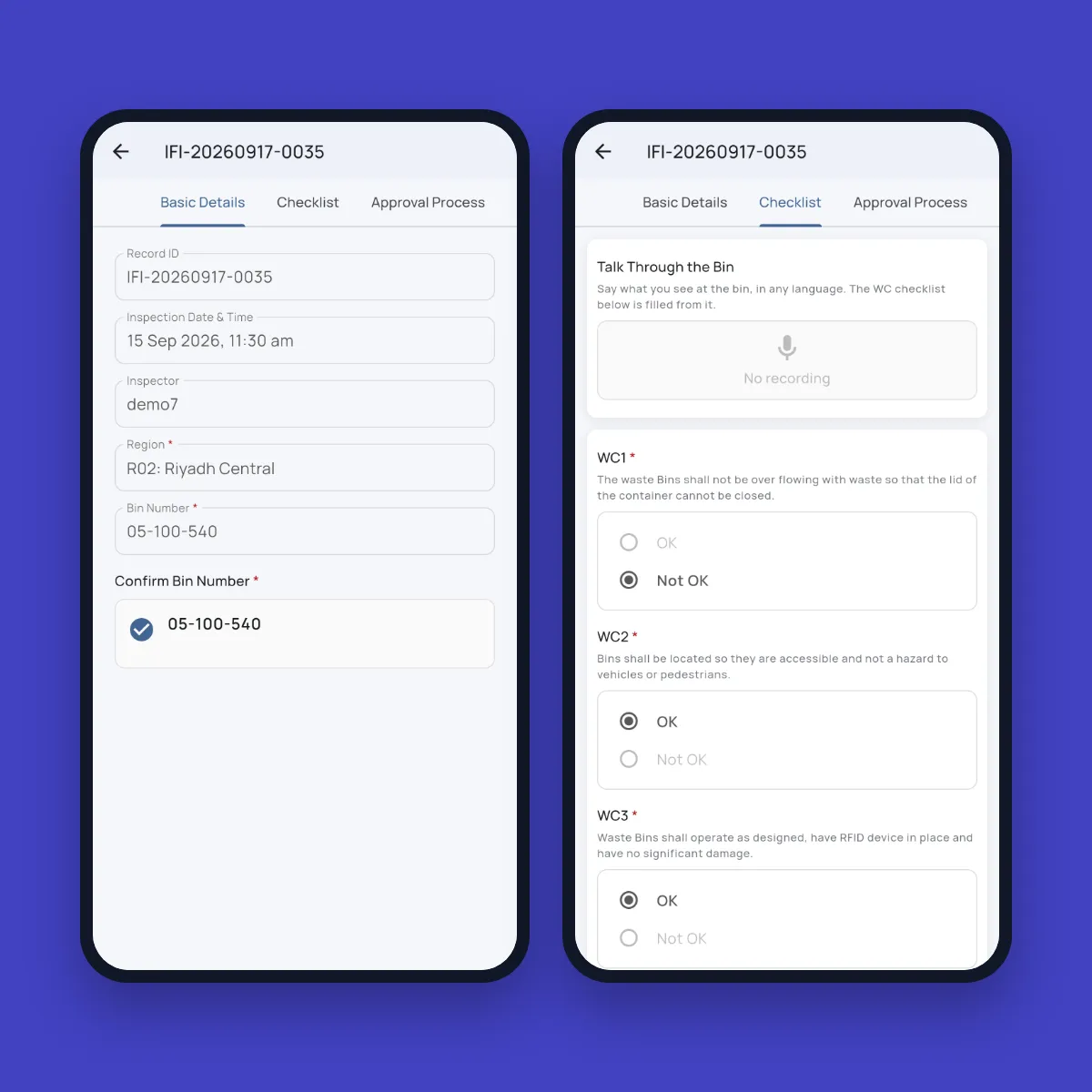
A waste supervisor stands at a street bin, scans its number and says: “Bin 4471 is overflowing and the lid is broken.” The inspection fills itself: bin 4471, overflowing, lid damaged. The photo is checked, the GPS location is stamped, and a repair task is opened for the crew. This is how bin inspection works today for a waste management contractor in the GCC.
Every record also carries what nobody has to type: the GPS location, the date and time, and who did it. The app works offline and syncs when the signal returns, and each record goes straight to the right person for approval.
How it works
Speak, Snap, Scan, Sign
Field staff do what comes naturally. The platform turns it into the structured record the office needs.
Speak
Describe the job in Arabic, English, Hindi, Urdu or another language, and AI fills in the form.
Snap
Take a photo. AI reads meters, labels and plates, spots what’s wrong, and rejects the wrong photo.
Scan
A barcode or QR code brings up the right asset, bin, part or vehicle.
Sign
The customer or supervisor signs on screen, stamped with the time and place.
Captured automatically
GPS location, date and time, and who did it, on every record, every time.
Offline, then routed
Work is saved without signal, synced later, and sent to the right person for approval.
What you get
Nine Payoffs From Putting the Field Team on the System
Each one comes with an example from apps already built on the Fieldmaster platform.
Accurate data
Captured at the source, checked by AI, stamped with GPS and time. For example, AI rejects a wrong meter photo on the spot.
A real-time picture
Managers see what is happening now, not last week’s summary. For example, live fleet journeys on one screen.
Higher productivity
No paperwork, no double entry, fewer calls and trips to the office. For example, inspectors speak the inspection instead of typing it.
Faster response
Issues reported in the field become assigned tasks straight away. For example, a damaged bin becomes a repair job automatically.
Faster billing, fewer disputes
Finished work can be billed the same day, with proof attached. For example, checked meter readings go to billing with a photo for any dispute.
Safety and compliance
Every permit, check and signature on record, ready for audits. For example, a permit is blocked if the PPE photo check fails.
Less theft and leakage
Every issue, delivery and job is backed by proof from the site. For example, stock issued is compared with what the site actually found.
Better decisions
A clean history of assets, sites and people to plan and improve. For example, consumption trends per meter account.
Frontline buy-in
Simple screens in their own language that save them effort, so they use them. For example, voice fill in Arabic, Hindi, Urdu and more.
The field link is a control
Every Transaction, Proven Where It Happened
Paper records what someone says happened. Fieldmaster records proof of what actually happened.
| Without the field link | With Fieldmaster | |
|---|---|---|
| Stores and materials | Without the field link Goods issued on paper, never proven to reach the site. Material quietly disappears. | With Fieldmaster Every item scanned out and back, photographed, and tied to a person and a job. |
| Deliveries | Without the field link Short deliveries, lost cylinders and quantities nobody can prove. | With Fieldmaster Cylinders scanned at the door, the meter photographed, and the customer signs. |
| Fuel | Without the field link Fuel claimed that never went into the vehicle. | With Fieldmaster Receipt read by AI, and the odometer photographed at the pump. |
| Maintenance and inspections | Without the field link Jobs ticked off without anyone going there. | With Fieldmaster GPS- and time-stamped photos on site, and AI checks it’s the right subject. |
| Meter reading | Without the field link Estimated or made-up readings, and billing disputes. | With Fieldmaster The dial photographed at the meter, read by AI, and odd readings flagged. |
| Installs and contracted work | Without the field link Paying, or billing, for work that was never done. | With Fieldmaster Photo proof for every unit, with serial numbers and plates read from the photos and matched to the job. |
Built around your process
One Platform From Field to Office
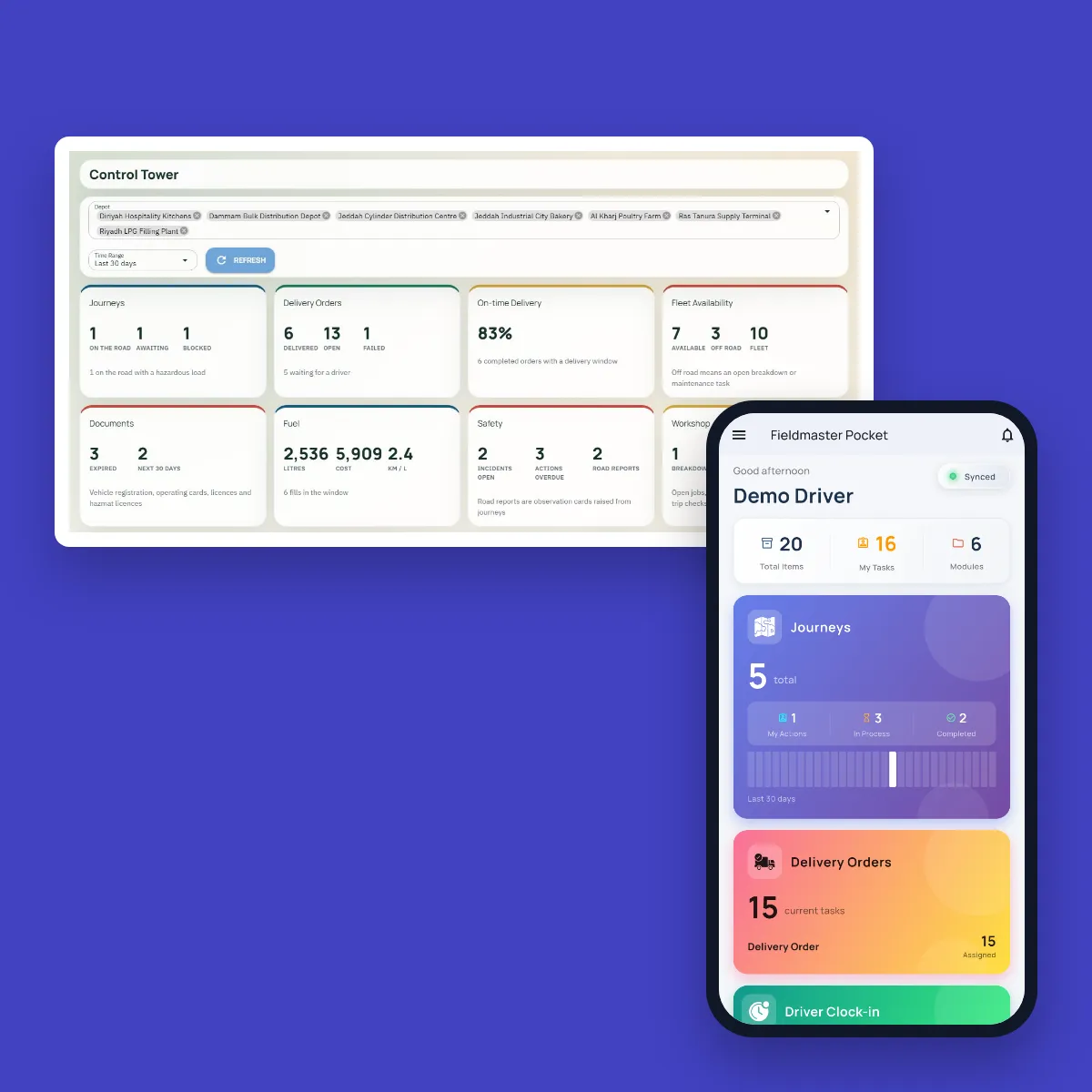
Every Fieldmaster app runs on the same platform: the Fieldmaster Pocket mobile app for the field and the web console for the office, with approvals, roles, AI for voice, photos and compliance checks, dashboards, portals and integrations. We build each app around your process, so the field team captures what the office needs from the first day.
See the solutions already running on it, or how the platform works underneath.
FAQ
Questions About Field Data Capture
What is field data capture?
Recording work where it happens, by the person doing it: forms, photos, scans, signatures and voice notes on a phone, each stamped with the location, the time and who did it. With Fieldmaster, that record reaches the office as structured data, not as a paper form to type up later.
What counts as proof of work?
Photos taken on site with GPS and time stamps, scanned asset or item IDs, signatures, and AI checks that each photo shows the right subject. Together they show the work was done where and when it was claimed, and by whom.
Do we have to replace our ERP?
No. Fieldmaster is the field layer that feeds clean data to the systems you already have. Records can be exported to Excel or passed to your ERP through an integration.
What if our field team works without signal?
The Fieldmaster Pocket mobile app works offline. Records are saved on the phone with their photos, time and location, and sync when the signal returns.
What if our field team doesn’t read English well?
Workers can speak in Arabic, English, Hindi, Urdu and other languages, and AI fills the form. The mobile app itself switches to each worker’s language.