Meter Replacements and Readings, Verified at the Meter

For utilities and the contractors who install their meters. Technicians scan the old and new meter, take GPS-stamped photos and record the outcome of every visit, so you know which jobs are done, which failed and why.
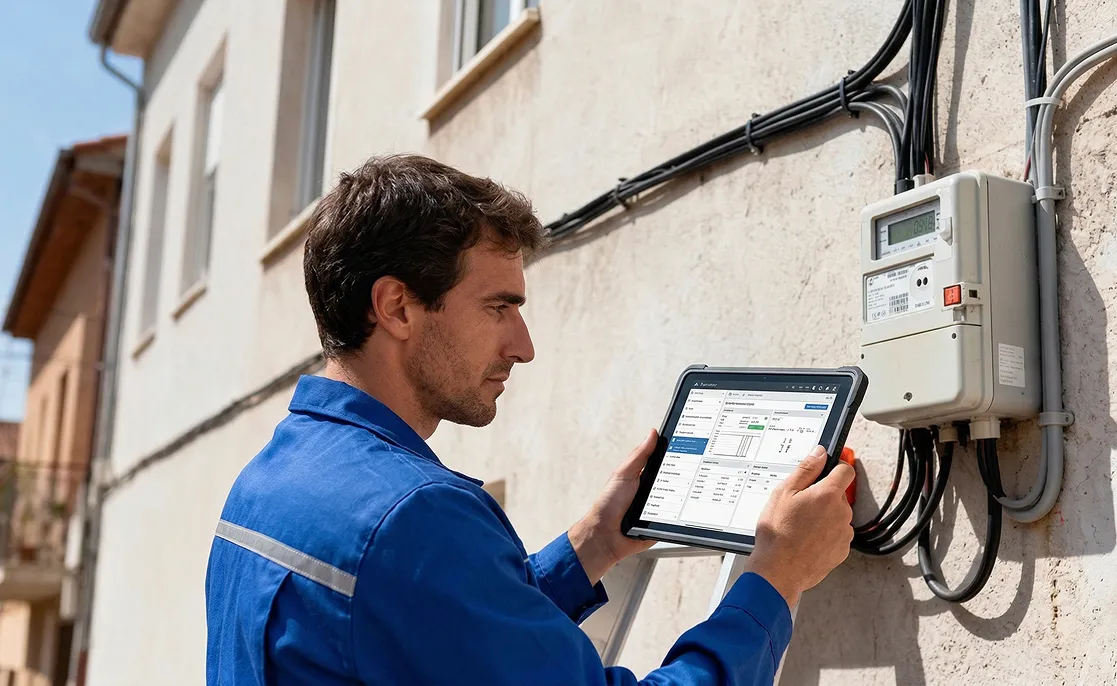
Technician in a blue uniform using a tablet next to an electricity meter mounted on a wall

The problem

Running Blind Between Office and Field

Replacement and reading lists go out on spreadsheets and come back on paper. Meter numbers are copied by hand, so the wrong meter gets recorded, or a meter that was already replaced is claimed again. When a technician can’t get in, there is no record of why, and no proof they were there.

The cost adds up: repeat visits, disputed records between the utility and the contractor, and nobody knows the day’s success rate until the spreadsheets are merged.

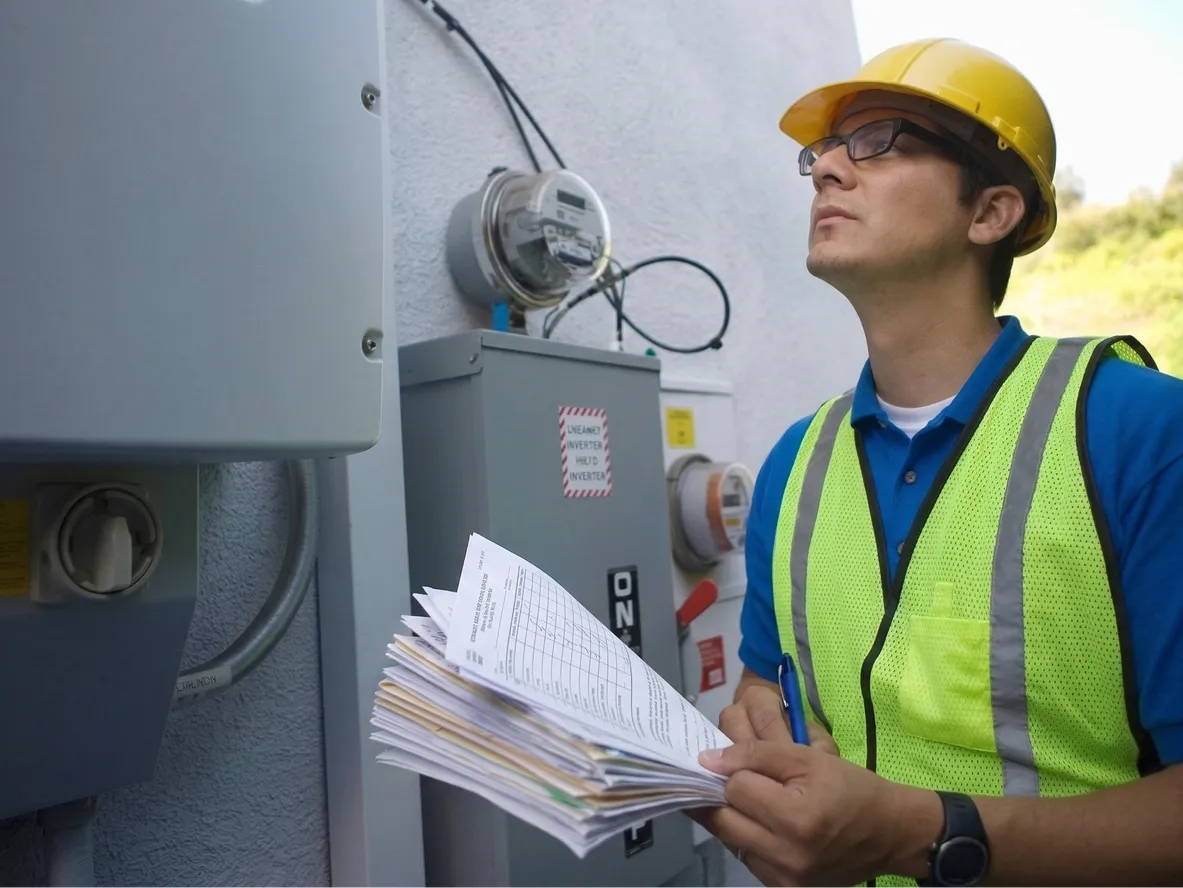
Utility worker in a hard hat and reflective vest inspecting electricity meters while holding paper forms

How it works

From Task List to Verified Meter Work

Every meter on your list reaches a technician and comes back as a checked, photographed record.

  1. Tasks loaded

    Replacement or reading lists are imported from Excel or your customer accounts, and each address is placed on the map.

  2. Technician assigned

    Tasks go to technicians by location and workload, straight to their phone as a planned route.

  3. Meter scanned and checked

    The technician scans the meter, and the app flags one that doesn’t match the account or was already replaced.

  4. Visit closed with proof

    GPS-stamped photos and an outcome, done or the reason it couldn’t be, are recorded before the task closes.

Proof

Proven Across 100,000 Meters

Numbers from utility meter programmes in the GCC run on Fieldmaster.

  • 100,000+

    Meters installed

    Old meter, new meter and installation photos stamped with location and time on every swap.

  • 1.5M+

    Meter readings captured

    Recorded in the field, with or without signal, with GPS and time on every read.

  • 98.7%

    First-visit success

    Jobs completed on the first visit, without a return trip.

Results

What Changes for Your Operation

  • No wrong-meter swaps

    A scanned meter that doesn’t match the account is flagged on site, not weeks later.

  • No double claims

    Meters already marked as replaced are caught before they are counted again.

  • Proof for failed visits too

    Every no-access visit has a reason and a GPS-stamped photo.

  • Readings without typing errors

    Readings are taken from a photo of the meter and checked against past consumption.

  • Records ready for audit and invoicing

    Utilities and contractors see the same evidence for every completed task.

  • Success rate every day

    Completed and failed visits by technician are visible the same day, not at month end.

Why field focus matters

What Happens When Meter Technicians Are Left Out

When task lists go out on spreadsheets and results come back on paper, you can’t trust the records you report, bill and pay on.

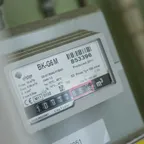
  • Close-up of a gas meter's label showing its serial number and a row of odometer-style digits, with the last digits highlighted in red.

    Paying twice to fix the wrong meter

    A serial number copied by hand records the swap against the wrong meter, and someone has to go back to put it right.

  • A dark padlock and rusty chain fastened across a bright turquoise metal door.

    Failed visits you can’t prove

    When a technician writes “no access”, there’s no photo or location to back it up, so the visit is disputed and the return trip is on you.

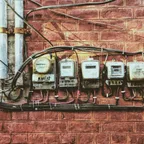
  • A row of five old electricity meters mounted side by side on a red brick wall, with cables running between them.

    Invoices disputed line by line

    Records merged from paper let the same meter appear twice, so every invoice between utility and contractor turns into an argument.

  • A tall, messy stack of paper notebooks and files with crumpled orange and yellow handwritten sticky notes poking out.

    Today’s results, tomorrow

    Sheets come back at the end of the shift, so you don’t know the day’s success rate until someone has merged the spreadsheets.