
Platform
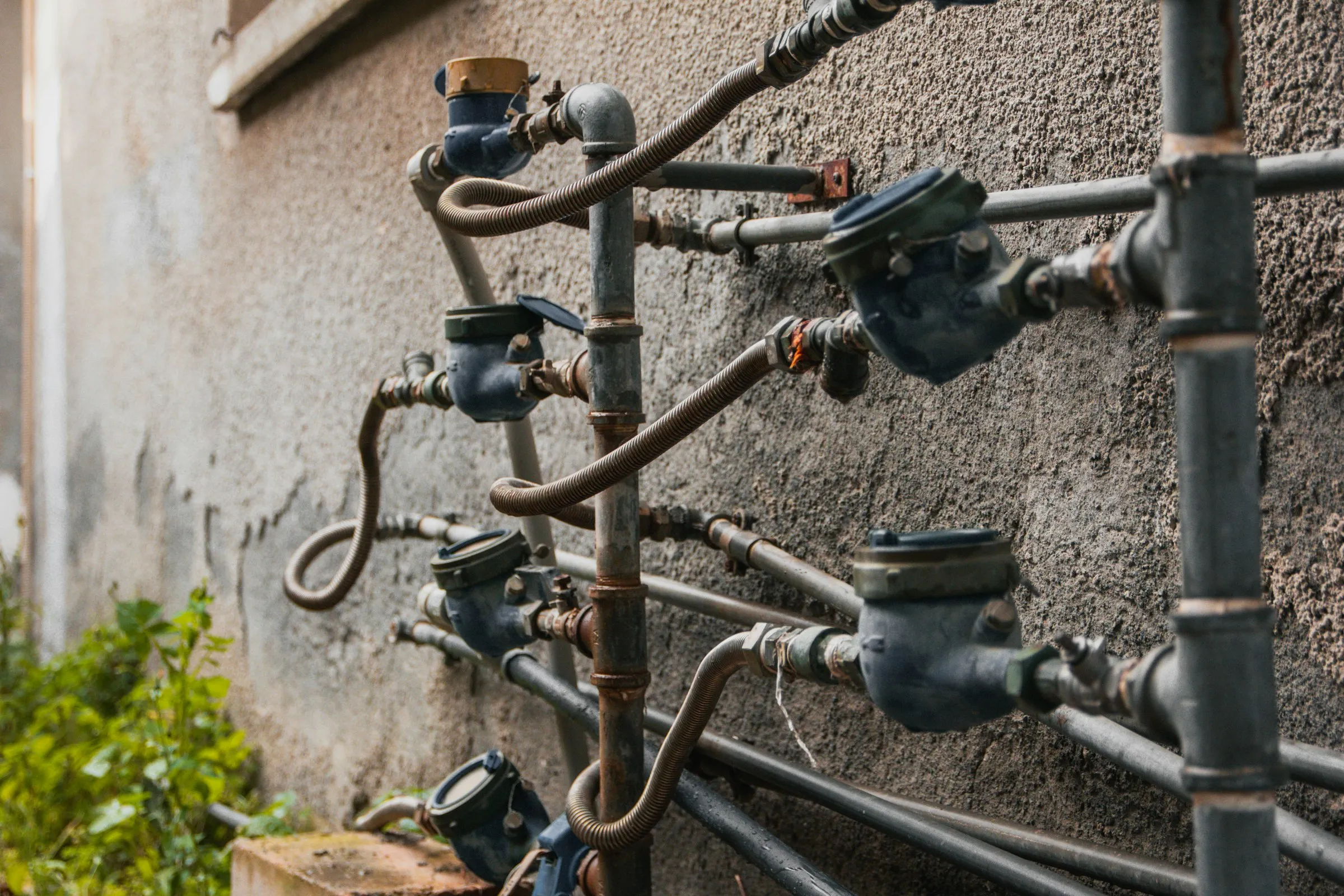
Built for Large-Scale Meter Programs
Utilities and installation contractors replace and read thousands of meters every month. These are the Fieldmaster.ai features that support that work.
Mobile
Every Swap and Reading Checked on the Technician’s Phone
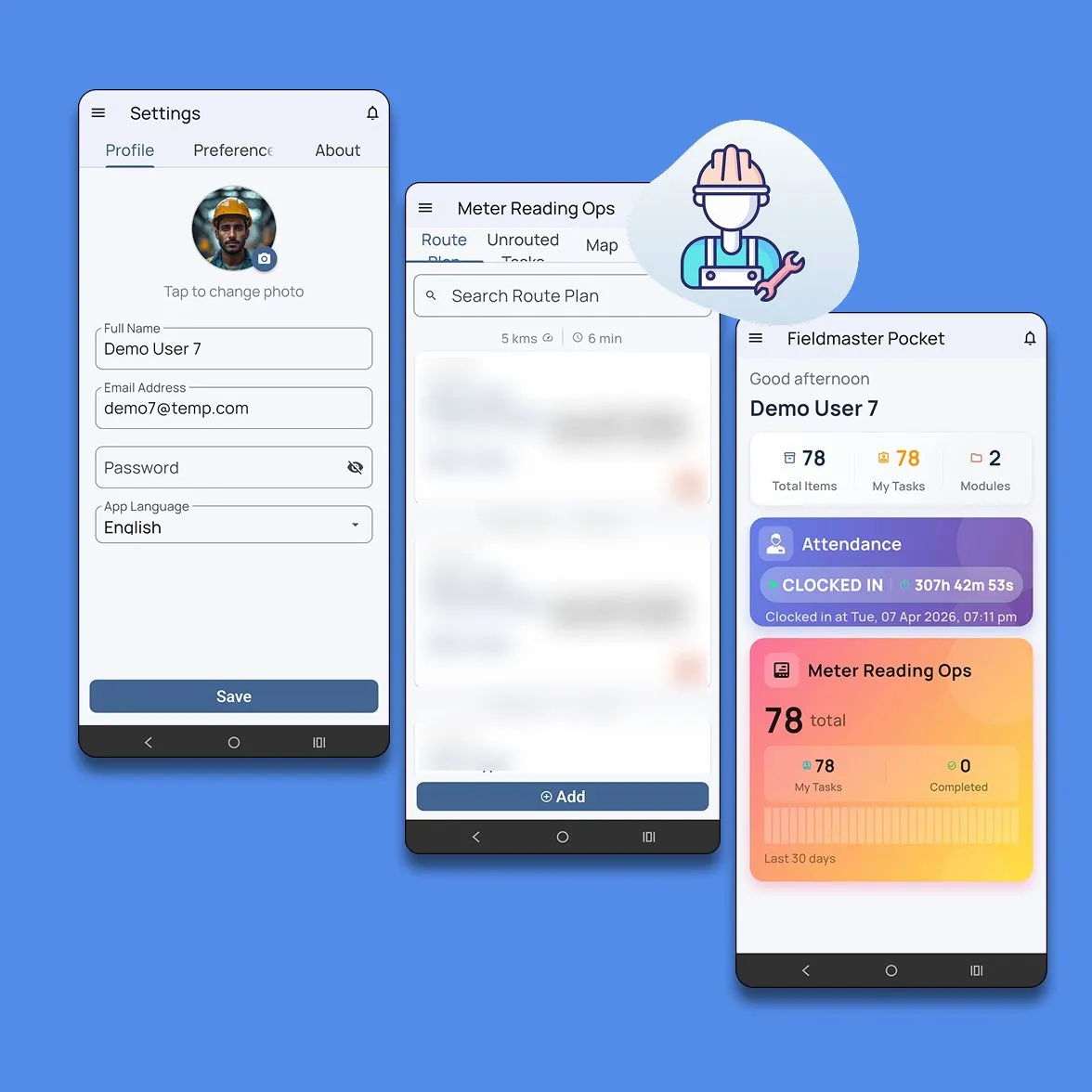
Meter work rarely happens near a computer. Technicians see their tasks for the day, navigate to each meter and follow the steps for that task type. They scan meter barcodes instead of typing numbers, and the app compares every scan with the expected meter before the task can close.
Photos carry the GPS location and time, accurate to 50 metres, and every visit ends with an outcome code, including the ones that didn’t go ahead. The app runs on Android and iOS.
Assignment
Tasks Routed to the Right Technician
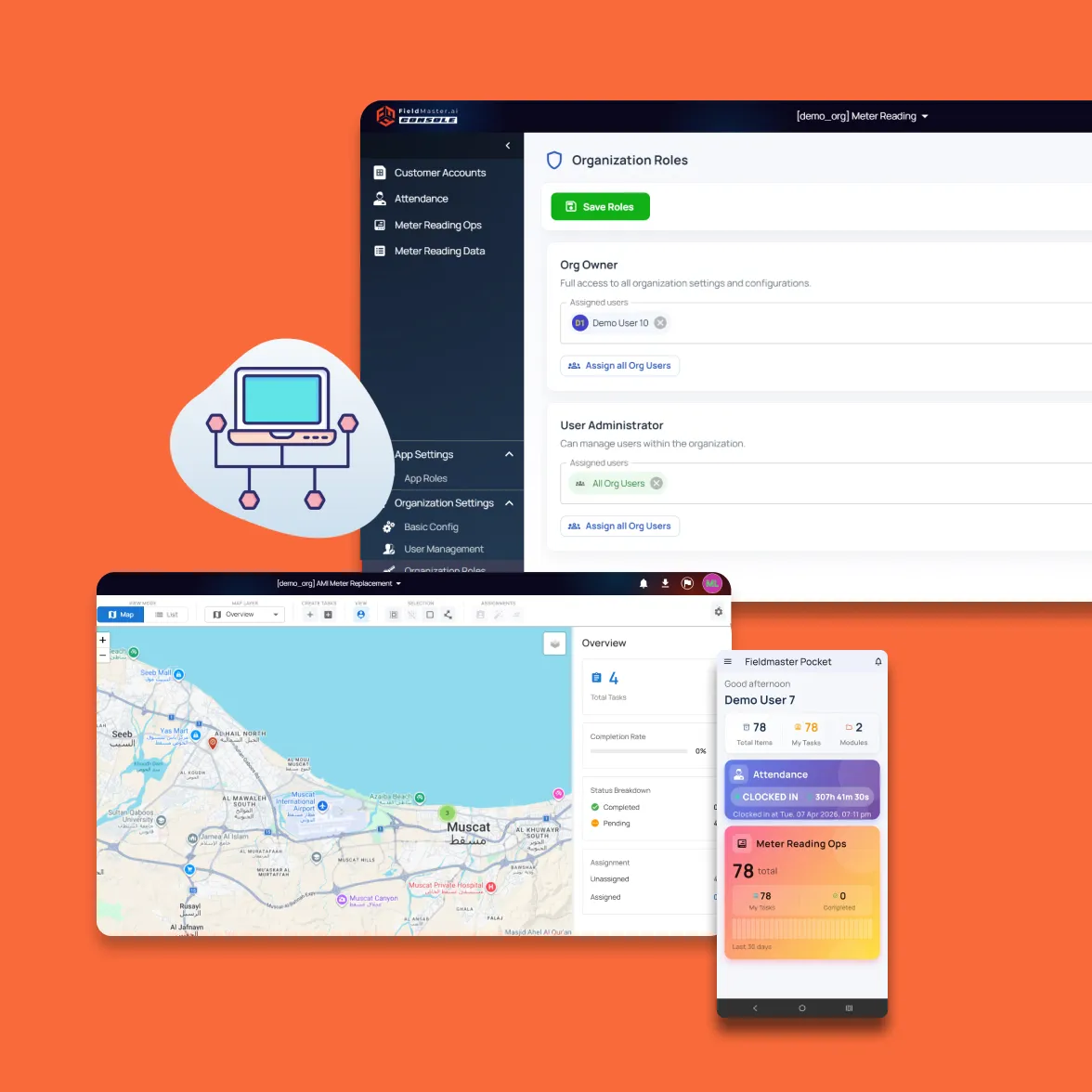
Tasks are matched to technicians by area, location, workload and task type, following rules you define. The platform can plan each technician’s route around working hours, customer time windows and daily capacity. Supervisors see at a glance who has capacity and who is overloaded, and can reassign work directly when plans change.
Integrations
Connected to Billing and Customer Systems
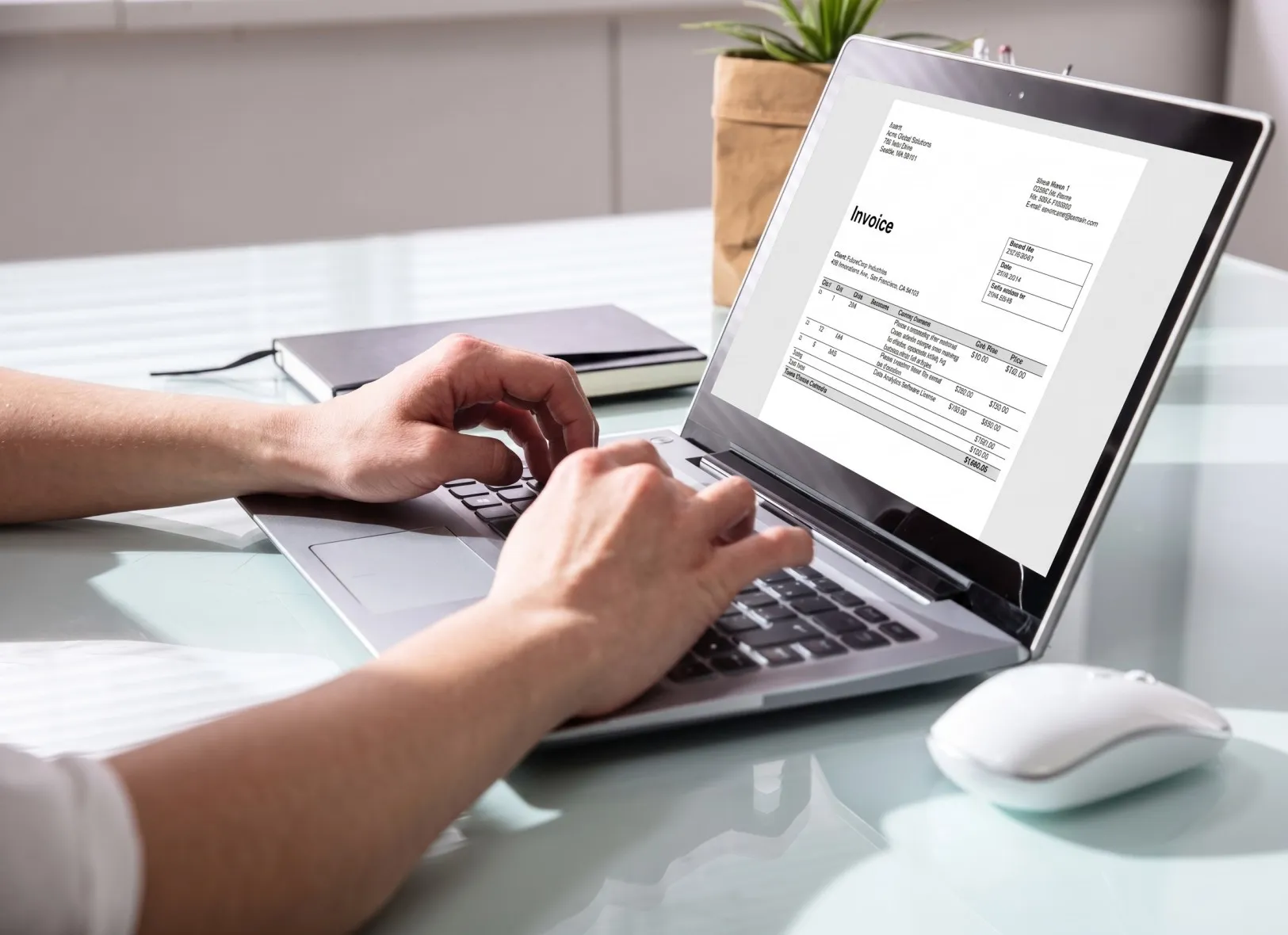
Task lists come in from Excel or your customer system, and every task list, chart and record can be exported to Excel. A direct connection to your billing, customer or asset system is set up on request, so completed swaps and readings flow back without re-typing.
AI
AI That Checks Every Swap and Reading
Every photo a technician takes is checked while they are still at the meter, so a bad record never needs a second visit. We switch on the checks that matter to your operation and tune them to your standards during the build.
Dial reading
Reads the dial from the photo, compares it with the value entered and flags readings that don’t fit the meter’s history.
Serial numbers matched
Reads the serial number on the old and new meter and checks both against the work order and the scanned barcode.
Installation quality
Checks the installation photo for a fitted seal, connected pipes and no visible leaks before the job can close.
Signs of tampering
Flags broken seals, bypass pipes and damaged meters in the photos, and raises a follow-up for the office.
Usable photos
Rejects a blurred, dark or distant photo on the spot, and one of the wrong meter, while the technician can still retake it.
Failed visits explained
The technician says why the visit failed, and AI picks the outcome code and checks the photo of the locked gate or blocked meter.
Features
More Features for Meter Programs
AI meter reading
The app reads digital, roller and dial meters from a photo, so readings aren’t typed by hand.
Consumption checks
A reading far above or below the customer’s usual consumption must be confirmed on site.
Meter stock tracking
Each meter is tracked by serial number from warehouse to technician to installation, and old meters back.
Success-rate dashboard
Completed and failed visits by technician, day and task type, with every chart exportable to Excel.
Commissioning proof
A screenshot from the utility’s own meter app is attached to each prepaid or smart meter swap.
Extra work records
Extra work found on site is described and photographed, ready for approval or invoicing.
Installation guides
Images and videos inside the task show technicians how to remove and fit each meter type.
Customer time windows
Visits are planned around when the customer is available.
Replacement approvals
Sensitive work can wait for supervisor sign-off before it starts.
Security and your data
Built for Operations Where Accountability Matters
How your data is protected, where it’s hosted, and how you take it with you.
Encrypted in transit and at rest
Field records, photos and documents are encrypted on their way from the device and while stored on our servers.
Choice of hosting location
Hosted in the US or the EU by default, on enterprise-grade servers. Other locations, for local data rules, are available at extra cost.
Automated backups
Backups run automatically across the whole system, so your data can be fully recovered after an emergency or a system failure.
Your data, yours to export
Your organization owns its data. Every module has an export to Excel, and photos and recordings are provided as download links on request.
Access managed by your admins
Your administrators add and remove people and decide what each role can see and do, down to a single site or unit, without a support ticket.
Complete audit trail
Every submission, edit and approval is time-stamped and attributed, with GPS-tagged photos, ready for audits and disputes.
FAQ
Questions About the Platform
Does the mobile app work offline?
Yes. Field teams can clock in, complete tasks, record inspections and capture photos with no connection. Everything is stored on the device and syncs to the dashboard as soon as it reconnects, so no work is lost.
Which languages does the app support?
The app supports more than 40 languages, including Arabic, Urdu, Hindi, Bengali, Malayalam, Tamil and Tagalog. It follows the language set on each worker’s device, so crews see instructions, checklists and tasks in the language they are most comfortable with. Voice notes can be recorded in any language, even mixing languages in one note. The words appear as the worker speaks, and they can read the English translation before submitting.
Can we build our own workflows?
Yes. Fieldmaster.ai is a low-code platform, and our team configures the forms, approval rules and task sequences to match your business rules. New workflows and changes are delivered in days, without a development project on your side.
Does it connect to our existing systems?
Yes. Fieldmaster.ai connects through open APIs, webhooks and Excel import and export, and can feed your reporting database. Our team builds the link to your ERP, billing or customer systems, so field data flows into the tools your office already uses.
What support do you provide?
Support comes straight from the people who built your app, in Muscat, Ajman and Cochin. During rollout we train your key users, who then train everyone else, and we stay close in the weeks after go-live.
After that, support is available by phone, email and chat, every request is tracked from report to verified fix, and changes to your app take days, not quarters.