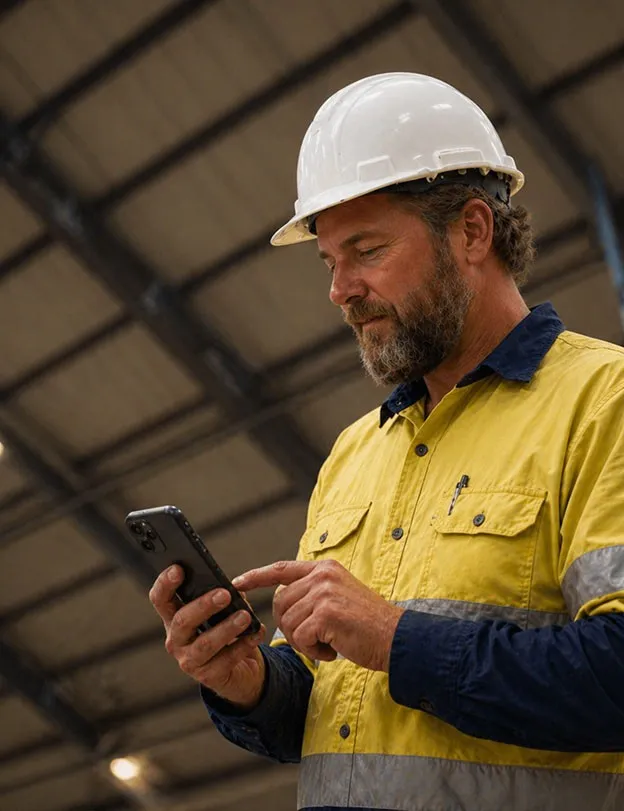
You can run a biometric attendance system without buying a machine. The worker’s own phone confirms who they are with a face check and records where they are with GPS, so you don’t need a fingerprint or face terminal at every site.
A terminal is still the right tool in some places. This guide compares the two, so you can choose before you buy hardware.
How a Terminal Works, and Where It Fits
A time attendance terminal is a device fixed to a wall at an entrance. Staff press a finger or show their face, the device matches them against the faces or fingerprints it has stored, and it records the time. The records go to attendance or payroll software.
It works well where everyone passes the same point: a factory gate, an office reception or a warehouse door. One device covers one entrance, and nobody has to carry anything.
What a Terminal Costs Beyond the Price Tag
The price of the device is only the start. Each terminal also needs:
- One device per entrance. Every site, gate and yard where people start work needs its own.
- Power and network. A socket and a connection at the gate, or a way to collect the records later.
- Mounting and protection. A wall to fix it to, and cover from sun, dust and rain on outdoor sites.
- Upkeep. Cleaning, repairs, firmware updates and someone to call when it stops reading fingers.
- Moving it. When a project ends or a contract moves to a new site, the device has to come down and go up again.
For a single office, that’s manageable. For a contractor with dozens of sites that change every year, the hardware becomes a project of its own.
Where Terminals Break Down
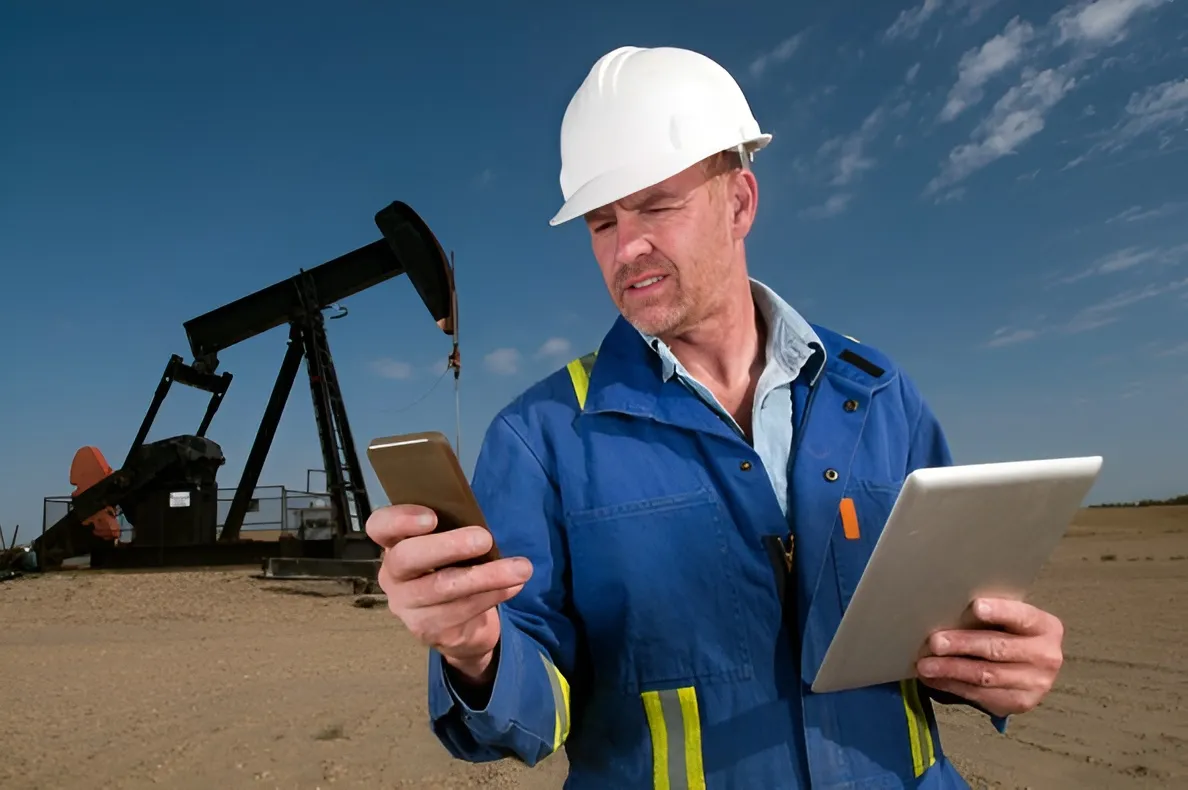
Field crews don’t pass a gate. They start at a substation, a pumping station, a roadside excavation or a client’s building. Some start at a different place every day.
When there is no device where the work starts, attendance falls back to what is at hand:
- A sheet signed by the supervisor
- A message in a group chat
- A call to the office
Buddy punching doesn’t go away, it moves to paper, where nobody can check it. Hours are argued over at the end of the month, and headcounts for a contract are reported from memory. Our post on how manual attendance compromises accuracy and trust covers what that costs.
How Face Recognition on the Phone Works
The phone the worker already carries becomes the attendance device. In Fieldmaster, a clock-in runs like this:
- Clock in. The worker opens the clock-in form in the Fieldmaster Pocket app at the start of the shift. A timer shows how long they have been on shift.
- Face check. The camera confirms it is the right person, with a blink and head-turn liveness test, so a photo of a colleague won’t pass. The check runs on the phone, so it works without signal.
- Location check. The GPS position is recorded and checked against the boundary of the worker’s site. Apps that fake the phone’s location are detected, and the clock-in is refused.
- Clock out. At the end of the shift the worker clocks out the same way.
Clock-ins made without signal are saved on the phone with the time they were made, and sync when the connection returns. The office sees clock-in and clock-out times by site, crew and day, and exports them to Excel.
It’s still biometric attendance: the person is identified by their face. The difference is that the check travels with the worker instead of waiting at a gate.
Phone or Terminal: Side by Side
- Where it works. A terminal works at the one place it is installed. The phone works at any site, inside the boundary set for it.
- Hardware. A terminal needs a device per entrance, with power, network and upkeep. The phone uses the Android phones and iPhones your workers already have.
- Who clocked in. A terminal reads a fingerprint or face at the device. The phone runs a face check with a liveness test.
- Proof of place. A terminal proves the worker was at the gate. The phone records a GPS position checked against the site boundary.
- Without signal. A terminal stores records until it is collected. The phone saves the clock-in and syncs it later.
- The rest of the shift. A terminal records attendance only. The phone app also holds the worker’s tasks, checks and reports.
When a Terminal Is Still the Right Choice
We’d rather you buy the right thing than buy from us. A terminal makes more sense when:
- Everyone starts and ends work at one fixed gate.
- Many of your staff don’t have a smartphone, and you don’t plan to give them one.
- You need the device to open a door or a turnstile as well as record the time.
Many companies use both: a terminal at the head office or the main yard, and phone attendance for the crews who never pass it.
Questions to Ask Before You Buy Either
- Where do your people actually start work? Count the sites, not the offices.
- How often do those sites change? A new contract can mean new locations every year.
- What happens with no signal? Ask whether records are kept on the device and synced later.
- How is a photo or a fake location stopped? Ask for a liveness test and fake GPS detection.
- Where do the records go? An Excel export, your HR or payroll system, or both.
- What else should the clock-in record? A vehicle check, the plate and odometer, or the crew working that shift.
How Fieldmaster Approaches It
Attendance is one of the building blocks of the Fieldmaster platform, so it sits in the same app as the work itself: maintenance jobs, inspections, deliveries, vehicle checks or safety reports. A supervisor sees who clocked in next to what each crew got done.
We set up your sites, boundaries, shifts and rules around your process. Drivers can complete their vehicle check as part of clock-in, and attendance can go to your HR or payroll system through a link we build for you. The app runs in more than 40 languages, including Arabic, Hindi, Urdu, Bangla and Tagalog. A typical app is live in 10 to 18 working days.
See the details on our field attendance page, look at how the platform fits together, or talk to us about your sites.