Inventory Management Software for Stores, Vehicles and Sites

Fieldmaster tracks your stock wherever it actually sits: in the central store, in a site store, in a technician’s van or with the person who signed for it. Goods are received against the purchase order, issued and transferred by barcode, and every movement records who, when and for which job.

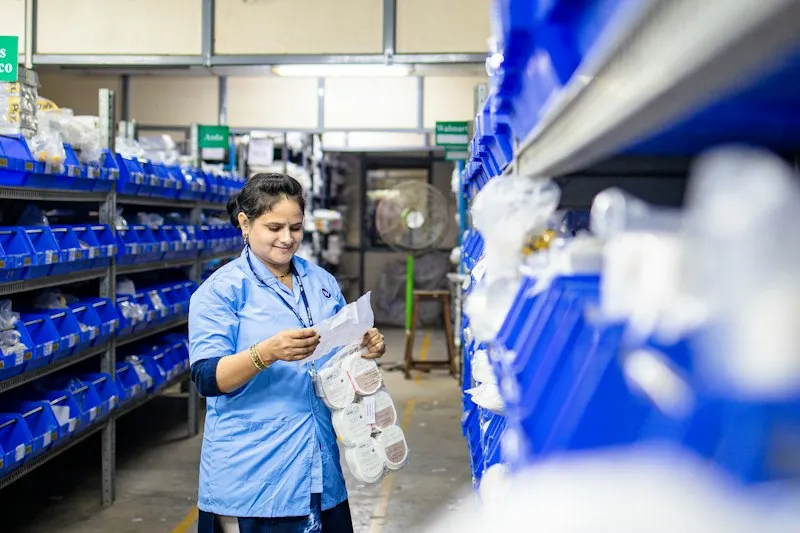
Two colleagues in a warehouse aisle checking stock on a tablet and a clipboard

The problem

Why Stock Disappears Between the Store and the Site

Many stores keep a ledger or a spreadsheet that is updated when someone has time. Material is issued against a phone call, taken to site in a pickup, and never comes back on the books. Serial-numbered items such as meters, tools and spares are tracked from memory.

By the end of the month the count doesn’t match, nobody can say which job used what, and parts are bought again while they sit in another store.

A storeroom worker in a blue uniform checking a paper list against stock on shelves of blue parts bins

How it works

Every Movement Recorded, From Receipt to Use

Stock changes only through a recorded movement, so the count is right at any moment, not just after a stock take.

  1. Receive

    Goods are received against the purchase order, counted, photographed and scanned. Quantities above the order are blocked.

  2. Store

    Stock posts to the right store as soon as the receipt is saved, by quantity or by serial number.

  3. Issue

    Items are issued to a person, a vehicle or a job, with a photo as proof.

  4. Transfer

    Stock moves between stores, vans and sites with a transfer record, so it is always in one known place.

  5. Return or write off

    Unused items come back to stock, and damaged ones are written off with a reason.

What you get

What Your Stores Team Gets

  • Barcode scanning on the phone

    Scan many items in one go, use the torch in dark stores, and type the code in if a label is damaged.

  • Serial numbers tracked

    Meters, tools and spares are followed one by one, from receipt to the person or site holding them.

  • Stock in stores, vans and with people

    See what each store, vehicle and person is holding, not only the central warehouse.

  • Approvals where you need them

    Issues and transfers can need a storekeeper’s or manager’s approval, set by your rules.

  • Proof of every part used

    Each issue shows which job, vehicle or work order the part went to, and when.

  • Item list from Excel

    Load your item list and opening stock from Excel, and update them in bulk.

  • Stock levels and movements

    Live stock by store, the history of every movement, and Excel export of any list.

  • Back-charging to projects

    Equipment issued to project sites can be charged back to each project every month.

Proof

Proven at Warehouse Scale

Numbers from an operator in the GCC that runs its purchasing and stores on Fieldmaster.

  • 85,000+

    SKUs under management

    Every item tracked across stores, from requisition to issue.

  • 500+

    Purchase orders a month

    Each one traceable from the first request to the final payment.

Part of Purchase & Material Management

Stores Connected to Purchasing

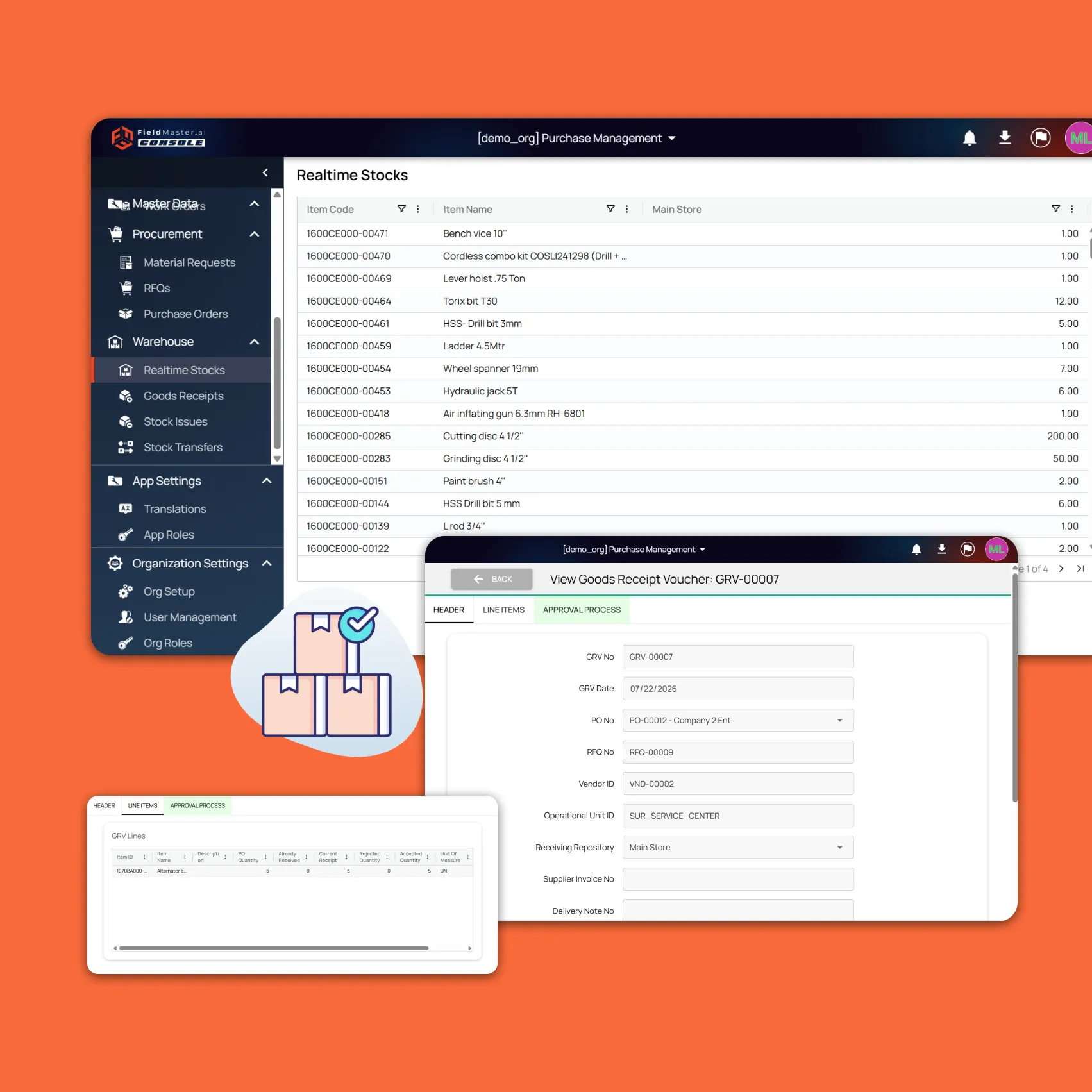
Stores is part of Fieldmaster Purchase & Material Management. Live stock by store shows while people request and order, so nobody buys what another store already holds, and every goods receipt is tied to its purchase order.

If you only need the stores side, we can build that on its own, around your stores, item codes and approval rules.

Fieldmaster.ai screen showing a goods receipt voucher linked to a purchase order, next to real-time stock levels

FAQ

Inventory Management Questions

What is inventory management software?

Software that keeps a running record of the stock you hold, where it is and how it moved: receipts, issues, transfers, returns and write-offs. For contractors and field teams the hard part is stock that leaves the store, so Fieldmaster tracks it in vehicles, at sites and with people too.

Is it for shops and online stores?

No. It is built for operations that use their own stock: contractors, utilities, maintenance teams and workshops. If you sell online or run tills, a retail inventory product will suit you better.

Can it track serial-numbered items?

Yes. Items can be tracked by quantity or by serial number. Serial-numbered items, such as meters or tools, are scanned at every receipt, issue and transfer, so you can see who holds each one.

Does it work in a store with no signal?

Yes. Receipts, issues and scans are saved on the phone and sync when the connection returns.

Can it work with our ERP?

Yes. Many teams keep their ERP for finance and use Fieldmaster for the store and site work. Item lists load from Excel, any list exports to Excel, and a direct link to your ERP can be built as part of your app.