
Utility Revenue ProtectionHow it works
Seven Steps From Overdue Account to Settled Account
Each overdue account moves through notice, disconnection, reconnection and follow-up by your rules, and the balance is checked again before every step.
Step 1
Set Your Rules Once
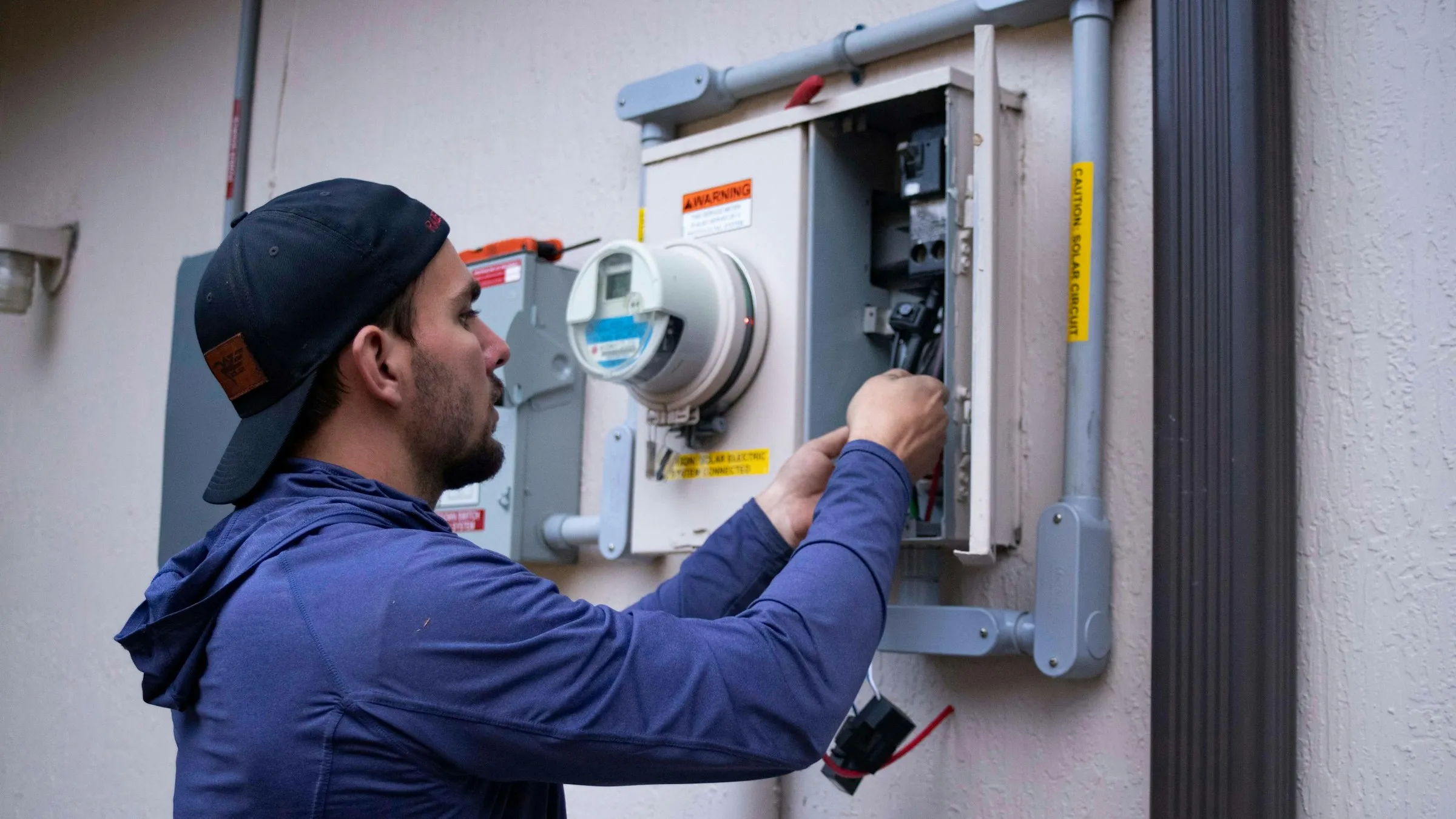
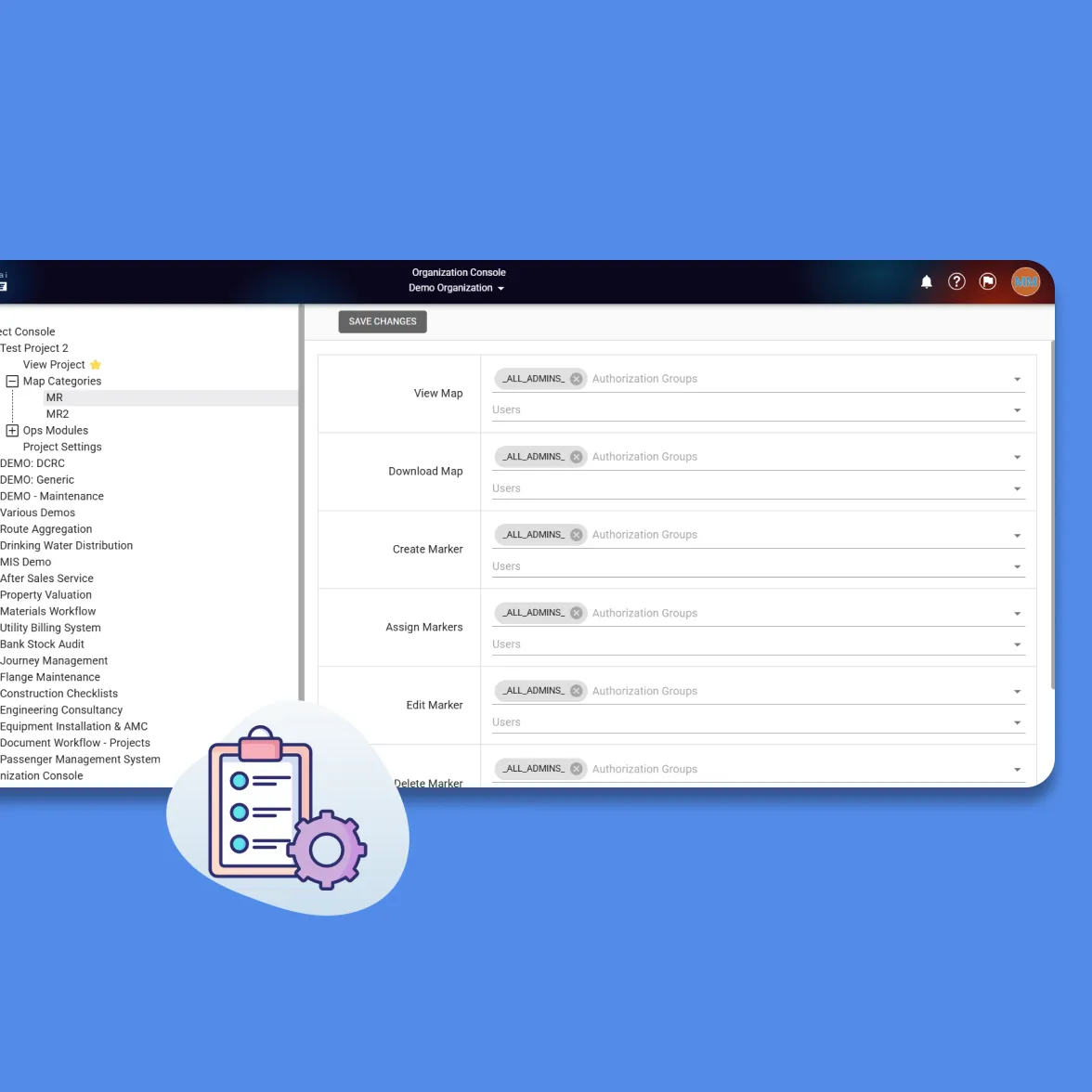
We set up your task types for electricity and water: notice, disconnection at the fuse, feeder or pole, reconnection and site visit. Then your rules: how long to wait after a notice, how much must be paid to stop a disconnection, which accounts are always protected, and the wording of each SMS.
The same rules apply to every account and every crew, and they can be changed when your contract or the utility’s policy changes.
Step 2
Load the Overdue Accounts
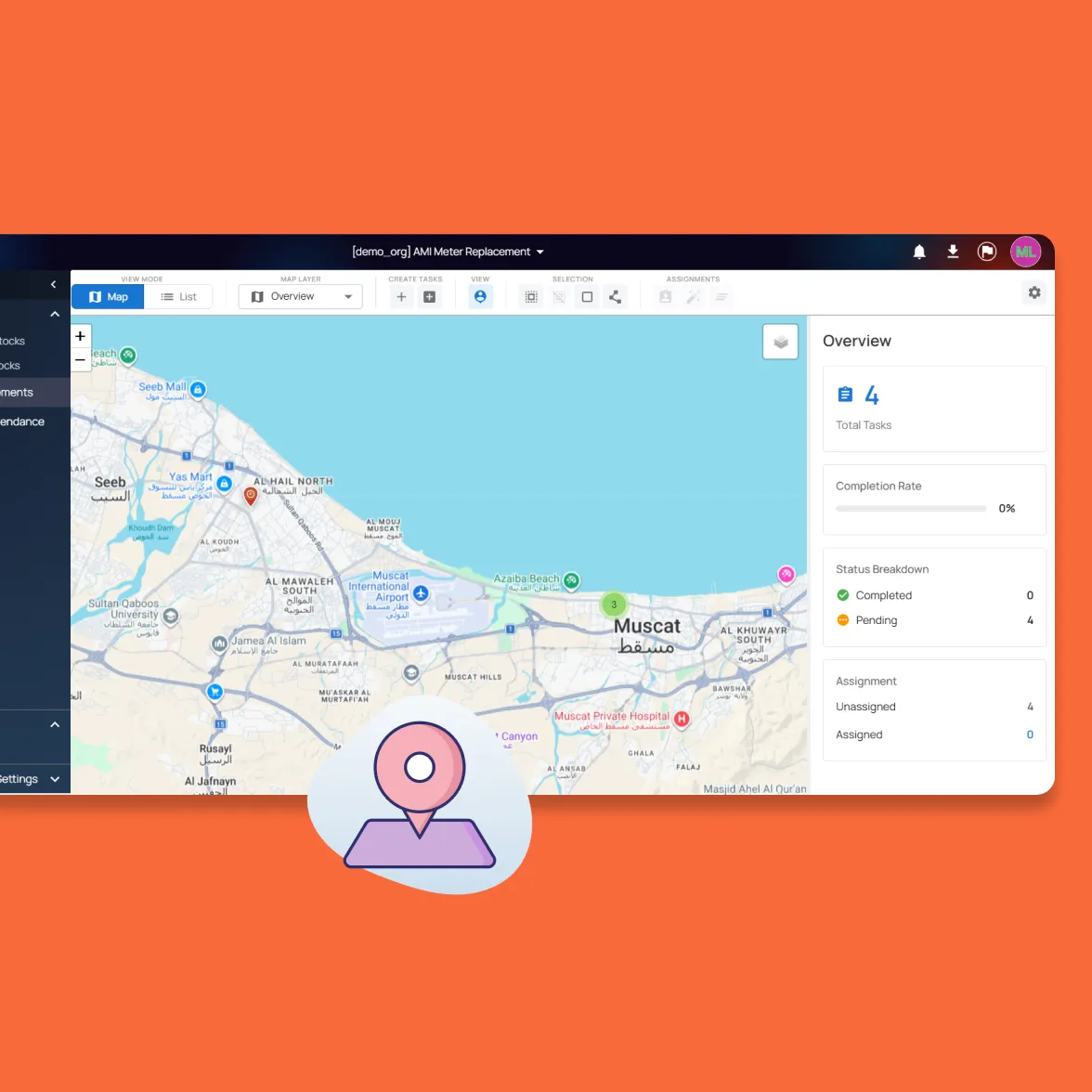
Overdue accounts come in from your billing system or an Excel list. Each one is sorted by your rules into notice, disconnection, waiting or protected, and placed on the map from the customer record. An account that is already in the cycle, on an installment plan or with the call centre is not added twice.
Disconnection tasks are ranked by the amount owed, so crews reach the largest balances first.

Step 3
Assign Crews by Area and Amount
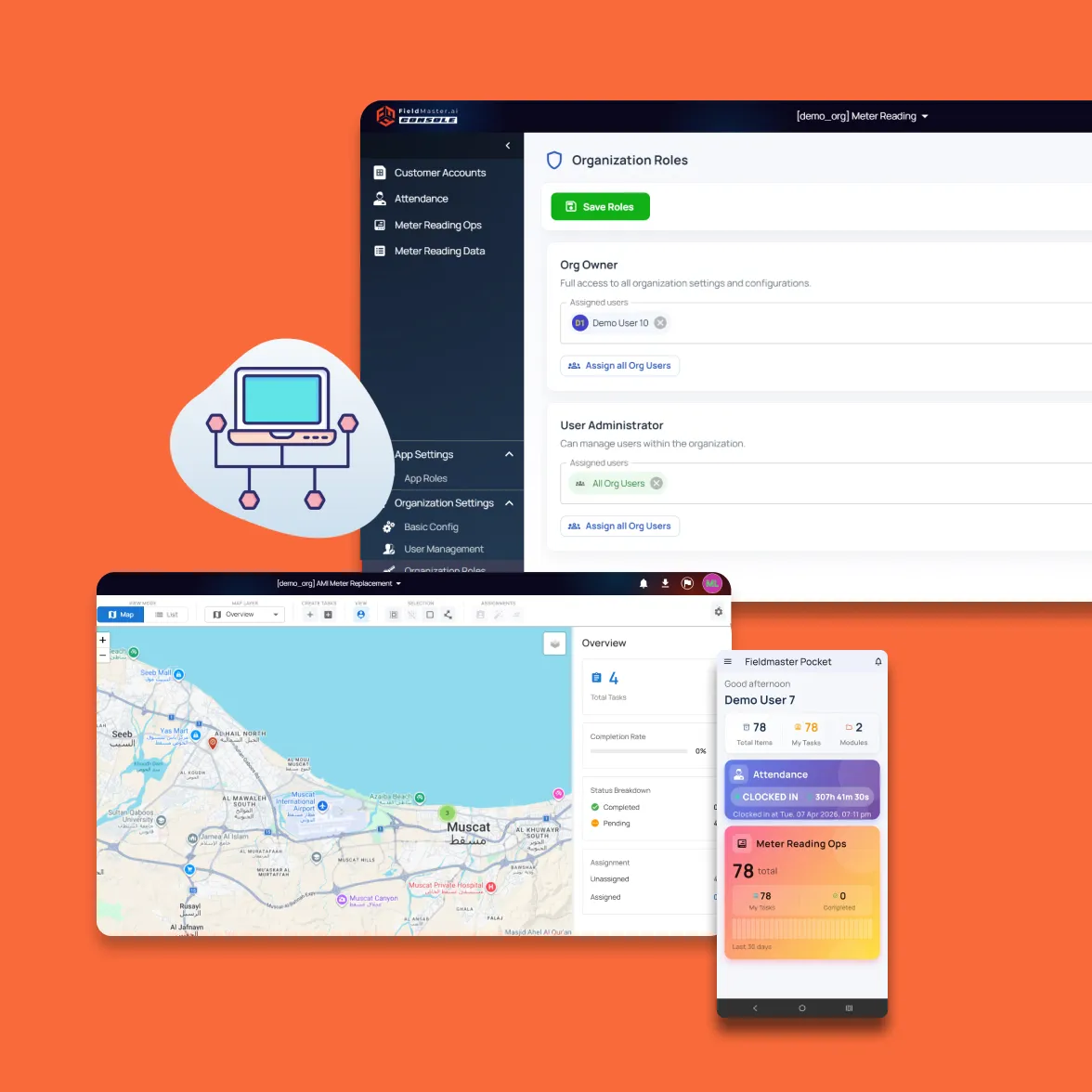
Supervisors assign tasks by area code, account type and amount band, or give each crew the highest balances in its area up to a daily number. Crews clock in with their vehicle and odometer reading, and their tasks for the day appear on the phone with a map.
Step 4
Deliver the Notice, Then Check the Balance
The crew delivers the notice and records it with a GPS-stamped photo. The customer gets an SMS in Arabic or English, and a balance check is scheduled for the end of your waiting period, for example ten days later.
On that day the balance is read from your billing system. If enough has been paid, the account drops out. If not, a disconnection task is raised.
Step 5
Disconnect, With a Last Check at the Door
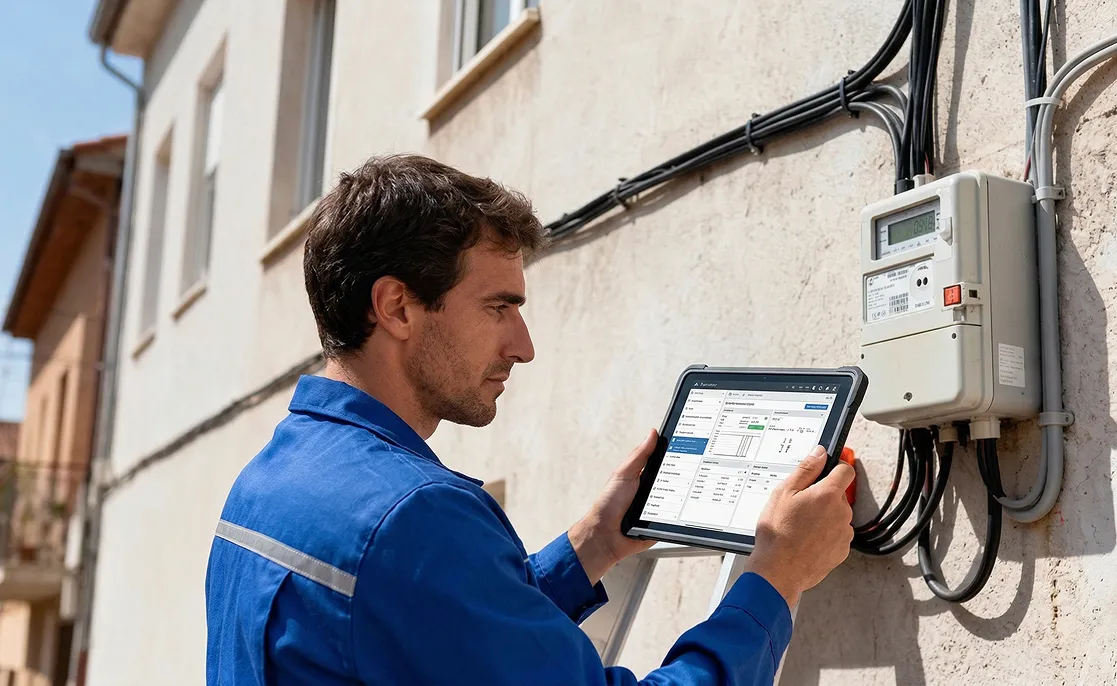
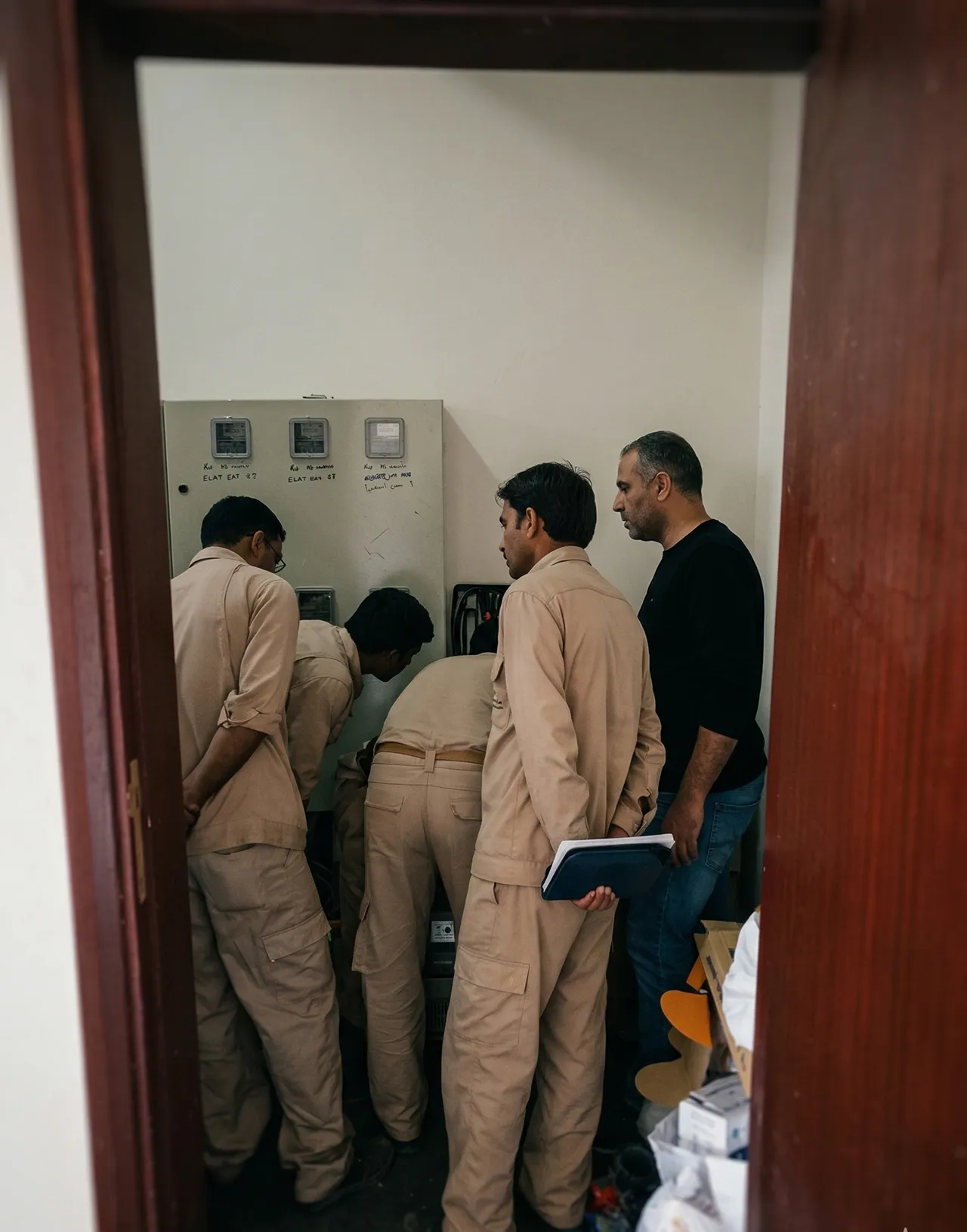
Before acting, the crew’s form checks the balance again and shows paid or unpaid. A disconnection is recorded with before and after photos and the method used. If it can’t be done at the meter, the crew records why, and a pole disconnection can be raised automatically.
Every night, unvisited tasks are withdrawn for accounts that have paid enough, and the office gets a list of what was removed.
Step 6
Reconnect Inside Your SLA
When the customer pays, a reconnection request comes from your billing system, the counter, the call centre or an email. The task goes to the crew that disconnected the supply or to the nearest crew on shift, and the crew gets an SMS.
A countdown runs against your time limit. The crew sees the minutes remaining, supervisors get a list of open reconnections, and a task still open when a crew clocks out moves to one that is on shift.
Step 7
Follow Up Until the Account Is Settled
A site visit is scheduled after every disconnection that stays unpaid. If the supply has been reconnected illegally, the crew records it with photos and the account moves to a pole disconnection. Accounts that stay unpaid after the last visit go onto a legal-case list.
Along the way, your team can call the customer before a crew is sent, or agree an installment plan that keeps the account out of the cycle for as long as the installments are paid.

Rollout
Live in 10 to 18 Working Days
A typical app is live in 10 to 18 working days. Work can start from Excel lists while the connection to your billing system is being built.
Rules and task types
Your task types, waiting periods, payment thresholds, protected categories and SMS wording are set up.
Areas, crews and lists
Area codes, crews and customer records are loaded, with your first overdue list.
Billing connection
Our team builds the link to your billing system with the access your IT team provides.
Training and go-live
Supervisors and crews are trained on their own phones with real accounts.
FAQ
Questions About the Workflow
What happens if a customer pays after the list has gone out?
Unvisited tasks are withdrawn every night for accounts that have paid enough, and the crew’s form checks the balance again at the door. In both cases the crew doesn’t disconnect, and the visit is recorded as paid.
What if the crew can’t disconnect at the meter?
They choose a reason, such as door locked or access refused, and take a GPS-stamped photo. Depending on your rules, a disconnection at the pole is raised automatically for a crew equipped for it.
How are reconnection requests raised?
From your billing system when payment is recorded, from an office screen where staff enter one or many accounts, from a customer-service form, or from an email sent to a monitored address. The account’s details are filled in from the disconnection record, and a request for an account that already has one is rejected.
Who can approve a reconnection when only part of the debt is paid?
You decide. Reconnecting below your payment threshold, or at the pole, can be limited to named groups of staff, and the remark they enter is kept on the record.
How are protected accounts handled?
Three ways. A list of accounts that are never disconnected, a hold on one account until a date and a target balance, and legal protection entered through a form. Protected accounts are left out when tasks are created and removed if they were already assigned.
What do crews need on site?
A phone with the Fieldmaster Pocket app, on Android or iOS. Visits can be recorded without signal and sync when the connection returns. The live balance check needs a connection.