A permit to work (PTW) system is a formal process for controlling high-risk jobs. Before the work starts, a named person describes the job and its hazards, others check the precautions, and the permit is issued only when it is safe to begin. Nothing is meant to start without a permit.
It is a safety process, not a piece of software. A paper book, a spreadsheet or an electronic permit to work (e-PTW) system can all run it. What matters is that every step is done and signed by the right person.
Which Jobs Need a Permit
Permits are used for work where an ordinary procedure is not enough to keep people safe. Common examples:
- Hot work such as welding and cutting
- Work at height
- Confined space entry
- Excavation
- Electrical work and isolations
- Lifting operations
The exact list is set by each company and its client.
How a Permit Moves From Request to Close-Out
Most systems follow the same path, and each stage is signed before the next one starts:
- Application. The requester describes the job, where it is, who is in the crew and the hazards and precautions.
- HSE review. An HSE officer reviews the hazards and approves the permit or sends it back.
- Area authority sign-off. The person responsible for the area confirms isolations and checks for clashes with other work nearby.
- Issue. The permit is issued to the crew, and the crew checks the conditions before starting.
- Work in progress. Conditions are reconfirmed each shift for as long as the work lasts.
- Close-out. The job is signed off as finished and the area is handed back.
Who Is Involved
- Requester. Applies for the permit and leads the crew.
- HSE officer. Reviews the hazards and the precautions.
- Area authority. Owns the area and confirms isolations and simultaneous operations.
- Issuing authority. Issues the permit and keeps it under control.
Titles differ between companies. The principle is the same: nobody approves their own work.
Where Paper Permits Break Down
- The permit is filled in at the site office, signed by whoever is available, and sometimes ticked before anyone has looked at the job.
- Gas tests and isolations are written down, but nothing shows when or where they were done.
- Crew protective equipment is assumed, not checked.
- Reconfirmation each shift is skipped when the shift is busy.
- Nobody can see which permits are live at a given moment, or whether two jobs clash.
- After an incident, the paper trail does not show who signed what and when.
What Electronic Permit to Work Software Adds
- Permits fill themselves. The requester describes the job by voice, in their own language, and the permit type, location, precautions and checklist are drafted for them.
- Checks are done on site. Photos, checks and signatures carry the place, date and time and the person who made them.
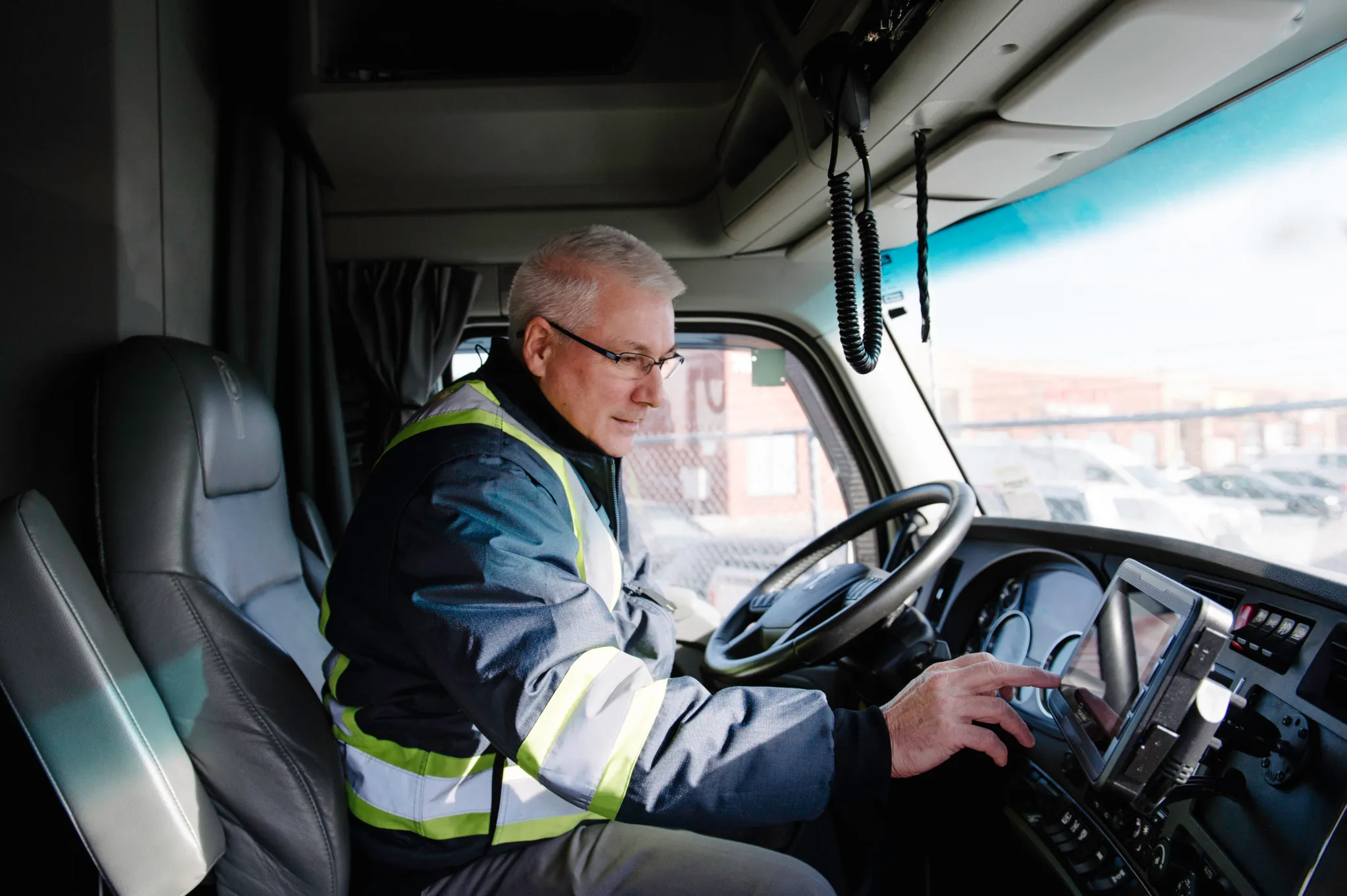
- Protective equipment is checked. A photo of the crew can be checked for helmets, hi-vis, boots and glasses, and the permit blocked if someone fails.
- Each step is signed by a named person. Nothing moves to the next stage without it.
- Live permits are visible. Everyone sees which permits are open, next to inspections and open actions.
- The audit trail is complete. The whole history of a permit stays on record.
How to Get Started
- Start with one permit type that is used often, such as hot work.
- Mirror your current approval stages in the electronic permit, so the process does not change on day one.
- Run the new permits next to paper ones for a short pilot on one site.
- Add the other permit types and sites once the stages are routine.
How Fieldmaster Approaches It
Fieldmaster builds the permit app around your permit types, checklists and sign-off stages. It runs from application to close-out on the phone and the web, with a spoken application, a crew photo check for protective equipment and a signature from a named person at every stage. Permits sit in the same app as observation cards, inspections, incidents and corrective actions.
See the details on our permit to work page, how it fits HSE management, or talk to us about your sites.