

How it works
The Six-Step Purchasing and Material Workflow
From the first request on the workshop floor to the part fitted on a vehicle, every action is logged, approved and visible, so purchasing no longer depends on scattered emails.
Step 1
Field Teams Raise Material Requests
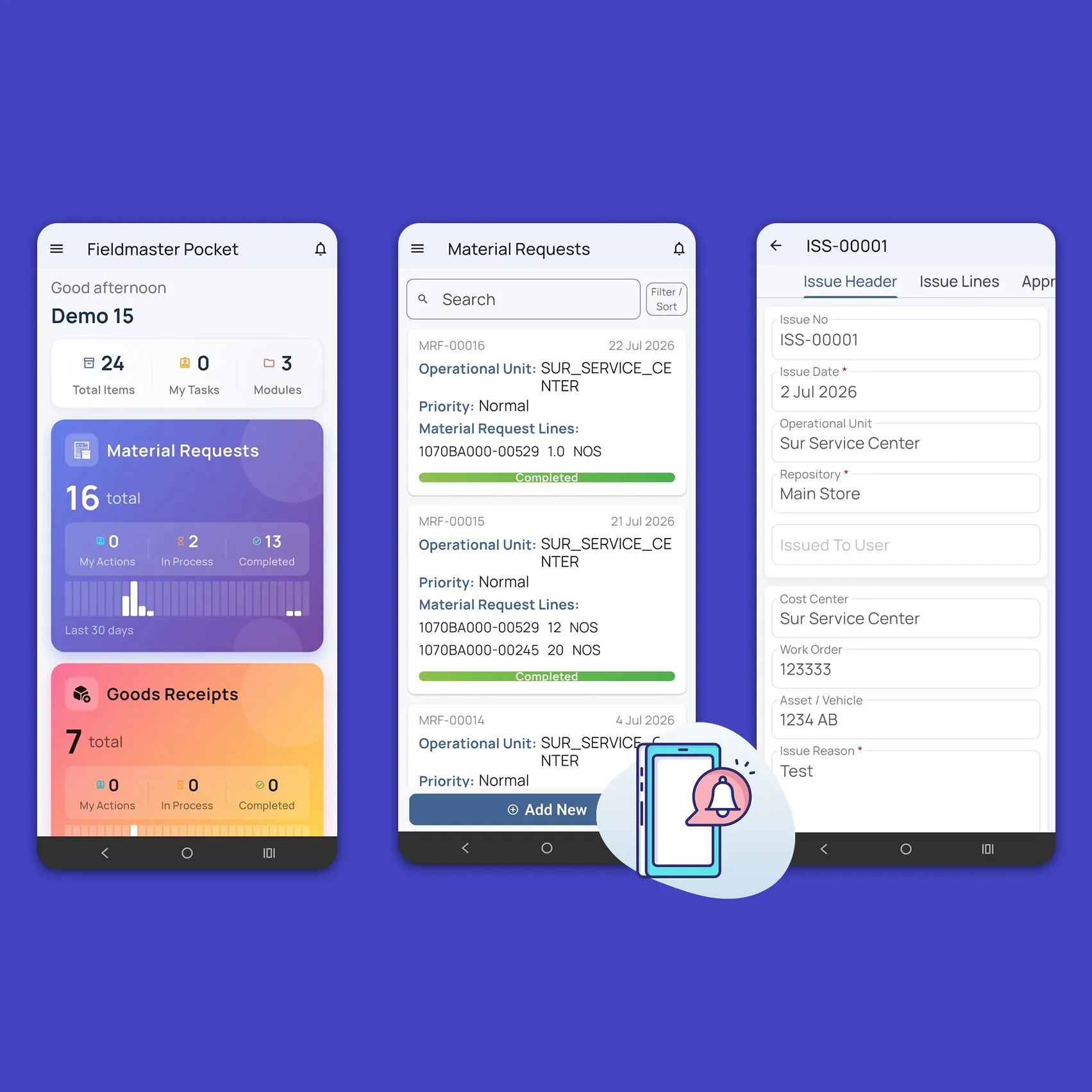
The Material Request Form goes straight to the people who need the parts. Mechanics raise requests from the app, even when they don’t know the exact item code: they pick a catalog item, describe the part, snap a photo of it or record a voice note in their own language. The voice note is transcribed, translated into English and turned into request lines automatically.
Each request carries a priority (Normal, Urgent or Breakdown) and the vehicle or work order it is for, and shows live stock for each item across your stores. It then goes to the workshop manager for approval.
Step 2
Purchase Managers Code Requests and Invite Bids
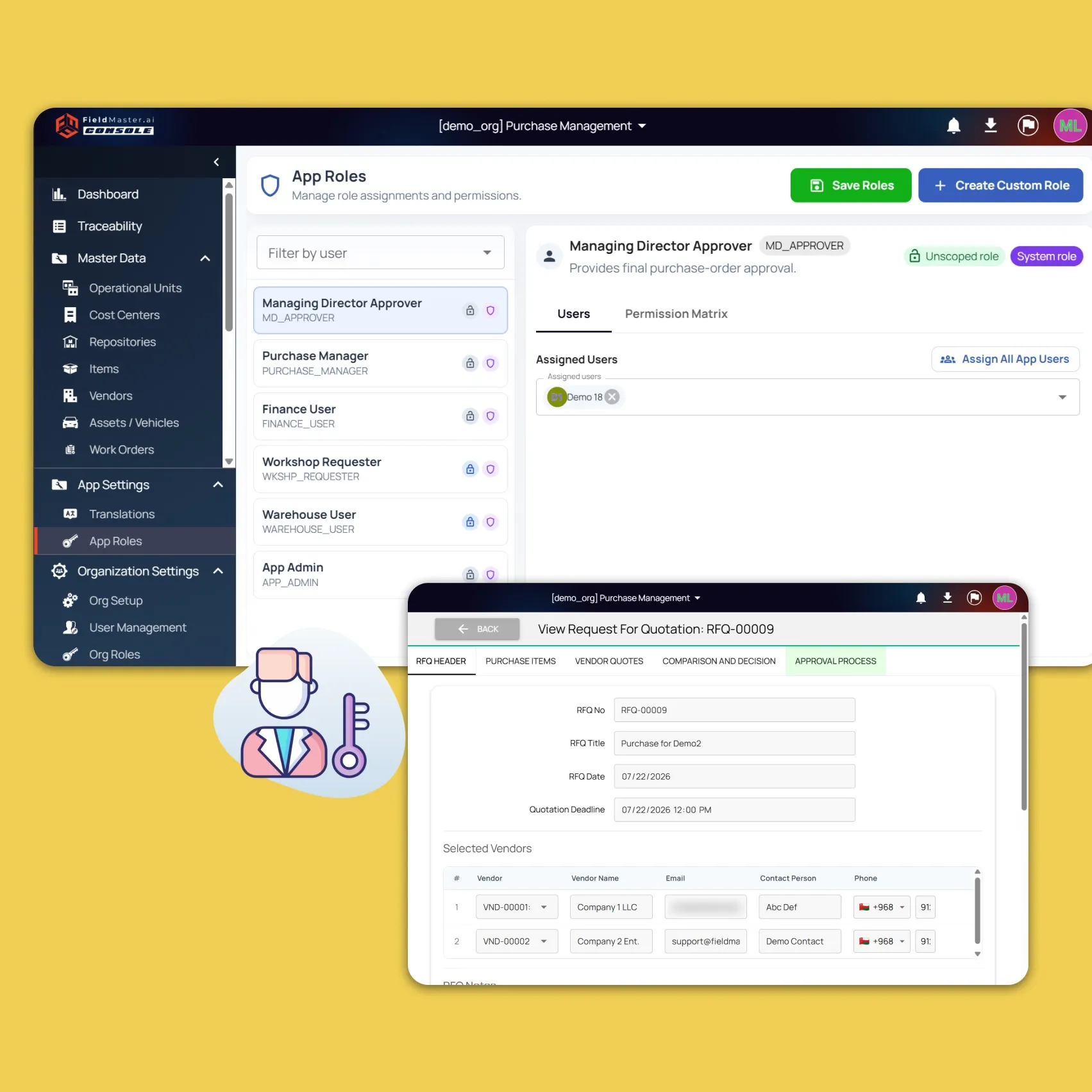
Purchase managers see approved requests from the workshops they cover and identify the exact item for each line. Approved lines join one pool of open demand, so requests from different workshops can go into a single Request for Quotation (RFQ) or purchase order, and no line can be ordered twice. Before buying, they see how much of each item is already in stock in every store.
Selected vendors receive a secure link by email and submit unit prices, available quantities, delivery times and attachments without creating an account.
Step 3
Quotes Are Compared, Approved and Ordered
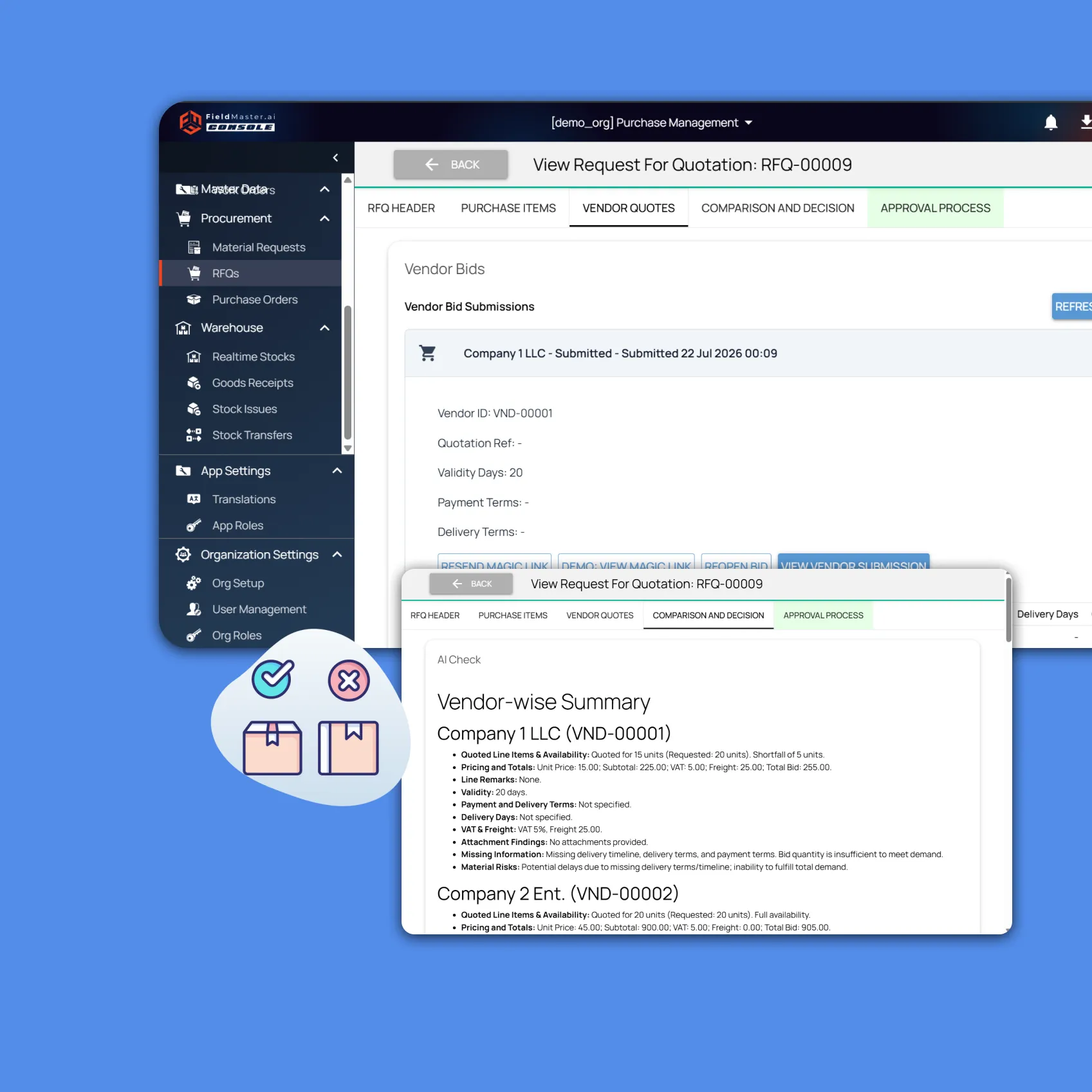
When bidding closes, AI Check reads every quote and attachment, summarizes each vendor’s offer, flags missing information and recommends a supplier for each line. Managers compare the quotes line by line, choose a supplier for each item and sign the decision. One purchase order is created for each chosen supplier.
Each order then moves through your approval chain, for example workshop manager, project director, finance and GM, set by purchase type, site or order value. Approved orders become signed PDF purchase orders. If an order changes after approval, the changes are listed against the original and the order goes back through the chain.
Step 4
Deliveries Are Received Against the Order
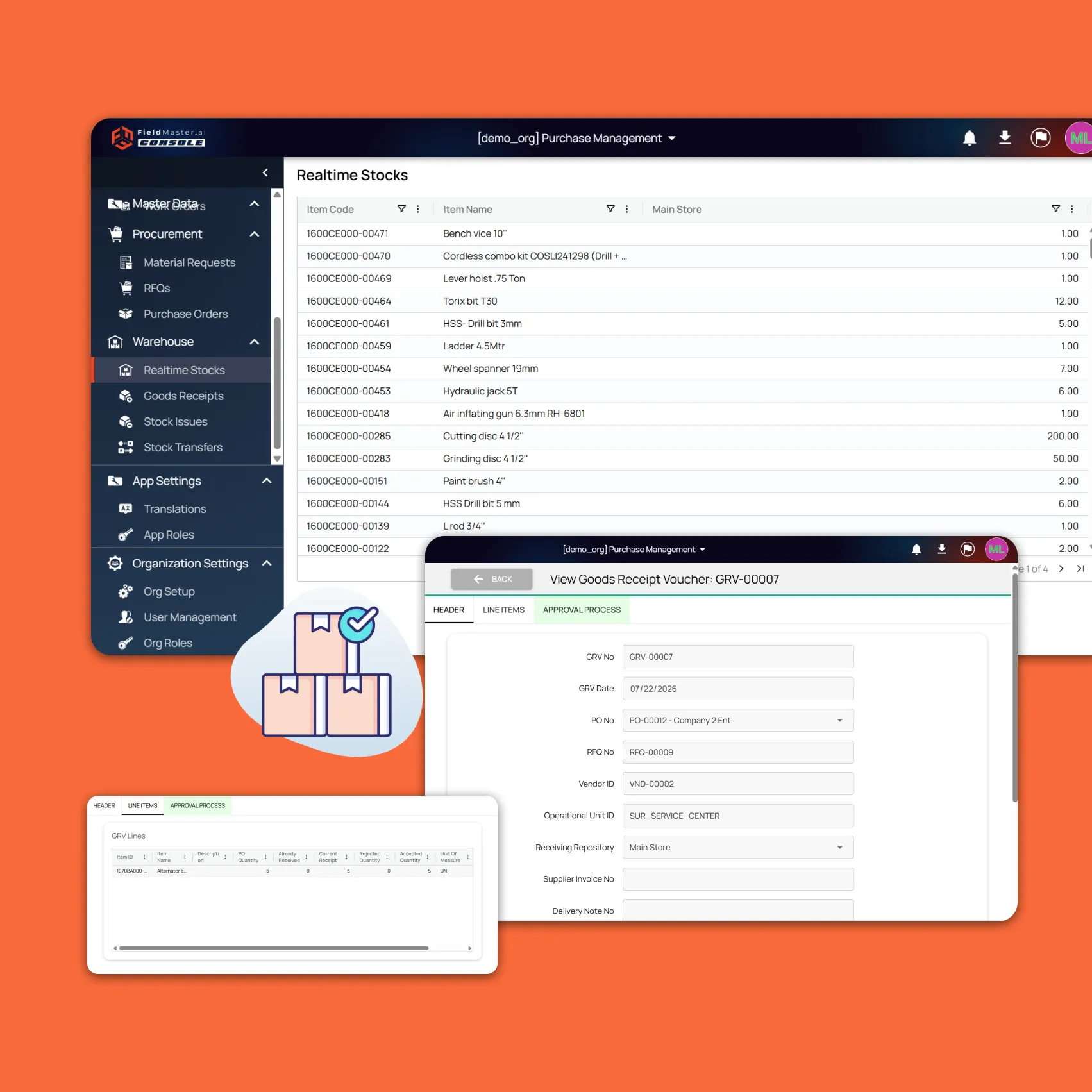
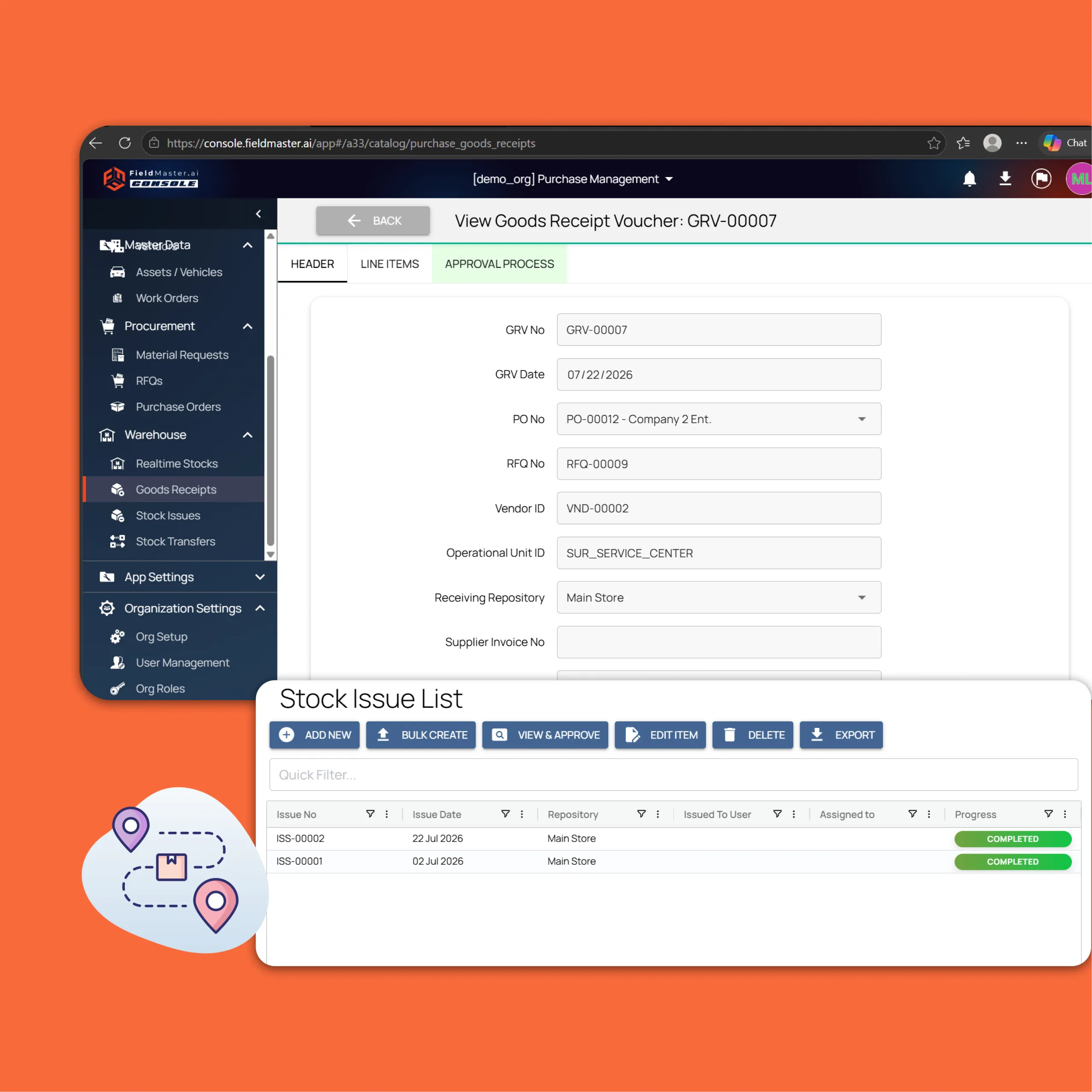
When a delivery arrives, warehouse staff open a goods receipt against the purchase order and photograph the delivery note. The delivery note number is read from the photo automatically, and photos of the goods can be added. Staff record what arrived and what was rejected. Partial deliveries are supported, but accepted quantities above what was ordered are blocked.
Stock is posted to the receiving store straight away, and finance records part or full payments against the received order.
Step 5
Parts Are Issued to Work Orders With Proof
When a part is needed in the workshop, staff issue it against the specific vehicle work order, scanning its barcode to fill in the details. Timestamped, geo-tagged photos before and after the job can be required as proof, and the inventory count updates instantly. Parts move between stores with a stock transfer, and expensive parts can require management sign-off before they are issued or transferred.
Step 6
Management Tracks Every Stage Live
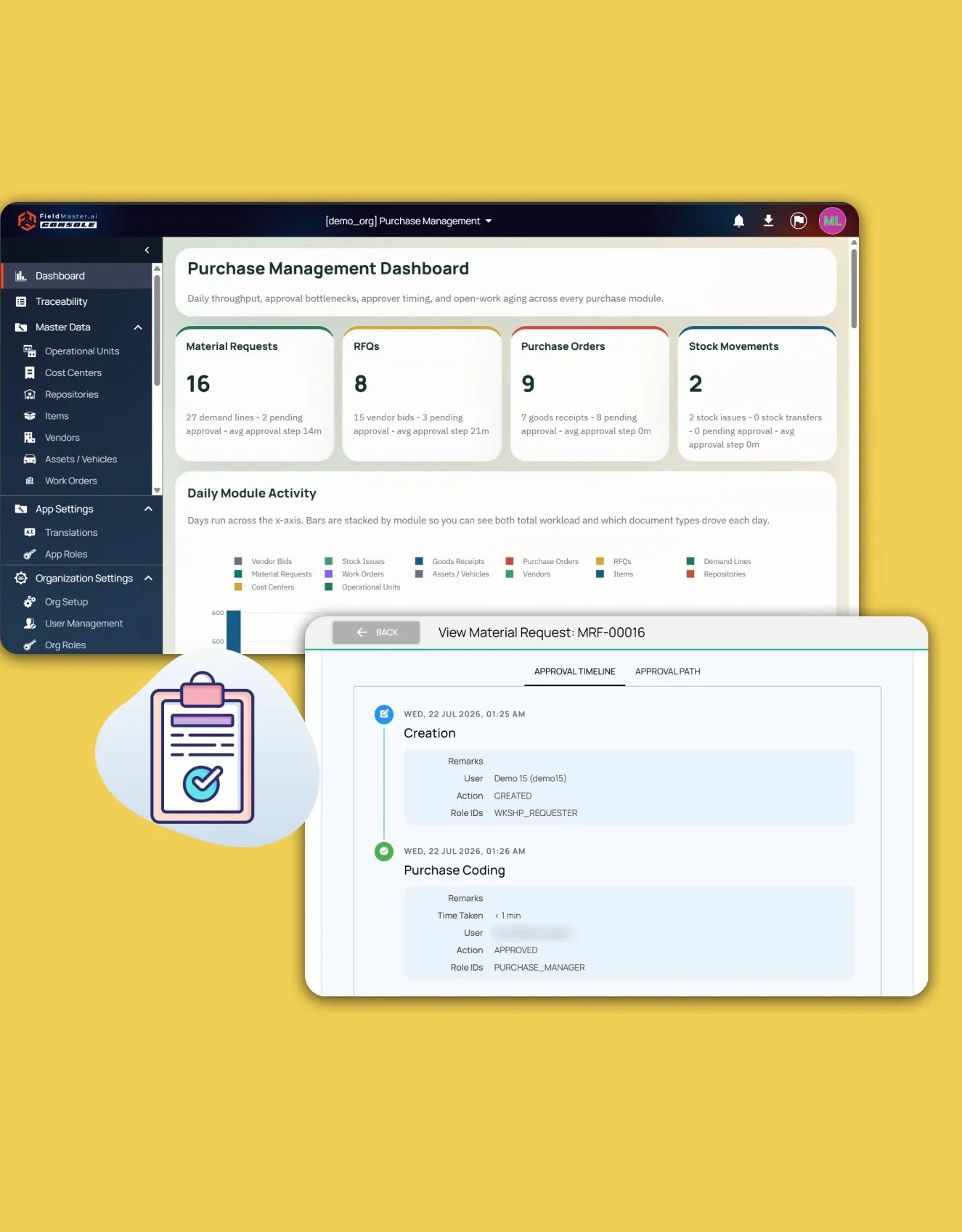
Dashboards show how many hours or days each document has spent at every approval stage and with each approver, so delays are visible as soon as they start. Anything pending for more than 24 hours is emailed to the people responsible. Any request can be traced from the original workshop demand through the RFQ and purchase order to the goods receipt and stock issue.
Rollout
From Kickoff to Go-Live in Weeks
Most operations go live within four to six weeks, depending on the size of your item catalog and how quickly teams are available for training.
Structure and data import
Operational units, cost centers and stores are set up, and your existing item, vendor and asset lists are imported.
Roles and approval rules
Access scopes, roles and approval paths are configured to match your financial limits.
Pilot site
Workshop, warehouse and purchasing staff are trained, and one site goes live first.
Full rollout
The remaining workshops and stores follow, with support on hand as teams settle in.
FAQ
Questions About the Workflow
What if a mechanic doesn’t know the item code?
They don’t need to. Mechanics describe the part, add a photo or record a voice note, and submit the request. The purchase manager is notified, identifies the correct item and finalizes the request, so the mechanic never has to leave the workshop floor.
Can high-value purchases require senior approval?
Yes. Approval chains are set up for your organization and can depend on purchase type, site or order value, so large orders go to directors or the GM for a digital signature before a purchase order is issued. You can also require management sign-off before expensive parts are issued from stock or transferred between stores.
Does the warehouse support partial deliveries?
Yes. Staff record what actually arrived against the purchase order, including anything rejected, and the rest stays open for later deliveries. The system blocks any accepted quantity above what was ordered, so over-deliveries never reach your stock count or your payments.
What happens if an approved purchase order needs to change?
The purchase controller starts an amendment and gives a reason. Changed prices and quantities are shown next to the original values, and the order is approved again before goods are received.
How much training do workshop and warehouse staff need?
Very little. Each user only sees the data and tasks for their role and site, the app is available in more than 40 languages, such as Arabic, Urdu, Hindi and Malayalam, and requests can be made by voice or photo. Supervisors and managers get guided onboarding during rollout.