.png)
.png)
How Meter Service Tasks Move From Request to Verified Completion
Watch meter service tasks move through Fieldmaster with complete documentation at every step. Follow how complaints, inspections, replacements, and technical activities move through Fieldmaster from the operations desk to the technician and back into the system with complete documentation.
Define your meter service workflows before the first task
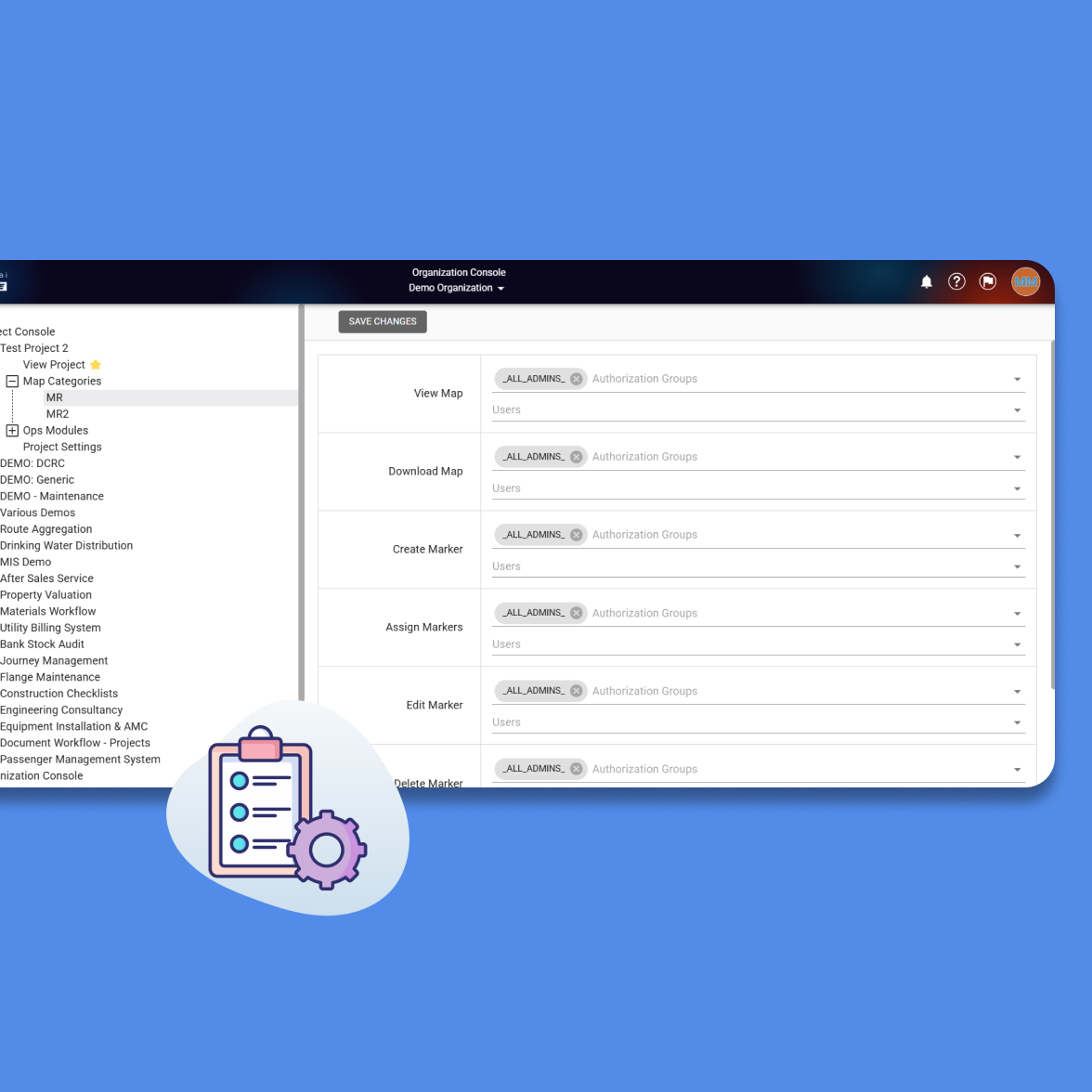
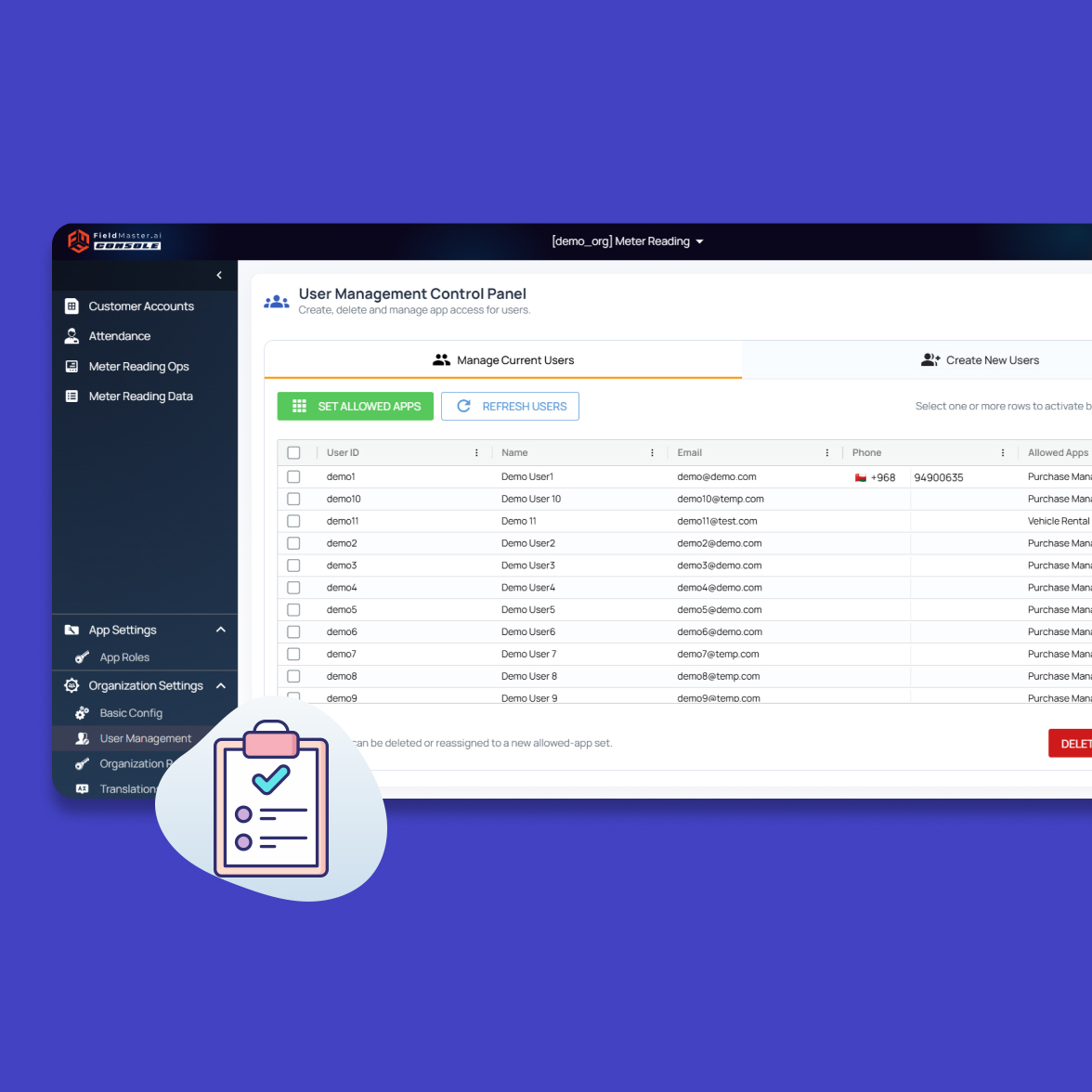
Meter operations demand precision from the start. Fieldmaster lets you establish service categories, task types, and approval workflows once then the system enforces them consistently across every technician and every job. Whether handling complaints, scheduling inspections, authorizing replacements, or managing technical visits, your operations teams configure the rules that keep work moving cleanly from desk to field.
Meter complaints and service tasks logged instantly
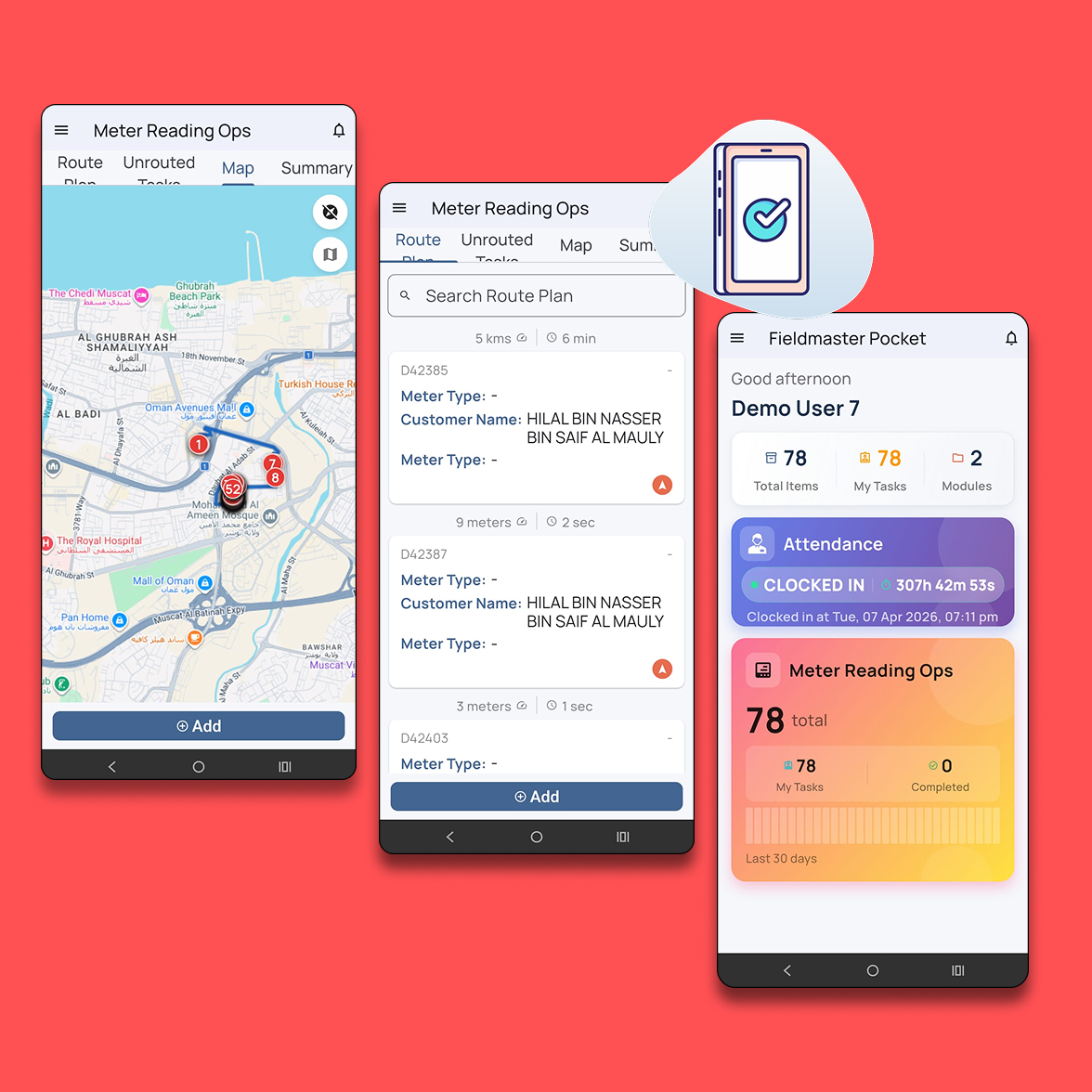
When a customer reports an issue or a service activity is scheduled, operations teams create a task directly in the system. The platform retrieves meter details automatically and creates the service task.
Account number
Service activity
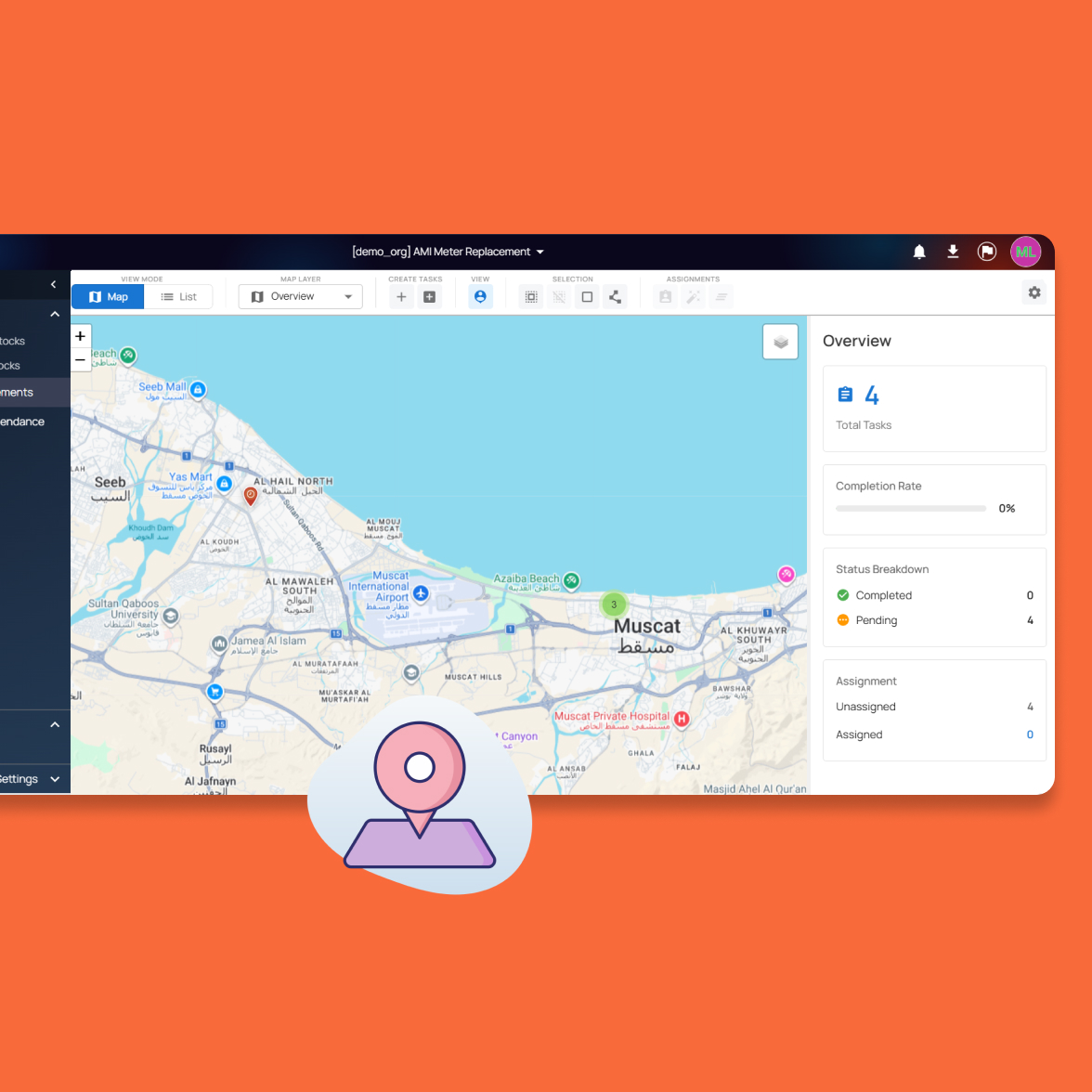
Map-based task generation
.jpg)
.jpg)
Supervisors assign tasks and approve meter replacements
Once a task is created, supervisors route it to the right technician or service team. Meter replacements and other sensitive work require approval before the technician moves forward, ensuring proper authorization every time.
Task routing to field teams
Replacement approval workflows
Instant mobile task notifications
Technicians perform the work and record evidence on site
Technicians open their assigned task on the mobile app when they arrive at the location. The application shows meter details, service activity, and any instructions needed for the job.
.jpg)
.jpg)
Inspection records and reports generated automatically
After the technician completes the service activity, the system records the final task status. For inspections and new connections, the system generates post-inspection reports as downloadable PDFs with meter details, technician notes, and supporting photos.
Automated report generation
Compliance documentation storage
Audit-ready visit records
Every meter task ends
with verified record
Before closing the task, the technician completes required documentation directly from the mobile device. Operations teams see completion updates in real time without waiting for end-of-day reports.
.jpg)
Monitor meter service activity across teams and regions
As meter-related tasks move through the system, operations teams can track their progress through a centralized dashboard.
Every service request whether it is a customer complaint, inspection visit, meter replacement, anti-theft investigation, or water technical department task is recorded and visible to supervisors and administrators.
Supervisors can view task distribution across technician teams and identify which activities are currently in progress, pending approval, or awaiting completion.
This centralized visibility helps operations teams stay aware of service activity across multiple regions without relying on manual coordination or separate tracking tools.
.jpg)
Operational reports are available instantly
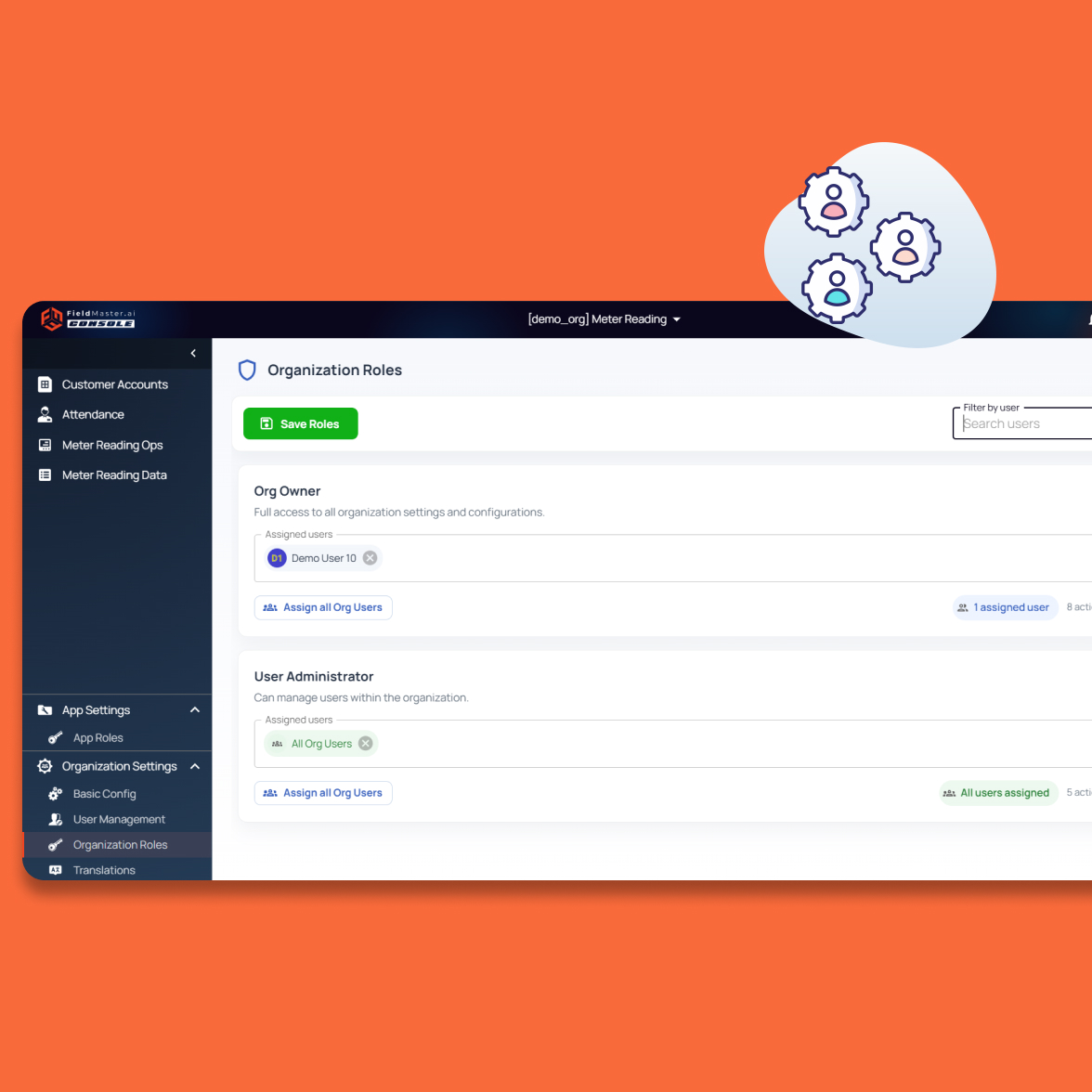
Every meter activity recorded in the system becomes part of the operational data history. Operations teams download reports covering technician performance, service completion rates, response time against SLA targets, and regional service activity without manual compilation.
by location, technician, service type, or date
automatically from field data
Operational deployment without long IT projects
Most utilities begin managing live service operations within one to two weeks. The system moves from configuration to live meter tasks with minimal disruption to field operations.
Days 1–2
Configure service categories
Set up service categories, technician teams, and operational zones in the system.
Days 3–4
Set task workflows
Define task workflows, routing rules, and SLA parameters for meter service activities.
Day 5
Import meter locations
Load meter service locations and historical records into the platform.
Days 6–7
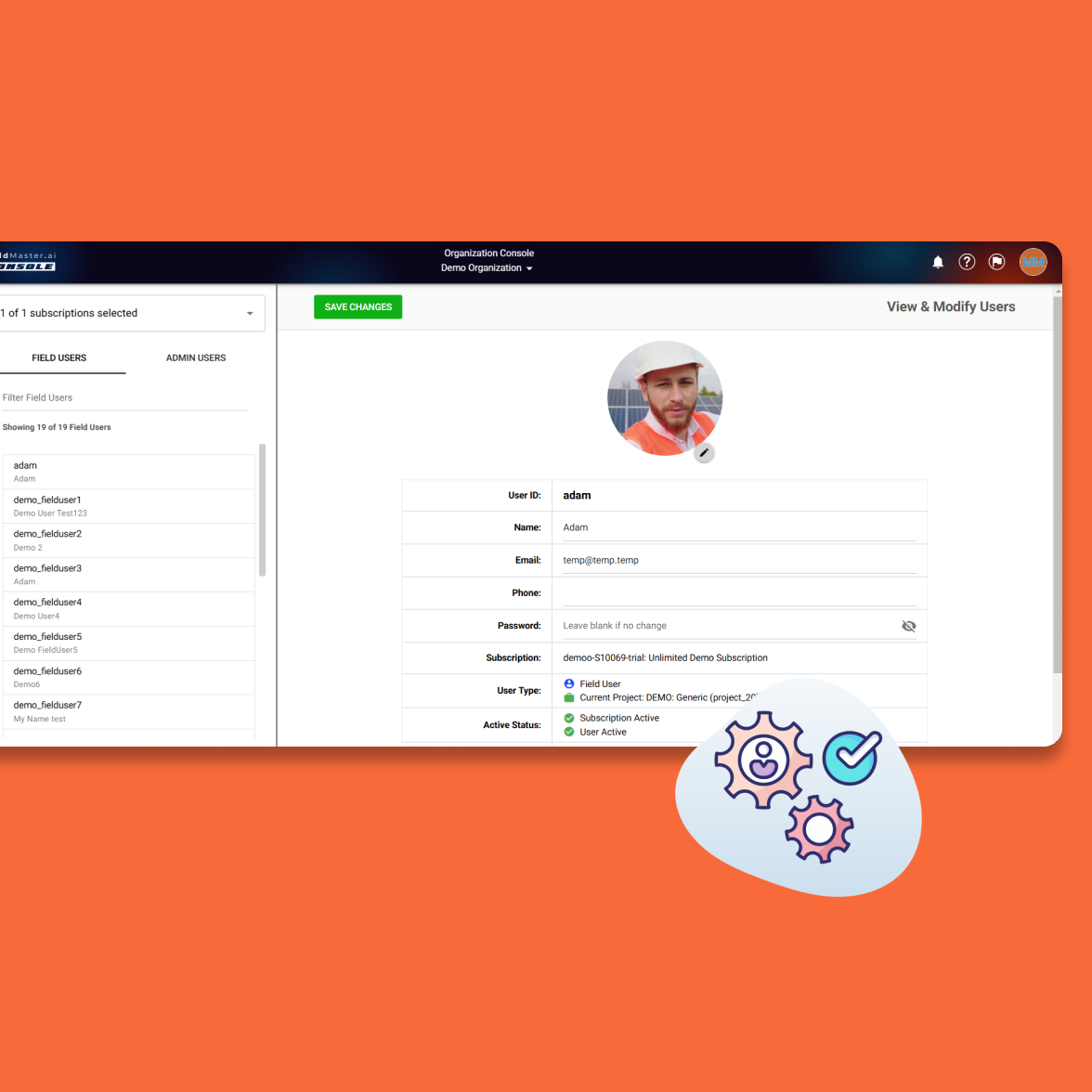
Train operations staff
Prepare operations teams and technicians on the mobile application and system workflows.